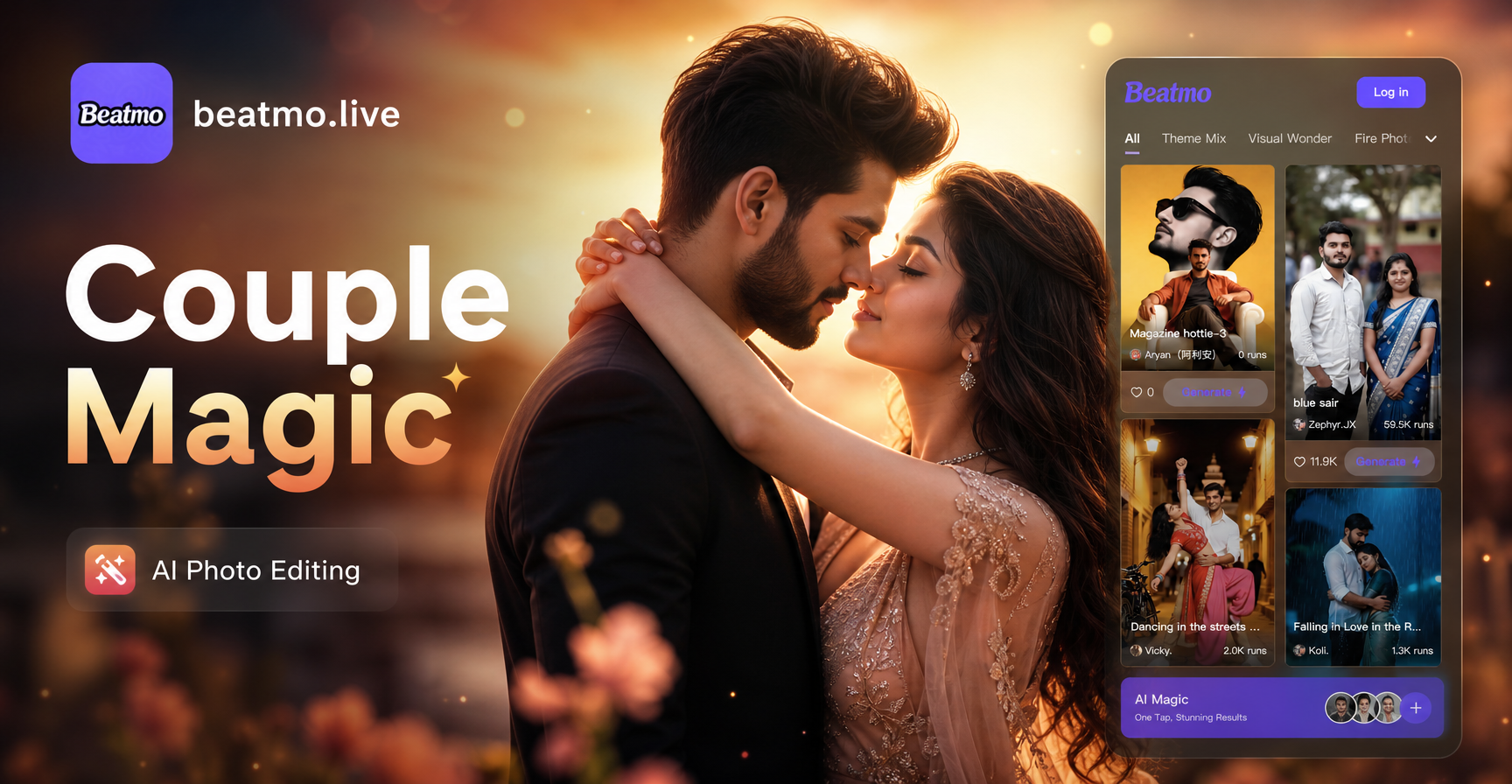
Every couple has dozens of photos that capture special moments, but many of those images remain ordinary. With the right Couple AI Photo Editing Prompts, you can turn a simple snapshot into a romantic masterpiece, a cinematic movie still, or a whimsical fantasy scene. This article gives you 30 ready-to-use prompts that you can apply inside beatmo, the all-in-one AI design app for Android. Whether you want a soft golden hour look or a dramatic noir style, these prompts help you get exactly the result you imagine.
Why Specific Prompts Matter for Couple Photo Editing
Generic instructions like "make it beautiful" often produce unpredictable results. When editing couple photos with AI, the model needs clear guidance about mood, lighting, composition, and style. A well-written prompt tells the AI exactly what to preserve (the two people) and what to change (background, color, clothing, atmosphere). The prompts below are designed for image-to-image editing, which means you upload an existing couple photo and the AI reimagines it based on your text. This preserves the identities and poses of both people while transforming the overall look.
How to Use These Couple AI Photo Editing Prompts with beatmo
beatmo is a mobile app available on Google Play. It combines text-to-image, image-to-image, and style filters in one place. To use these prompts:
- Download beatmo from Google Play and open the app.
- Tap the Image to Image feature and upload a clear couple photo. Make sure both faces are visible and well-lit.
- Copy one of the prompts below into the text field.
- Choose a style template if you want an extra creative boost, or leave it on automatic.
- Generate and download. You can adjust the prompt or try a different style filter for a new variation.
No complex prompt engineering is needed. The prompts below are already optimized, but you can always add your own details like clothing color, location, or specific emotion.
Romantic Couple Photo Editing Prompts
These prompts add warmth, tenderness, and dreamy romance to your couple photos.
- "A romantic couple embracing under a soft sunset sky, warm golden hour lighting, dreamy bokeh background, cinematic color grading, ultra realistic."
- "Transform this couple photo into a vintage fairytale illustration, soft watercolor edges, pastel pink and lavender palette, gentle floral frame."
- "Couple holding hands while walking on a quiet beach at dusk, soft pink and orange sky, gentle waves, long shadows, film photography look."
- "An intimate candlelight dinner scene with a couple laughing together, warm amber light, soft shadows, timeless romantic atmosphere."
- "Turn this couple photo into a classic oil painting, soft brushstrokes, warm earthy tones, Renaissance lighting, elegant pose."
- "Romantic couple under a canopy of cherry blossom trees, falling pink petals, soft morning light, dreamy pastel palette, cinematic depth of field."
- "Couple silhouette at sunset on a hilltop, deep orange and purple sky, soft rim light, minimalist composition, emotional and poetic."
- "Edit this couple photo to look like a still from a classic romance film, soft film grain, muted colors, window light, 35mm aesthetic."
Cinematic and Dramatic Prompts
For a bold, movie-poster look, try these cinematic prompts.
- "Transform this couple photo into a dramatic movie poster, high contrast lighting, deep shadows, rain-soaked street background, cinematic teal and orange color grade."
- "A couple standing on a rooftop at night, city lights reflecting off wet pavement, noir style, black and white with deep shadows, film noir atmosphere."
- "Edit this couple photo to look like an epic adventure movie still, dramatic mountain landscape behind them, golden light breaking through clouds, wide angle composition."
- "Couple in a moody forest, fog rolling between trees, cool daylight, muted greens and grays, cinematic storytelling, sharp focus on faces."
- "Turn this couple photo into a 1980s action movie poster, bold typography style, neon blue and red lighting, serious expressions, retro film grain."
- "A dramatic black and white portrait of a couple, strong side lighting, high contrast, clean background, powerful emotional connection."
Seasonal and Holiday Couple Photo Editing Prompts
Celebrate special times of year with these seasonal prompts.
- "Transform this couple photo into a cozy winter scene, snow falling softly, warm knitted sweaters, cabin lights in background, soft blue and white palette."
- "A couple under a mistletoe, warm Christmas tree bokeh in background, red and gold accents, joyful holiday atmosphere, realistic lighting."
- "Edit this couple photo for Valentine's Day, heart-shaped bokeh lights, deep red and pink tones, romantic candle glow, soft focus background."
- "Couple walking through golden autumn leaves, warm orange and brown palette, soft afternoon sunlight, cozy flannel clothing, seasonal mood."
- "Turn this couple photo into a spring garden scene, blooming tulips and daffodils, fresh green tones, gentle morning light, airy and cheerful."
- "A couple on a summer beach at golden hour, sun flare behind them, bright turquoise water, playful and relaxed, vibrant colors."
Fantasy and Creative Prompts
Let your imagination run wild with these whimsical transformations.
- "Transform this couple photo into a Studio Ghibli style animation, whimsical sky, detailed natural background, soft colors, hand-drawn look."
- "A couple as anime characters, large expressive eyes, colorful hair streaks, dynamic pose, sakura petals flying, cel-shaded style."
- "Edit this couple photo into a cyberpunk style portrait, neon pink and cyan lighting, futuristic city background, glowing accents, high detail."
- "Turn this couple photo into a watercolor painting, loose brushstrokes, pastel rainbow palette, soft edges, artistic and dreamy."
- "A couple as superheroes standing on a rooftop at sunset, capes flowing, dramatic skyline, comic book style with bold outlines."
- "Transform this couple photo into a 3D claymation style, cute rounded figures, bright cheerful colors, miniaturesque setting, playful."
Classic and Timeless Prompts
For an elegant, enduring look, use these vintage-inspired prompts.
- "Edit this couple photo to look like a 1950s Hollywood portrait, black and white with soft grain, classic formal attire, elegant studio lighting."
- "A couple in vintage 1920s style, sepia tone, art deco background, soft focus edges, timeless romantic feel."
- "Turn this couple photo into a classic oil portrait, dark background, dramatic Rembrandt lighting, formal pose, rich colors."
- "A clean black and white couple portrait with soft shadows, minimal background, perfect focus on both faces, timeless editorial style."
Tips for Adapting Prompts to Your Own Couple Photos
Every couple is different, and the best results come from personalizing these prompts. Here is how to adapt them.
- Change the location. Replace "beach" with "mountain trail," "city street," or "cozy living room" to match your actual photo or desired mood.
- Adjust clothing details. If you want a specific look, add phrases like "wearing matching denim jackets" or "elegant evening gown and suit."
- Specify the emotion. Words like "laughing," "gazing into each other's eyes," or "playful piggyback ride" help the AI capture the right energy.
- Add a style filter. After entering the prompt, choose a beatmo style template like realistic photography, anime, oil painting, or cinematic. The combination of prompt and filter often produces the most stunning results.
Common Mistakes and How to Fix Weak Results
Sometimes the AI output may not be perfect. Here are the most frequent issues and how to solve them.
- Faces look distorted or blended. Use a high-quality photo where both faces are clear and similar in size. Avoid extreme close-ups where one person dominates the frame. In beatmo, try the image-to-image mode with a reference image that has both faces well-lit.
- The background changed too much. If you want only the style to change but keep the original background, add "preserve original background" to the prompt, or choose a style filter that is less aggressive.
- The result looks too artificial. Reduce the strength of the style transfer by choosing a template closer to realistic photography. You can also add "natural skin texture" or "subtle edit" to the prompt.
- The mood is wrong. Be more specific about lighting and color. Instead of "warm," say "golden hour sunlight, soft orange tones." Instead of "moody," say "cool blue tones, overcast sky, muted colors."
Start Creating Your Own Couple Masterpieces
These Couple AI Photo Editing Prompts are just the beginning. With beatmo, you can mix and match prompts, apply different style filters, and generate unlimited variations. The app is designed for simplicity, so you do not need any design skills. Download beatmo from Google Play, upload your favorite couple photo, and start transforming your memories today.