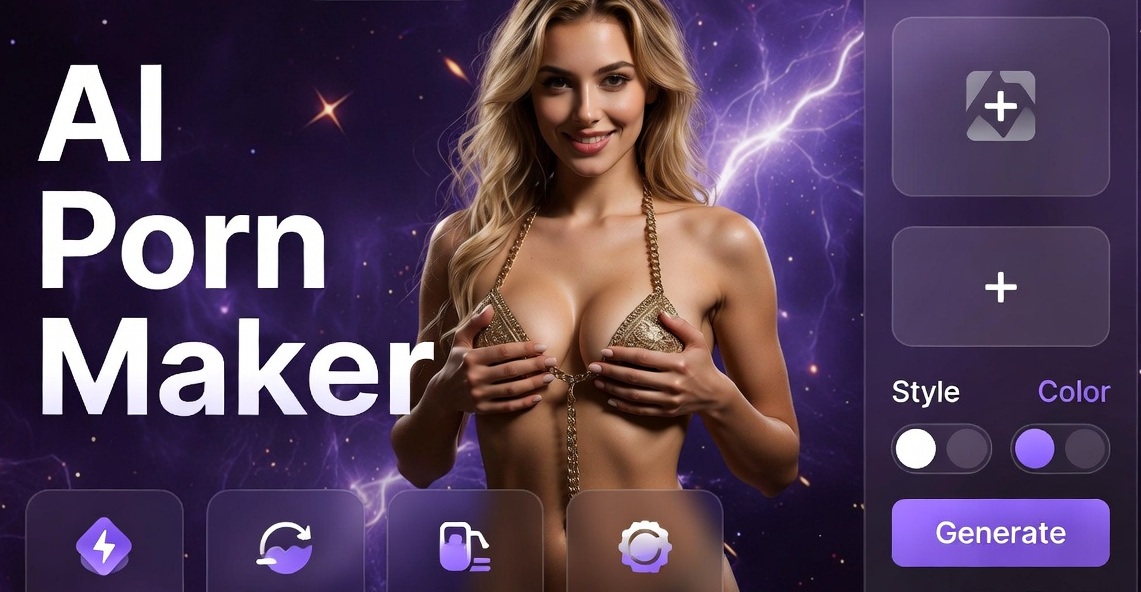
Introduction to Creating Personalized Adult Content with AI
Many people want more control over the adult visuals they enjoy. Traditional options often feel limited or impersonal. Artificial intelligence changes that by letting anyone generate custom images and short videos based on their own ideas or photos. The process stays simple and private when done inside a dedicated mobile app.
Tools like beatmo bring text to image, image to image, text to video, and image to video features together in one place. Users describe a scene or upload a reference photo, select a style template, and receive high quality results within seconds. Over one million style filters cover realistic photography, anime looks, cinematic lighting, watercolor effects, and many more artistic directions. Everything happens on your phone so there is no need for desktop software or complicated prompt writing.
This approach supports personal expression while respecting privacy. You create content for your own collection without involving other people or sharing sensitive material online. The following sections explain the benefits, walk through practical steps, share tips for better results, and cover important safety points.
Why Choose AI for Custom Adult Visuals
AI generation offers clear advantages over searching existing libraries or hiring creators. First comes full customization. You decide every detail of appearance, setting, clothing or lack of it, lighting, and mood. Second is speed. A finished image or short clip appears in moments rather than hours or days. Third is cost. Once the app is installed you can produce large numbers of variations without extra fees for each piece.
Privacy stands out as another major benefit. Your photos and prompts stay on your device during creation. You choose what to save or delete. No public upload is required. This matters when the subject matter is intimate.
Creative freedom expands too. Want a realistic portrait in soft natural light? Select the photography style. Prefer an anime inspired character in a fantasy setting? Switch templates instantly. Combine your own face or body reference with new outfits and backgrounds while the AI preserves key features. Group photo tools even handle multiple people accurately so faces stay distinct.
Many users start with simple experiments and quickly move to more detailed scenes. The learning curve stays low because the app handles technical details. You focus on ideas instead of settings.
Getting Ready: Download and Set Up the App
Beatmo works only as a mobile application available on Google Play. Visit the site, locate the download button, and install it on an Android device. After opening the app create a free account if prompted. Grant camera and storage permissions so you can upload photos easily.
Familiarize yourself with the main screens. The home area shows popular style templates and recent creations. A create button leads to text entry or photo upload options. Browse the filter library to see examples of realistic, 3D clay, Ghibli inspired, cyberpunk, oil painting, and cinematic looks. Save favorites for quick access later.
Test the interface with a simple non adult prompt first. Enter a short description such as a person standing in a park at sunset and generate a few images. Notice how changing the style template alters the mood and detail level. This practice builds confidence before moving to more personal projects.
Step by Step: Generate Custom Adult Images
Begin with text to image for complete freedom. Open the create section and choose text to image. Type a clear description that includes subject appearance, pose, clothing or nudity level, setting, lighting, and atmosphere. Keep sentences straightforward. For example: athletic woman with long dark hair standing near a window soft morning light looking at camera. Then pick a style template that matches your vision, such as realistic photography or cinematic quality.
Tap generate and wait a few seconds. Review the results. If something feels off, edit the text slightly or try a different style. The app preserves subject identity well when you provide enough detail. Save the versions you like to your device gallery.
For even stronger likeness use image to image. Upload a clear photo of yourself or a consenting partner as the reference. The AI keeps facial features and body proportions while applying new clothing, backgrounds, or artistic styles. Adjust intensity if the option appears so the transformation stays natural. This method works especially well for trying different outfits or fantasy themes without starting from scratch.
Explore the million plus filters. Realistic modes deliver photographic quality. Anime and 3D clay styles create stylized characters. Watercolor or oil painting options turn scenes into art pieces. Cyberpunk and cinematic templates add dramatic lighting and atmosphere. Switch between them freely to discover unexpected favorites.
Animating Photos into Short Videos
Static images become more engaging when they move. Use image to video to bring photos to life. Upload a finished still or an original portrait. Select effects that add subtle motion such as blinking, smiling, gentle head turns, or soft breathing. For longer clips choose narrative options that create short story like sequences.
Trending effects expand the possibilities further. Experiment with playful interactions if available in the library. Old photo revival can refresh vintage looking shots with modern clarity while keeping the intimate mood. Always preview the clip before saving.
Text to video works when you prefer starting from words alone. Write a brief script describing the action and setting. The AI generates a dynamic clip matching the description and chosen style. Keep scripts concise for best coherence. Combine this with style templates to maintain visual consistency across a series of clips.
Handling Multiple People Accurately
Group scenes require careful face separation. Upload a photo containing two or more people. The multi person tools identify each face individually so features do not blend. Generate stylized versions of the whole group or create interaction videos where people appear to look at each other or move together naturally.
This feature suits couples wanting shared custom content or friends creating playful projects. Maintain clear lighting and distinct faces in the source photo for the cleanest results. Review outputs carefully to confirm every person looks correct before saving.
Practical Tips for High Quality Results
Clear source photos produce better outcomes. Use well lit images with the subject facing the camera when possible. Avoid heavy filters or low resolution files. For text prompts include specific details about age appearance clothing pose and environment but stay respectful of platform guidelines.
Generate multiple variations of the same idea. Small wording changes or style switches often yield stronger options. Save everything locally and organize folders by theme or date. Delete unused files regularly to free storage.
Experiment with lighting words such as soft window light golden hour or dramatic shadows. Mention camera angles like close up or full body for more control. When using image references keep the original expression and posture in mind so the AI has solid anchors.
Test artistic styles even if you usually prefer realism. An unexpected watercolor or clay render can spark new ideas. Build a personal library of successful prompts for reuse.
Privacy Safety and Responsible Use
Keep creations private by storing them only on your device or in encrypted folders. Never share images or videos of real people without their clear ongoing consent. Focus on original generated characters or your own likeness to stay ethical.
The app processes content locally where possible. Review the privacy policy inside the settings for exact details. Avoid generating anything involving minors or non consensual themes. Stick to adult subjects who appear clearly over eighteen in descriptions and references.
If you plan to share finished work publicly watermark it and confirm it meets platform rules. For purely personal collections simply enjoy the freedom of customization.
Exploring Style Variety for Different Moods
Realistic photography templates deliver lifelike skin textures and natural lighting ideal for intimate portraits. Anime styles offer expressive eyes and stylized bodies popular for fantasy scenarios. Three dimensional clay looks create soft sculpted figures with unique charm. Ghibli inspired filters bring gentle colors and whimsical atmospheres. Cyberpunk options add neon lights and futuristic clothing. Watercolor and oil painting modes turn scenes into gallery worthy art.
Cinematic quality templates introduce movie like framing and color grading. Mix and match until you find combinations that match your taste. The large library means you rarely run out of fresh directions.
Building a Consistent Personal Collection
Start with a few core character descriptions or reference photos. Generate a base set of images then create variations in different outfits and settings. Animate the strongest stills into short clips. Over time you assemble a cohesive private library that feels uniquely yours.
Return to earlier prompts and refresh them with new styles. Seasonal themes or special occasions provide easy inspiration. The speed of generation encourages playfulness rather than perfectionism.
Conclusion and Next Steps
Creating your own adult visuals no longer requires professional equipment or large budgets. A well designed mobile app puts powerful AI image and video tools in your pocket. Upload photos, write simple descriptions, choose from extensive style filters, and watch custom results appear quickly. Privacy stays under your control and the process remains straightforward.
Download beatmo from Google Play today. Open the app, try a first generation with any idea that interests you, and explore the filters. Within minutes you will see how easily personal concepts become finished images and clips. Enjoy the creative freedom and keep building content that matches your exact vision.
Experiment often, stay mindful of consent and privacy, and have fun shaping visuals that feel completely yours.