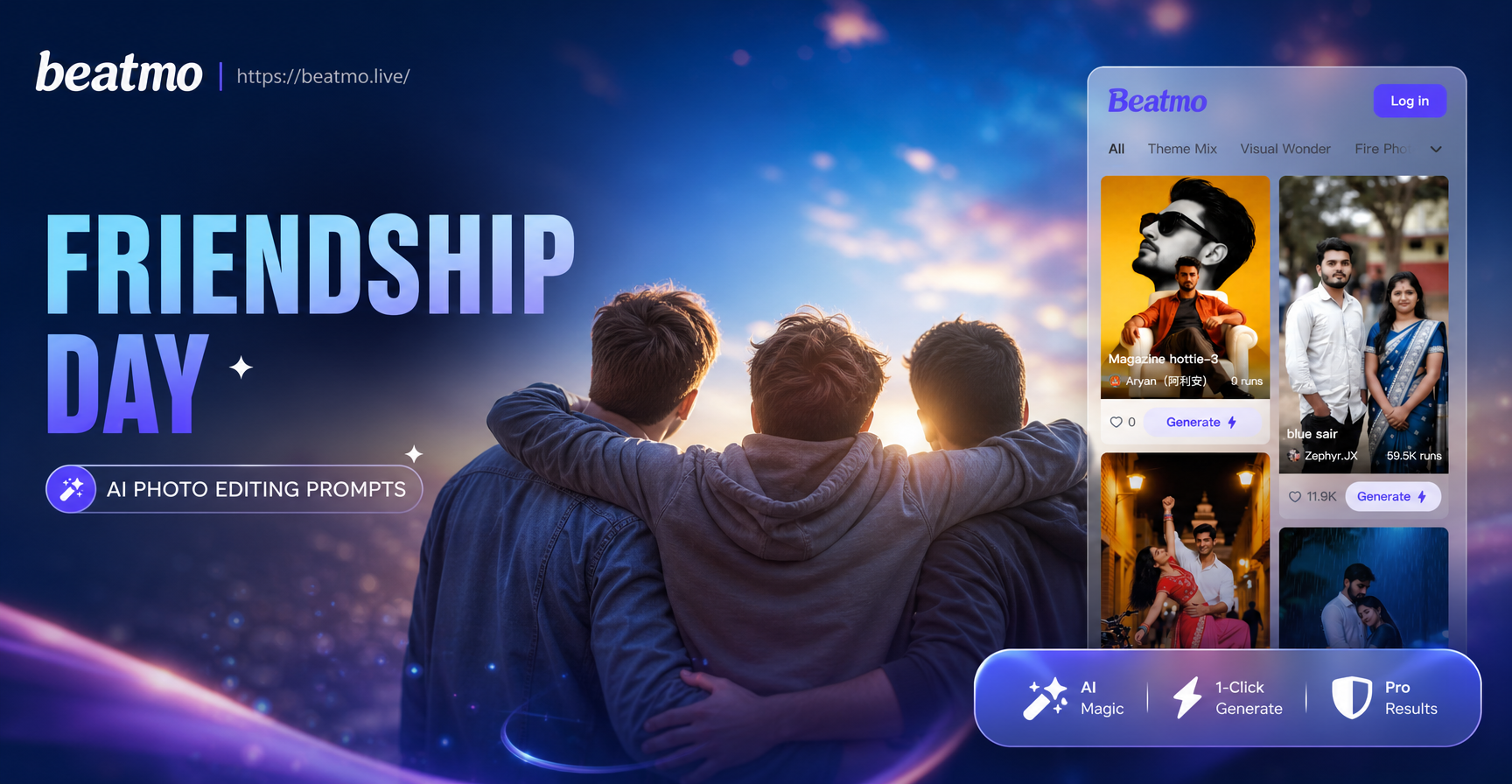
Why Use Specific Prompts for Friendship Day Edits?
Specific prompts help the AI understand the exact emotional tone, symbols, and visual style you want. Instead of relying on a generic filter that may not capture the spirit of Friendship Day, a well-written prompt can add meaningful details like friendship bands, shared memories, or a particular color grade. Beatmo combines your prompt with its built-in style templates, so you get precise control over the final look.
How to Use Friendship Day AI Photo Editing Prompts in Beatmo
Using these prompts is simple. First, download beatmo from Google Play and open the app. Choose the image-to-image feature and upload your favorite friendship photo. You can select a style template if you want a baseline look, but it is optional. Then type or paste one of the prompts below into the text field. Generate the edit and adjust as needed. The prompt tells the AI what changes to apply, while the style template controls the overall artistic filter.
Friendship Day AI Photo Editing Prompt Collection
Warm Group Photo Prompts
- Transform this group photo into a warm friendship day celebration. Add soft golden sunlight, gentle bokeh, and a cozy outdoor cafe background. Keep everyone's faces clear and natural, with happy smiles and relaxed poses.
- Edit this photo to feel like a candid moment at a friendship day picnic. Add checkered blanket, mason jars with lemonade, and string lights overhead. Warm color palette, soft shadows, and genuine laughter.
- Enhance this group photo with a golden hour glow. Deepen the orange and pink tones, add subtle lens flare, and make the background a park with autumn leaves. Everyone should look connected and joyful.
- Make this friendship photo look like it was taken at a backyard barbecue. Add warm string lights, a wooden table with drinks, and a soft evening sky. Keep the friends' poses natural and faces sharp.
Friendship Band and Symbol Prompts
- Add matching friendship bracelets to everyone in this photo. The bracelets are colorful woven threads with small heart charms. Keep the style natural and photorealistic, matching the lighting and skin tones.
- Insert a subtle infinity symbol or two interlocking hearts above the friends' heads in this image. Use a soft glowing outline in gold or pink, and make it look like a natural part of the photo.
- Turn this photo into a friendship day card. Add a hand-drawn style border with doodles of hearts, stars, and tiny flowers. Keep the friends as the focal point, with the border in pastel colors.
- Add a small friendship day badge or pin to each person's shirt. The badge should be round, metallic, and engraved with the word 'BFF'. Blend it seamlessly with the fabric.
Playful Style Transfer Prompts
- Restyle this friendship photo as a colorful cartoon illustration. Use bold outlines, flat colors, and expressive eyes. Keep everyone recognizable, with big smiles and fun energy.
- Convert this photo into a soft watercolor painting. Use gentle brush strokes, pastel pinks, blues, and yellows. Add a dreamy background of floating hearts and clouds.
- Make this photo look like a retro 90s friendship day sticker pack. Add grainy film texture, bright flash photography look, and small sparkles around the friends.
- Turn this image into a comic book panel. Use halftone dots, speech bubbles, and dramatic shading. Add a cheerful caption like 'Best Friends!' at the top.
Heart and Quote Overlay Prompts
- Add a handwritten quote in the corner of this photo that says 'Friends forever'. Use elegant white or gold script, slightly transparent, and place it where it does not cover the faces.
- Scatter small glowing pink hearts around the friends in this image. Make them look like they are floating naturally, with soft bokeh. Keep the original photo colors intact.
- Overlay a large soft heart shape behind the group. Fill it with a subtle bokeh pattern or gradient, and blend it smoothly with the background.
- Write a short friendship message at the bottom of the photo in a clean cursive font. The message should read 'Thank you for being my person'. Keep it white with a subtle shadow for readability.
Vintage and Nostalgic Prompts
- Give this friendship photo a vintage film look. Add light leaks, faded colors, and a slight sepia tone. Include a date stamp in the corner and a caption 'Friendship Day 2025'.
- Turn this photo into a polaroid style snapshot. Add a white polaroid frame, handwritten note at the bottom, and a vintage wash. Keep the image inside the frame clear and warm.
- Edit this photo to look like a page from a friendship scrapbook. Add washi tape strips, paper texture, and small handwritten notes around the image.
- Apply an old photo album effect with soft scratches and faded borders. Add a subtle grain and a caption in typewriter font that says 'Best summer with my friends'.
Animated and Cartoon Prompts
- Animate this photo into a Ghibli style friendship scene. Use soft pastel colors, dreamy lighting, and expressive eyes. Place the friends in a whimsical landscape with a small house and flowers.
- Turn this image into a 3D claymation style diorama. Make the friends look like cute clay figures with rounded shapes and bright colors. Add a small friendship day banner in the background.
- Restyle this photo as a modern flat illustration for a friendship day social media post. Use minimal shapes, bold colors, and add a caption bubble with 'Happy Friendship Day'.
- Convert this photo into a cute anime style. Give everyone large sparkling eyes, blush cheeks, and pastel hair accents. Add floating heart shaped confetti around them.
How to Adapt Prompts for Different Photos
Every friendship photo is unique, so you may need to tweak a prompt. For example, if your photo has only two people, change 'group' to 'duo' or 'pair'. If you want a specific color scheme, add descriptors like 'pastel pink and lavender' or 'warm sunset tones'. You can also replace background details with your own favorite location. The key is to keep the friend-focused elements intact while personalizing the scene. Try combining two prompts: first use a style transfer prompt to change the overall look, then run a second edit with an overlay prompt to add symbols or text.
Troubleshooting Common Weak Results
Sometimes the AI may produce blurry faces, misplaced symbols, or unnatural colors. Here is how to fix them. If faces are distorted, add 'keep faces sharp and recognizable' to your prompt. If heart or band symbols appear in the wrong place, specify 'place above heads' or 'on wrists'. If the color grade is too strong, reduce the intensity by adding 'subtle' or 'soft' before the color words. You can also lower the style template strength in beatmo and regenerate. Another tip is to avoid overly long prompts; a focused prompt with two or three key details often works better than a paragraph.
Frequently Asked Questions About Friendship Day AI Editing
Can I use these prompts on any AI image editor? Yes, the prompts are written in natural language and work on most AI image editors that support image-to-image generation. Beatmo is recommended because it combines prompts with style templates and is optimized for photo editing.
Do I need design skills to use these prompts? No. All you need is a photo, the beatmo app, and the ability to copy and paste a prompt. The AI does the heavy lifting.
Can I edit a video with these prompts? Beatmo also supports image-to-video and text-to-video. You can use the same descriptive style in a video prompt to animate a friendship photo, such as making friends blink, smile, or share a hug.
How do I get the best quality output? Use a high resolution original photo, good lighting, and keep the prompt specific but not too long. Choose a style template that matches your desired mood.
Start Creating Friendship Day Memories Today
Friendship Day comes once a year, but the memories last forever. With these AI photo editing prompts, you can turn a simple picture into a beautiful tribute to your friends. Download beatmo now, pick a prompt, and see how quickly your favorite moments become shareable art. Your friends will love the thoughtful, personalized touch.