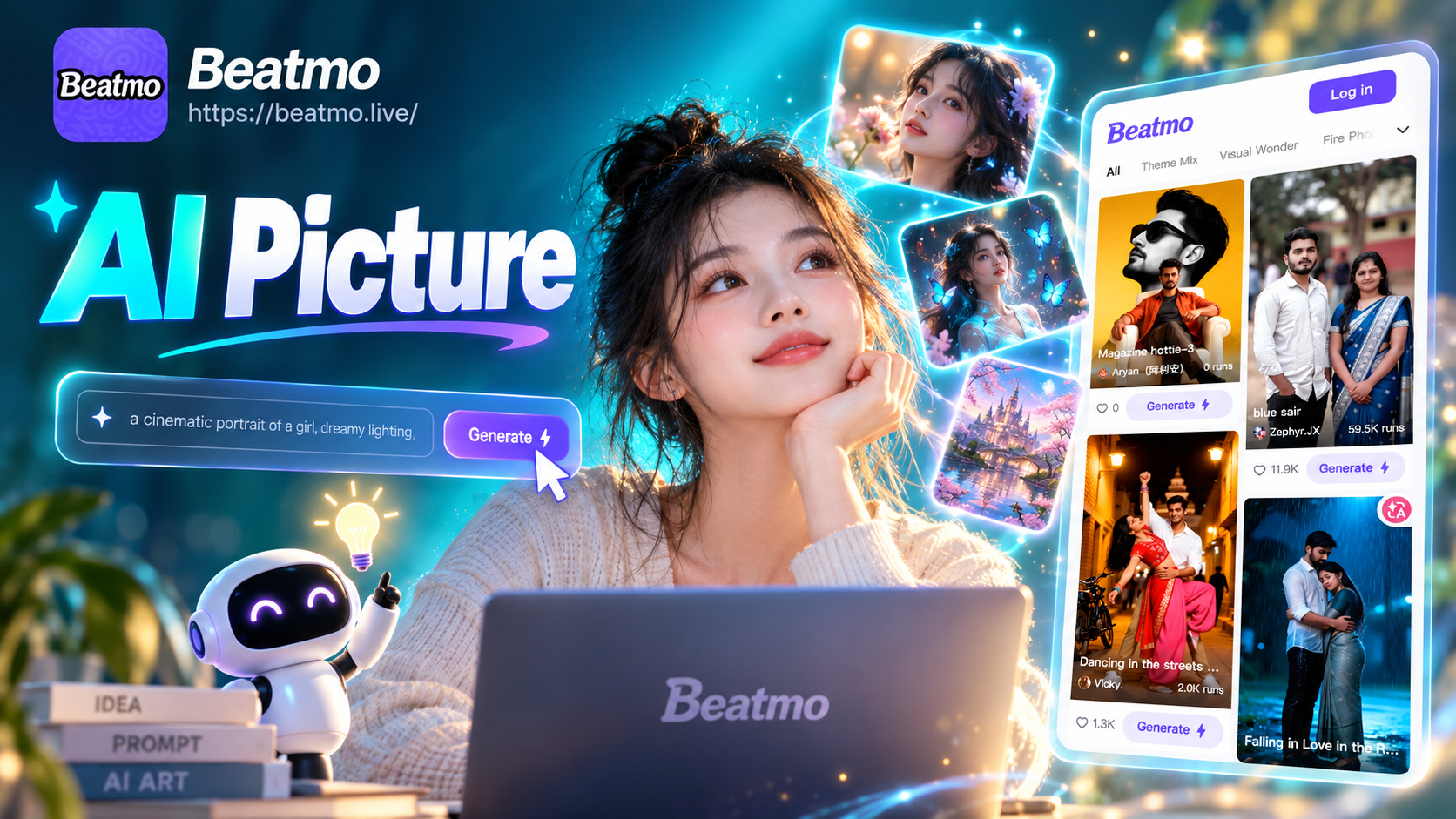
How to Make AI Pictures: A Complete Beginner's Guide
Have you ever seen incredible AI-generated art online and wondered how to make AI pictures like that yourself? You’re not alone. The world of AI image generation has exploded, offering everyone the power to create unique visuals from simple text descriptions. But with so many tools and technical jargon, it can feel overwhelming for beginners.
This guide cuts through the complexity. You'll learn the straightforward process of creating your own AI pictures, no design skills or expensive software required. All you need is your smartphone and a dash of creativity.
What is an AI Picture Generator?
Before we dive into the 'how,' let's clarify the 'what.' An AI picture generator is a tool that uses advanced artificial intelligence models to create images based on your input. Think of it as a super-powered, creative partner that can visualize almost anything you describe. The most common methods are:
- Text-to-Image: You type a description (a "prompt"), and the AI generates a picture from scratch.
- Image-to-Image: You upload a photo, and the AI transforms it into a new artwork while keeping key elements.
The best part? Modern apps like beatmo have simplified this technology, packaging millions of artistic styles into easy-to-use filters. This means you don't need to be a prompt engineer to create professional-looking results.
Why Use a Mobile App to Make AI Pictures?
While web-based generators exist, mobile apps offer distinct advantages for creating AI pictures:
- Instant Inspiration: Create whenever and wherever inspiration strikes. Waiting for a coffee? Generate a new piece of art.
- Massive Built-in Style Library: Apps like beatmo come pre-loaded with over a million style filters. Want an anime version of your pet or a watercolor landscape? Just tap a template.
- All-in-One Workflow: Generate, edit, refine, and share your creations without ever leaving the app or switching between different programs.
- Ease of Use: Mobile interfaces are designed for simplicity, stripping away complex settings and making AI art accessible to everyone.
The Simple 3-Step Process to Make Your First AI Picture
Let's break down the exact steps on how to make AI pictures using a comprehensive mobile app.
Step 1: Download a Powerful AI Art App
Your journey begins by choosing the right tool. For the best blend of power and simplicity, download the beatmo app from the Google Play Store. It combines text-to-image, image-to-image, and even video generation in one place, giving you the most creative flexibility. Installation takes just a minute, and you can start creating immediately.
Step 2: Choose Your Creation Method & Describe Your Vision
Once the app is open, you have two main paths:
- Text-to-Image (From Scratch): Tap the creation button and describe what you want to see. Be as descriptive as you like. For example, instead of "a cat," try "a fluffy orange cat wearing a tiny crown, sitting on a velvet throne in a sunlit library, digital art style." The more detail, the better the AI can interpret your vision.
- Image-to-Image (Transform a Photo): Select the option to upload a photo from your gallery. This is perfect for applying wild artistic styles to your selfies, pet photos, or vacation pictures.
Next, browse the app's massive template library. Select a style that matches your goal—realistic photo, 3D clay animation, cyberpunk, Ghibli-style animation, oil painting, or one of countless others. This template does the heavy lifting, applying complex artistic techniques with a single tap.
Step 3: Generate, Refine, and Share Your Masterpiece
Hit the generate button. In seconds, your AI picture will appear. If you love it, you can download it directly to your phone in high resolution. If you want to tweak it, use the built-in editing tools to adjust colors, add text, or apply subtle effects. Finally, share your creation directly to social media, with friends, or add it to your personal portfolio.
Pro Tips for Making Amazing AI Pictures
- Start with Templates: Don't struggle with prompts from day one. Use the app's style templates as a learning tool. See how "cinematic photo" differs from "sketch" for the same subject.
- Combine Ideas: The most unique AI pictures often come from merging unexpected concepts. Try "steampunk jellyfish" or "a castle made of clouds."
- Iterate and Experiment: Your first result might not be perfect. Generate multiple variations with slight changes to your description or try a different style filter. Experimentation is key.
- Use Reference Images: When transforming a photo, choose clear, well-lit images for the best results. The AI uses details from your photo to guide the transformation.
What Can You Create? Endless Possibilities
Learning how to make AI pictures opens doors to countless projects:
- Concept Art & Characters: Visualize characters for stories, games, or D&D campaigns.
- Social Media Content: Create eye-catching, unique graphics for your posts and stories.
- Personalized Art: Turn your favorite memories into paintings or generate artwork for your home.
- Brainstorming & Mood Boards: Quickly generate visual ideas for any project.
Start Creating Today
Now that you know how to make AI pictures, the only limit is your imagination. The technology has moved from complex research labs to the palm of your hand. With intuitive apps offering millions of styles, there's no barrier to entry. You can go from a blank screen to a gallery-worthy piece of AI art in under a minute.
Ready to bring your ideas to life? The process is simple: download a powerful all-in-one app like beatmo, describe your vision, choose a style, and watch as AI does the rest. Stop wondering and start creating. Your first AI masterpiece is just a few taps away.