Add Christmas Hat To Photo
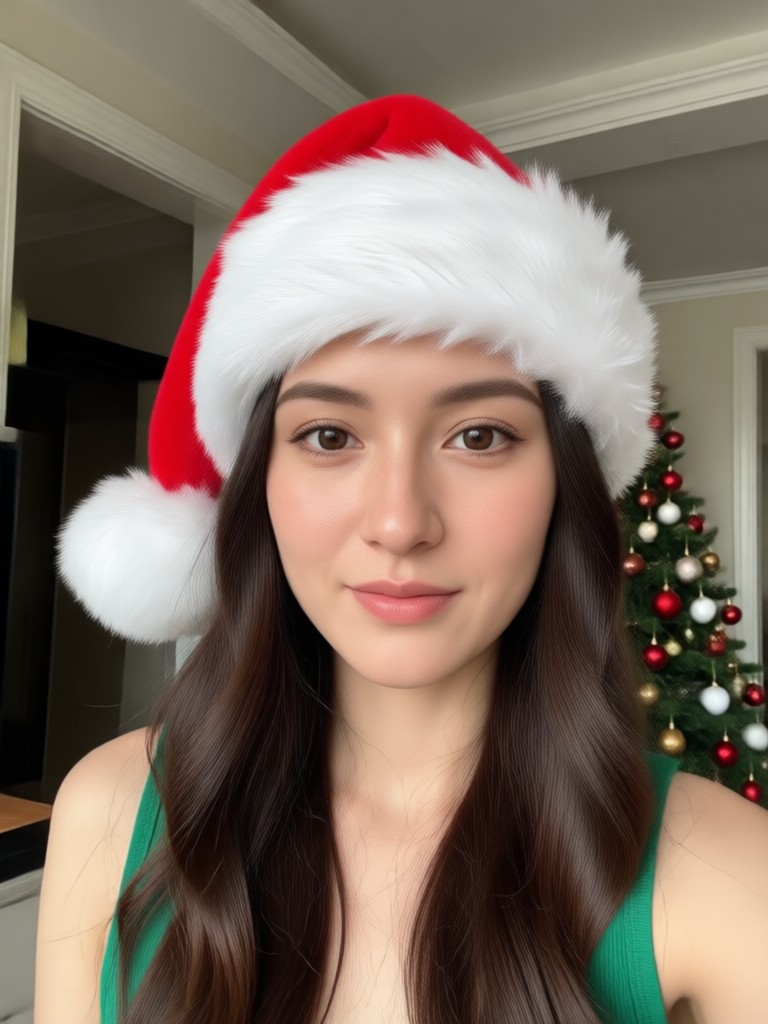
Festive Holiday Filter Collection
Explore a variety of Christmas and holiday themed filters to add the perfect festive touch to your photos. From classic Santa hats to playful elf ears.
Why Use Beatmo to Add a Christmas Hat
Beatmo makes holiday photo editing effortless with powerful AI that automatically places hats perfectly. No complex tools or skills required.

One Tap Festive Magic
Upload your photo and select a Christmas hat filter. Our AI automatically detects faces and perfectly places Santa hats, elf hats, or reindeer antlers with realistic shadows and lighting.
One Tap Festive Magic
Upload your photo and select a Christmas hat filter. Our AI automatically detects faces and perfectly places Santa hats, elf hats, or reindeer antlers with realistic shadows and lighting.

Realistic & Customizable
Choose from dozens of hat styles, colors, and angles. Adjust the size, tilt, and position for a perfectly natural look that blends seamlessly with your original photo.
Realistic & Customizable
Choose from dozens of hat styles, colors, and angles. Adjust the size, tilt, and position for a perfectly natural look that blends seamlessly with your original photo.
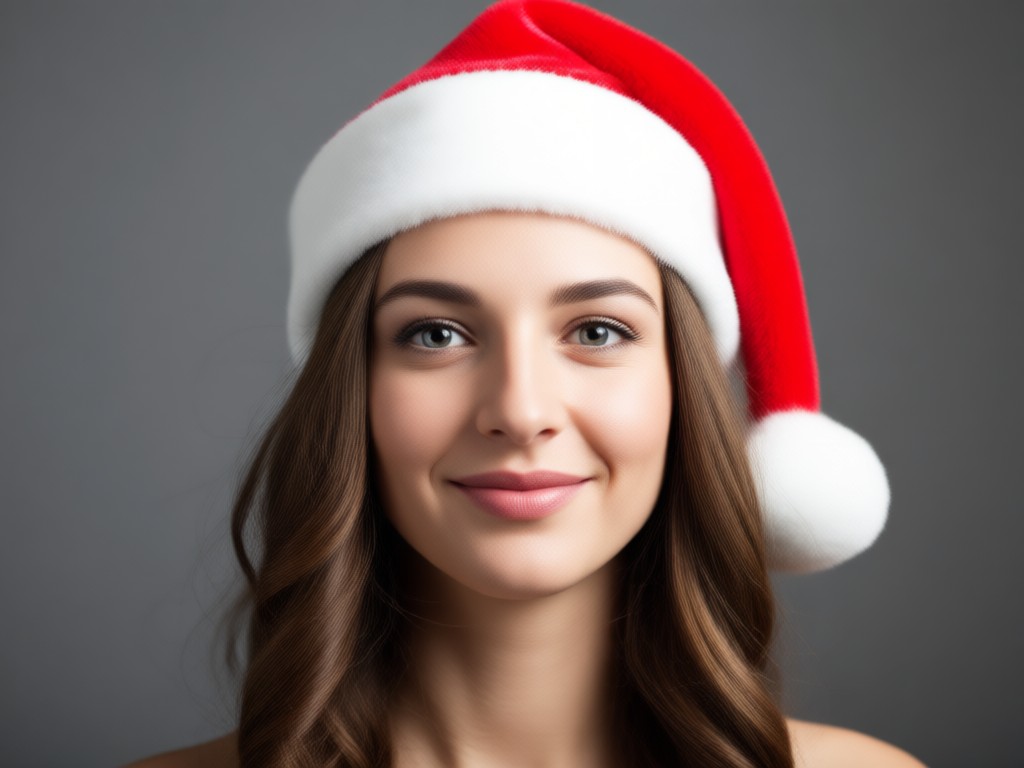
Group Photo Ready
Our AI intelligently handles group photos, adding festive hats to every person in the shot without overlap or distortion. Create the perfect holiday family portrait in moments.
Group Photo Ready
Our AI intelligently handles group photos, adding festive hats to every person in the shot without overlap or distortion. Create the perfect holiday family portrait in moments.
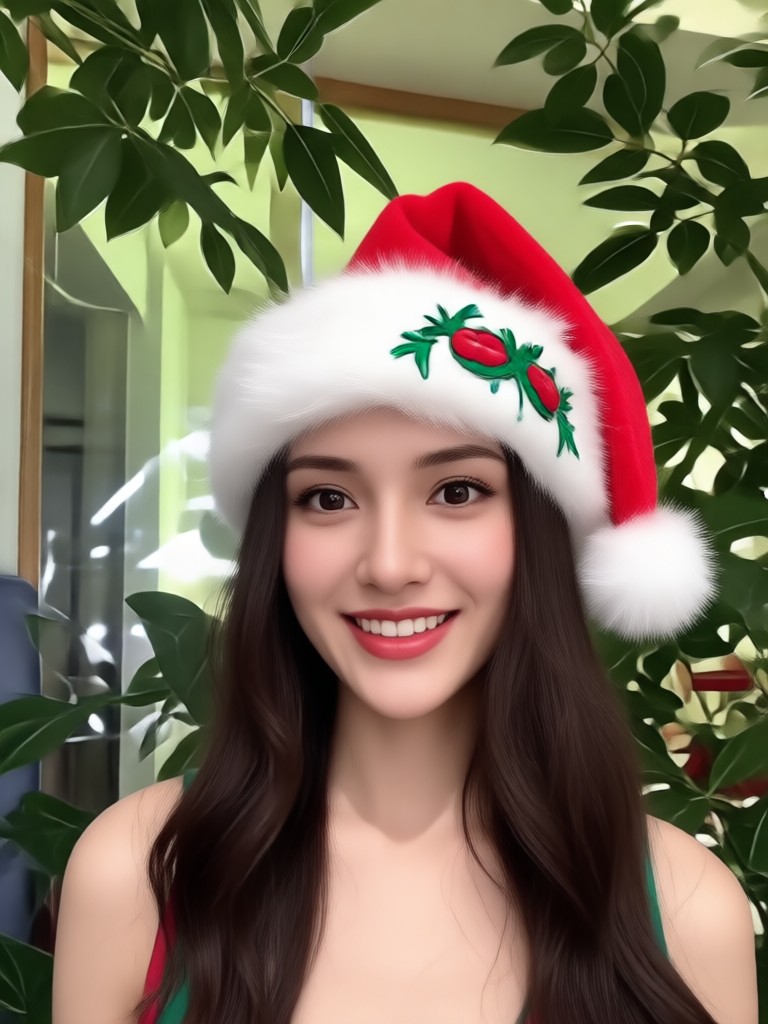
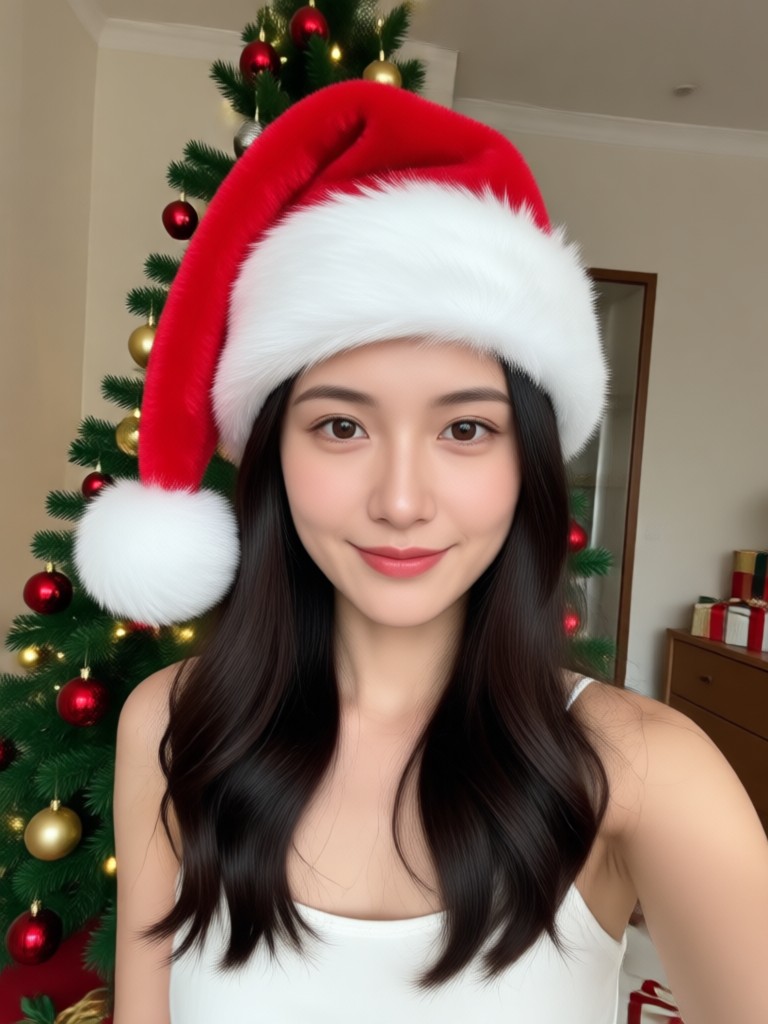
Christmas Hat Photo Transformations
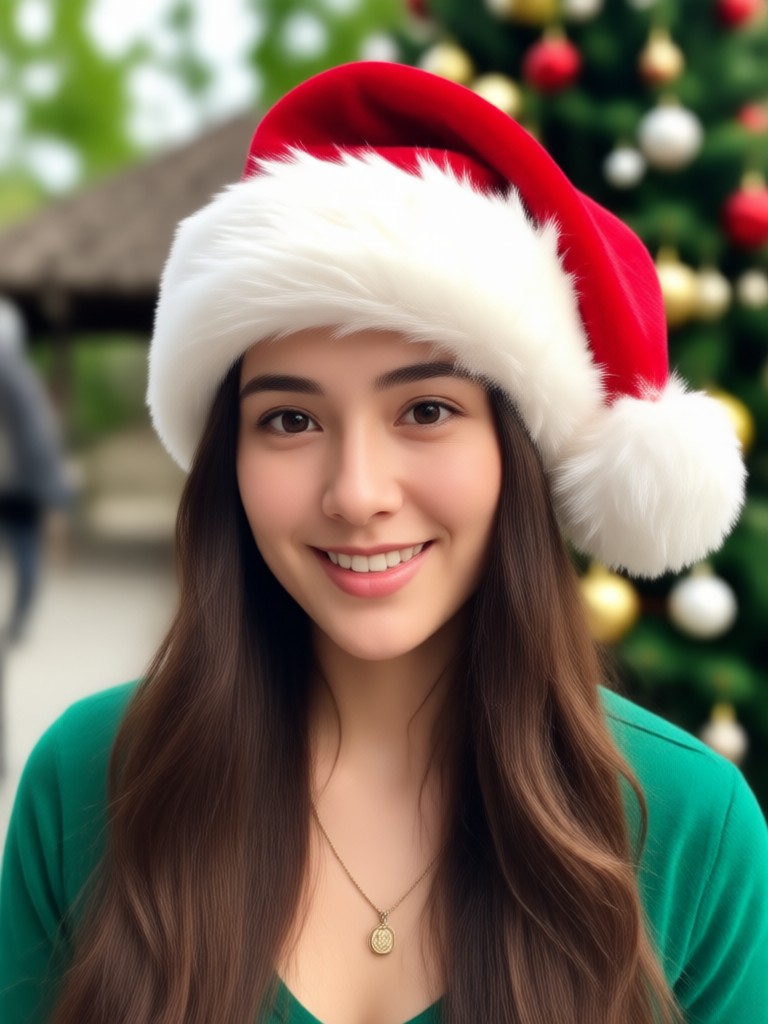
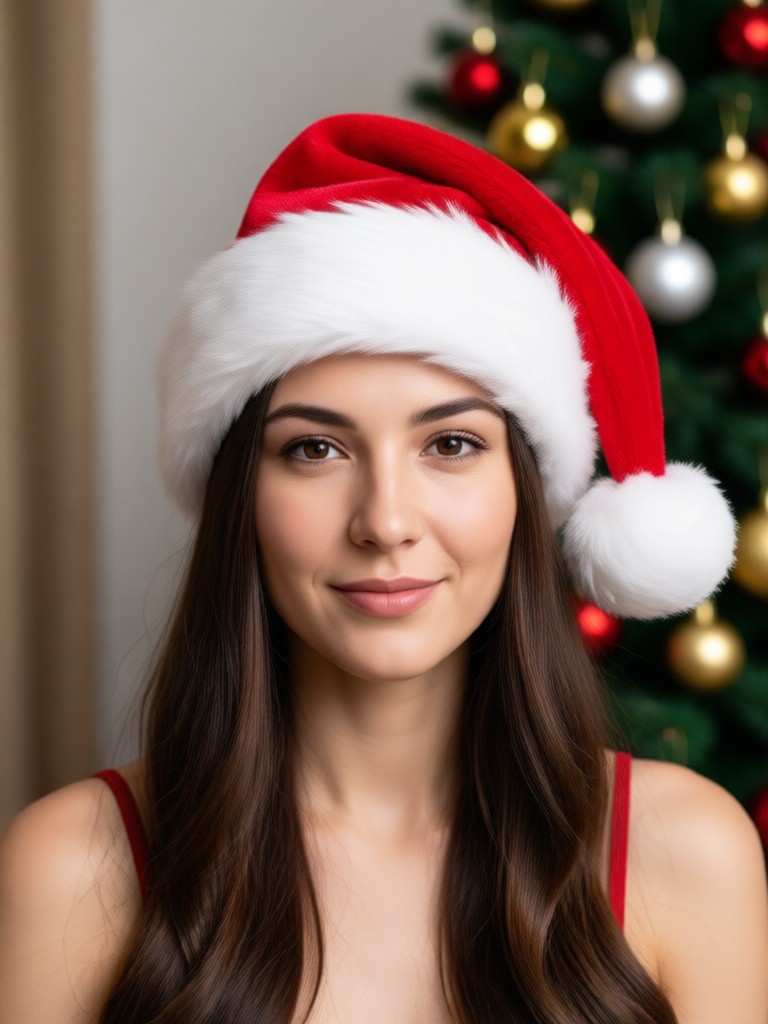
See how ordinary photos are instantly turned into festive holiday greetings with AI powered Christmas hats. From pets to portraits, the magic is just a tap away.












How to Add a Christmas Hat to Your Photo?
Create festive holiday photos in just three simple steps using the Beatmo mobile app. No design experience needed.

Step 01.
Download the Beatmo app from the Google Play Store. It's free to install and offers instant access to all Christmas and holiday filters.
Step 02.
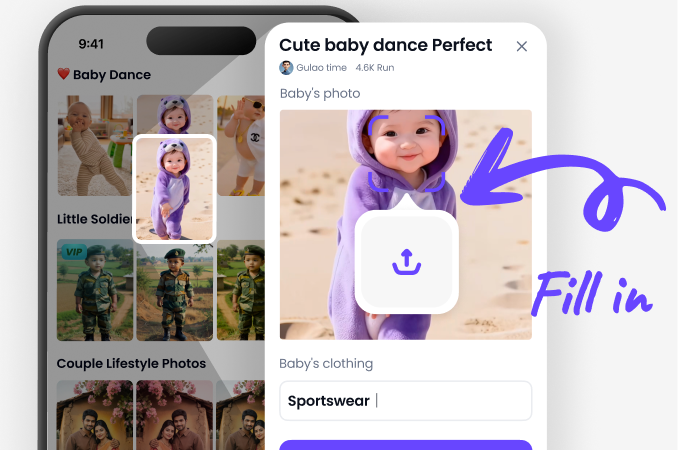
Open the app, upload your photo, and browse the 'Holiday' or 'Festive' filter category. Select your preferred Christmas hat style.
Step 03.
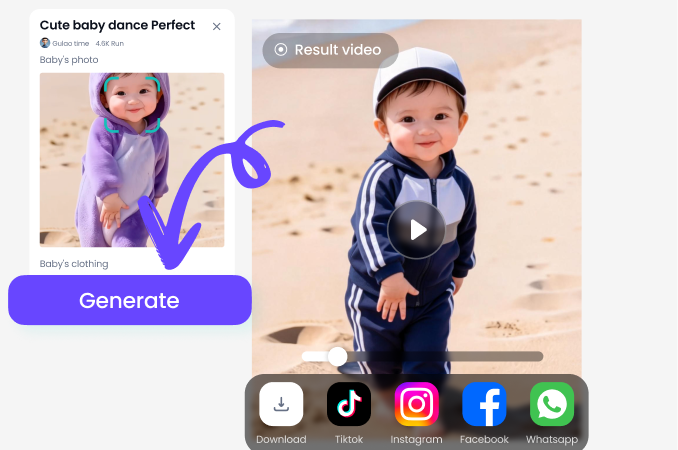
Tap generate. The AI will place the hat perfectly. You can then download your festive photo or share it directly to social media.
How People Use Beatmo for Holiday Photos

Sarah T.
I used Beatmo to add Santa hats to our annual family photo for the Christmas card. It saved me hours in Photoshop and the kids loved picking their hat styles!

Marcus L.
As a small business owner, I create festive social media content. Beatmo's Christmas filters let me brand our team photos for the holidays in under a minute.

Chloe R.
Getting my dog to wear a real Santa hat is impossible. With Beatmo, I just take a normal picture and the AI adds a perfectly fitted hat. It's hilarious and shareable.
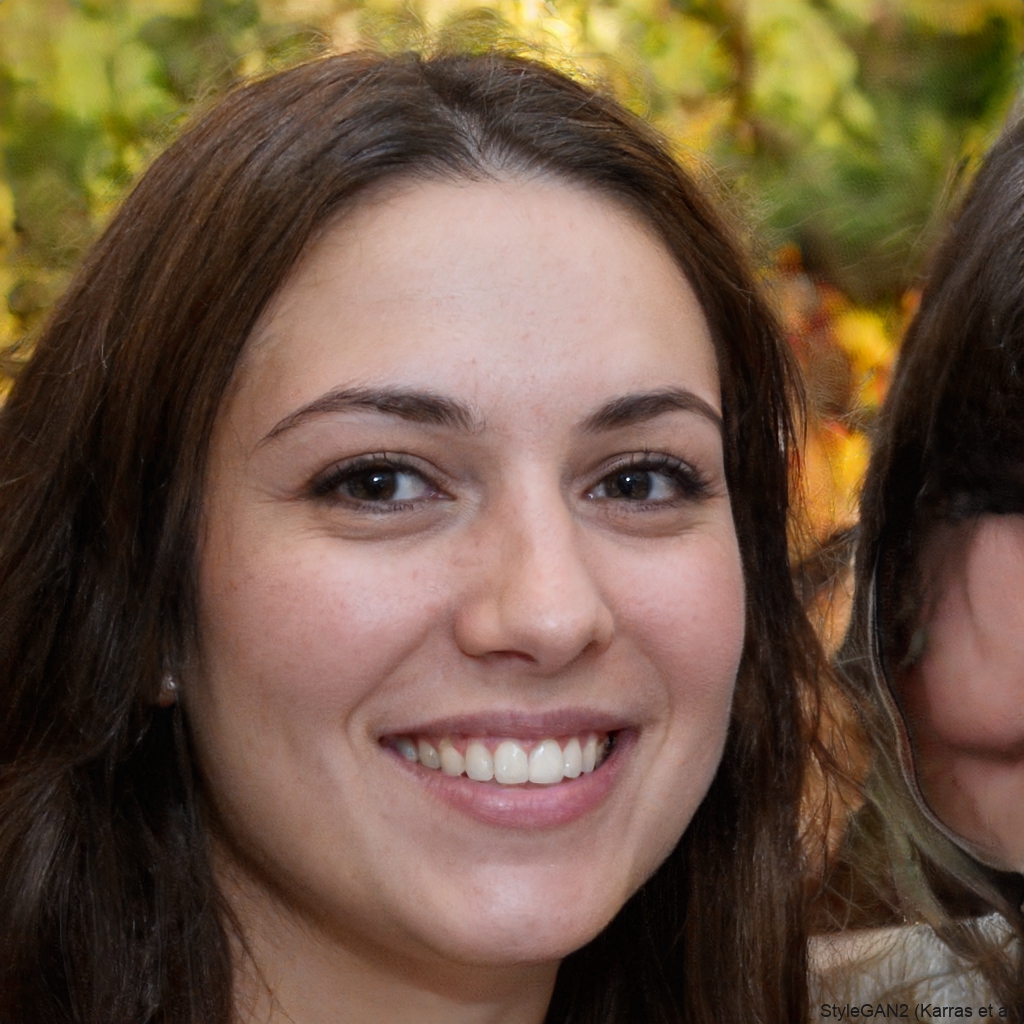
David K.
I make personalized holiday e-cards for my students. Beatmo makes it so easy to add a festive touch to each child's photo, creating a special memory for their families.
Sarah T.
I used Beatmo to add Santa hats to our annual family photo for the Christmas card. It saved me hours in Photoshop and the kids loved picking their hat styles!
Marcus L.
As a small business owner, I create festive social media content. Beatmo's Christmas filters let me brand our team photos for the holidays in under a minute.
Chloe R.
Getting my dog to wear a real Santa hat is impossible. With Beatmo, I just take a normal picture and the AI adds a perfectly fitted hat. It's hilarious and shareable.
David K.
I make personalized holiday e-cards for my students. Beatmo makes it so easy to add a festive touch to each child's photo, creating a special memory for their families.
Sarah T.
I used Beatmo to add Santa hats to our annual family photo for the Christmas card. It saved me hours in Photoshop and the kids loved picking their hat styles!
Marcus L.
As a small business owner, I create festive social media content. Beatmo's Christmas filters let me brand our team photos for the holidays in under a minute.
Chloe R.
Getting my dog to wear a real Santa hat is impossible. With Beatmo, I just take a normal picture and the AI adds a perfectly fitted hat. It's hilarious and shareable.
David K.
I make personalized holiday e-cards for my students. Beatmo makes it so easy to add a festive touch to each child's photo, creating a special memory for their families.
The Easiest Way to Festive Photos
Stop struggling with complex photo editors. Beatmo uses advanced AI to handle the tricky part of adding a Christmas hat naturally.

AI Does the Hard Work For You
Traditional photo editing requires manual selection, rotation, and blending to add objects like hats. Beatmo's AI analyzes your photo, detects facial features and lighting, and renders a Christmas hat that looks like it was there when the picture was taken. It automatically adjusts for head angle, hair, and shadows, delivering a professional result instantly. This technology saves you time and ensures a realistic, festive finish every single time.
AI Does the Hard Work For You
Traditional photo editing requires manual selection, rotation, and blending to add objects like hats. Beatmo's AI analyzes your photo, detects facial features and lighting, and renders a Christmas hat that looks like it was there when the picture was taken. It automatically adjusts for head angle, hair, and shadows, delivering a professional result instantly. This technology saves you time and ensures a realistic, festive finish every single time.
Frequently Asked Questions
Get quick answers to common questions about adding Christmas hats to your photos with Beatmo's AI technology.

Get Festive in Seconds
Don't just imagine the perfect holiday photo. Create it. Download Beatmo now and add Christmas magic to your pictures with a single tap.

Create Your Holiday Masterpiece Today
Join millions who are making their photos merry and bright. Download Beatmo, choose a Christmas hat, and share the joy in under a minute.
Create Your Holiday Masterpiece Today
Join millions who are making their photos merry and bright. Download Beatmo, choose a Christmas hat, and share the joy in under a minute.
More Topics You May Like
Explore more topics you may like and discover fresh ideas tailored to your interests.

Ai Couple Video Genertaor

Ai Video Generator
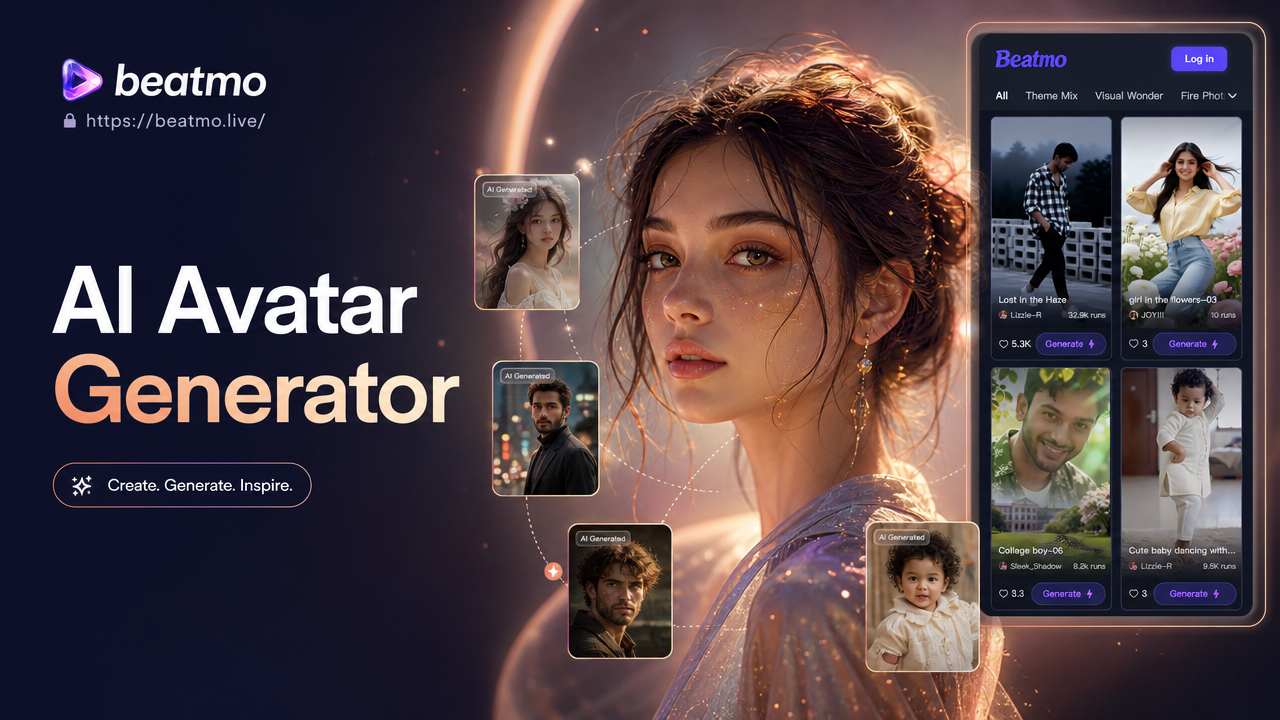
Ai Avatar Generator
Google VEO
Ai Couple Video Genertaor
Ai Video Generator
Ai Avatar Generator
Google VEO