AI Ahegao Generator
Choose Your Favorite Ahegao Generation Filter
Pick an Ahegao filter that sets the expression and visual direction for your next image with Beatmo.
Advantages of Choosing Beatmo to Generate AI Ahegao Effects
Beatmo helps shape AI Ahegao effects through filters that guide facial expressions, poses, scenes, and overall visual direction.
 Before
Focus on Facial Details
Beatmo gives the AI Ahegao generator a clear focus on facial expression. The result keeps attention on the face while filters shape the scene and visual direction.
 Before
 After
Guide the Scene With Filters
The AI Ahegao generator uses Beatmo filters to shape each scene. You can choose a filter that changes the setting while keeping the expression at the center.
 Before
Keep Familiar Features
Beatmo helps the AI Ahegao generator retain key details from a reference photo. Facial features remain easier to recognize when you apply different filters and scene settings.
How to Use Beatmo to Generate AI Ahegao Effects?
Learn how to use Beatmo to achieve AI Ahegao effects, then download the Beatmo app and give it a try.

Step 01.
Download the Beatmo app and start generating your favorite AI Ahegao effects anytime.
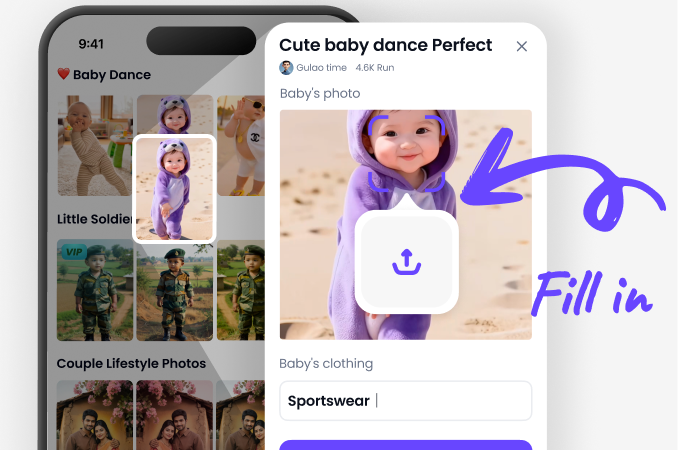
Step 02.
In the app, choose your preferred AI Ahegao filter and upload a photo to the filter.
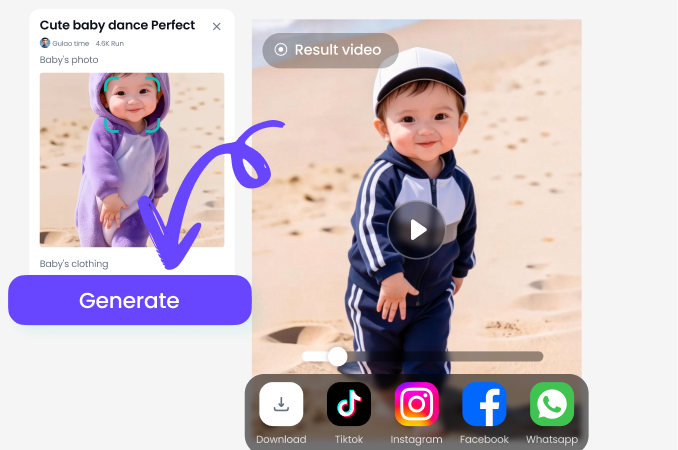
Step 03.
Then Beatmo can turn the photo into an Ahegao effect, with options to download and share the result.
AI Ahegao Effects Generated with Beatmo
See AI Ahegao effects made with Beatmo, where filters guide facial expressions and visual changes across each image.



Expressive Ahegao Images with Detailed Facial Expressions
Ahegao images can show changes in facial expression, eye direction, and pose, while filters shape the scene and keep key facial details recognizable.

Frequently Asked Questions
Find clear answers to common questions and get the guidance you need to make the most of our platform, faster and easier.
More Topics You May Like
Explore more topics you may like and discover fresh ideas tailored to your interests.
Beatmo Nude Runway Models Filter for Fashion Style

Pinay Nude Videos With Natural AI Motion | Beatmo
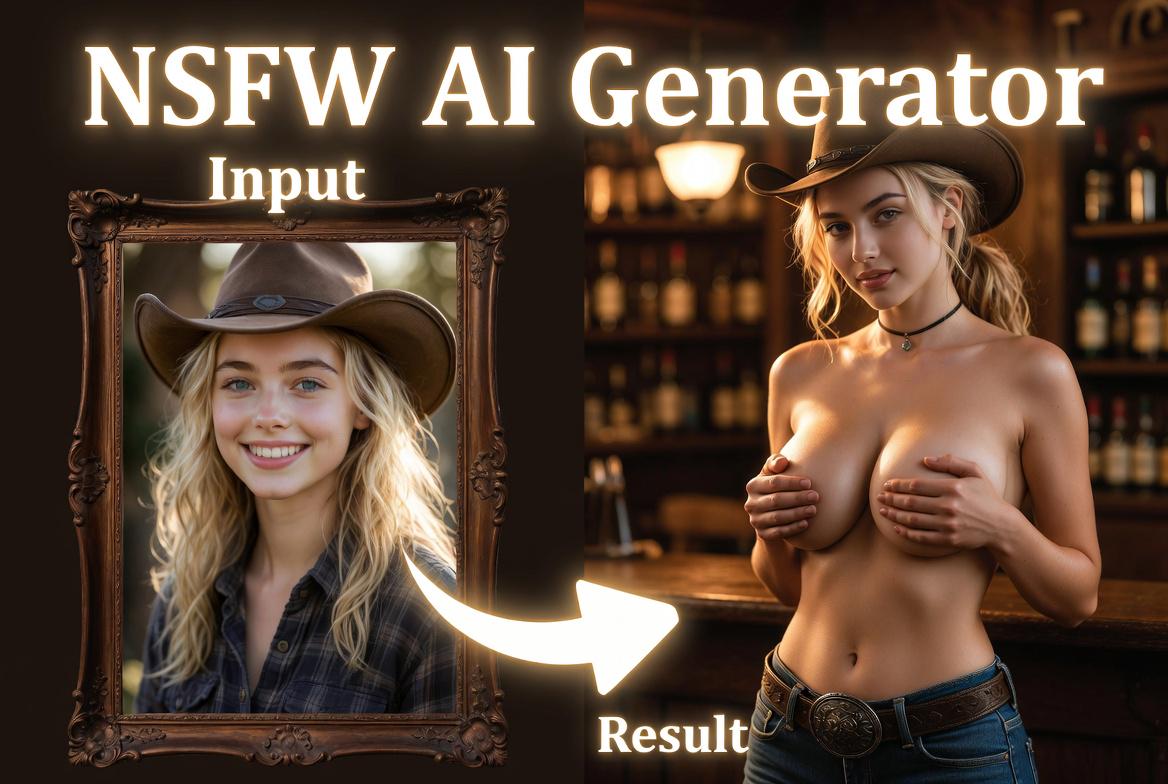
Beatmo Head Swap Porn Filters: Create Fresh Looks with Head Swap Porn Effects

AI Nude Online Free Tool for Easy Visual Creation | Beatmo
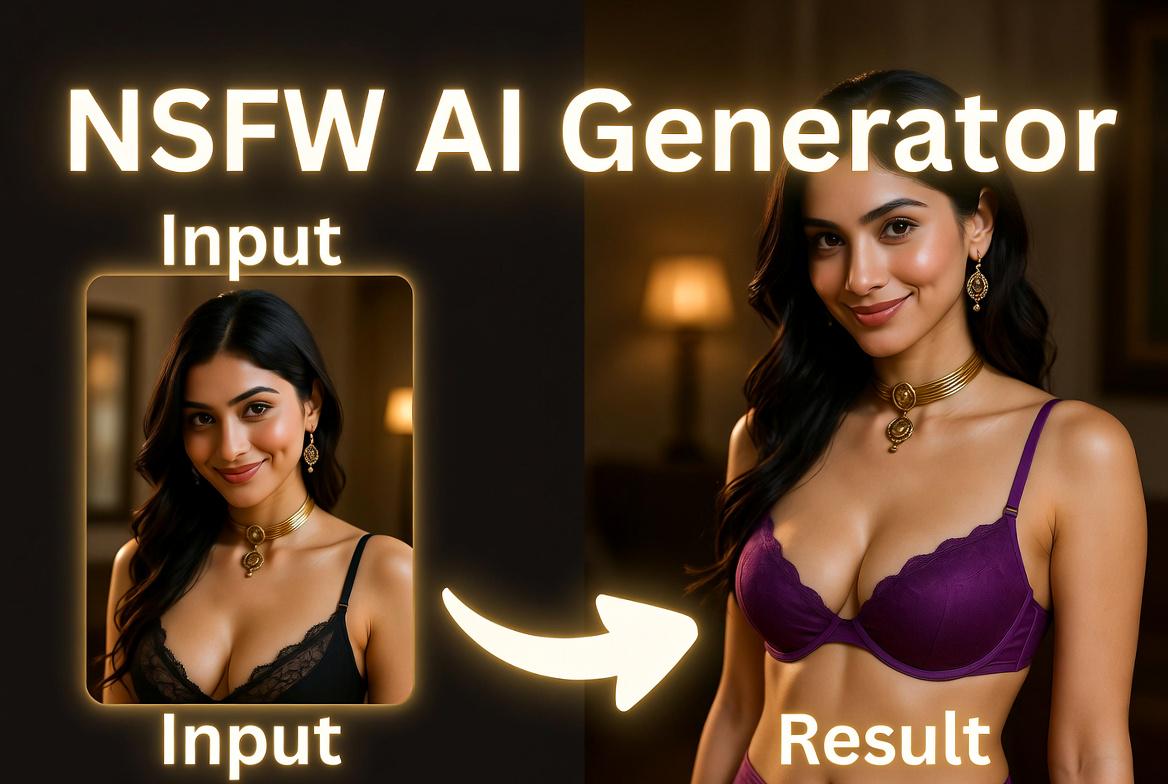
Bikini App for Porn Photo Editing with Beatmo
Beatmo Nude Runway Models Filter for Fashion Style
Pinay Nude Videos With Natural AI Motion | Beatmo
Beatmo Head Swap Porn Filters: Create Fresh Looks with Head Swap Porn Effects
AI Nude Online Free Tool for Easy Visual Creation | Beatmo
Bikini App for Porn Photo Editing with Beatmo
Expressive AI Ahegao Images with Beatmo
Download the Beatmo App to work with the AI Ahegao generator, try different filters, refine facial expressions, and shape each image with your preferred visual direction.
Expressive AI Ahegao Images with Beatmo
Download the Beatmo App to work with the AI Ahegao generator, try different filters, refine facial expressions, and shape each image with your preferred visual direction.