AI Body Edit
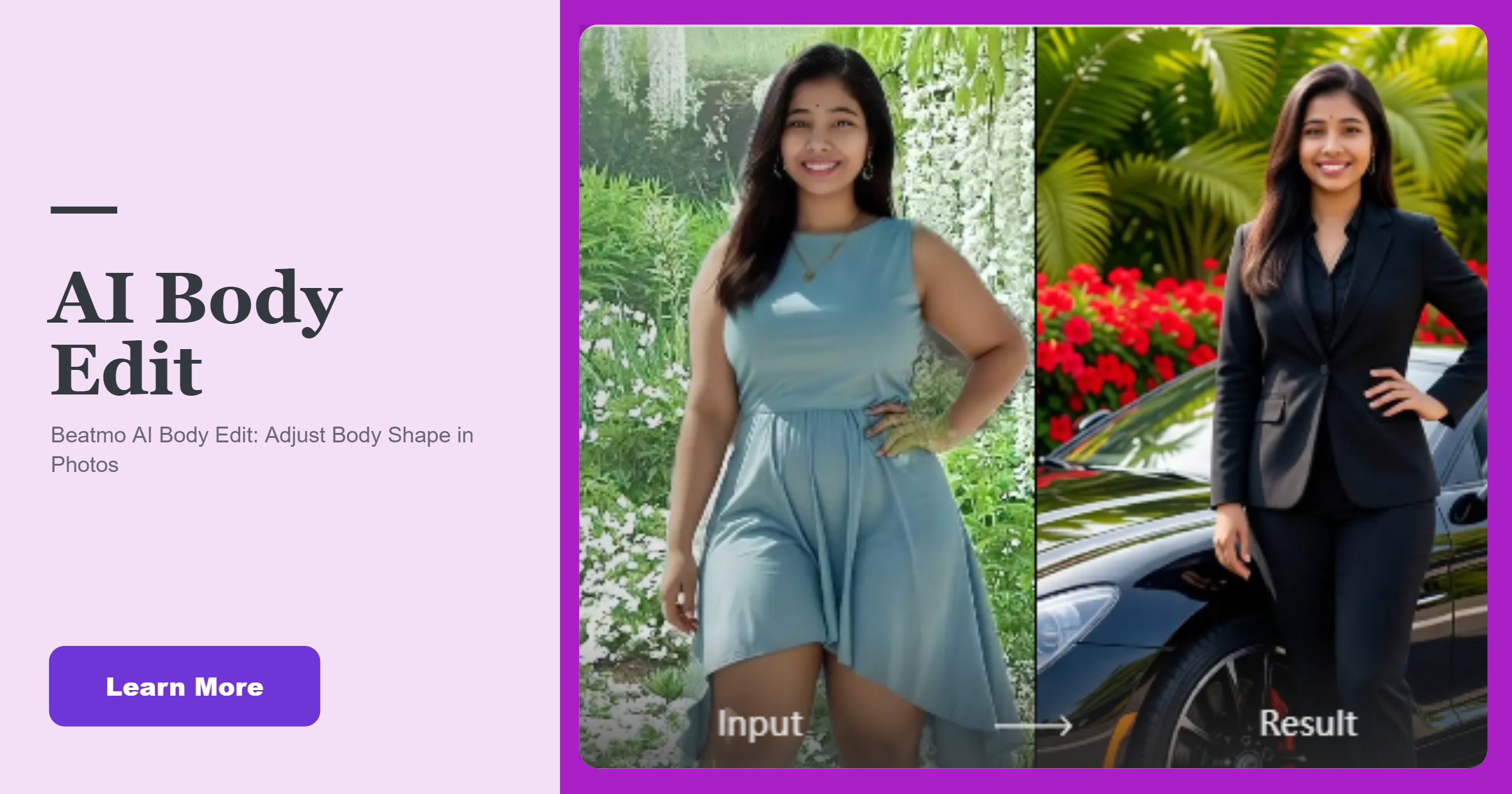
Recommended AI Body Edit Filters for Realistic Results
Choose Beatmo body edit filters to refine your figure, adjust proportions, and keep your original appearance recognizable in every photo.
The Benefits of Using Beatmo for Body Editing
Beatmo body editing lets you adjust proportions with ease while preserving recognizable features and keeping your photos close to reality.
 Before
Adjust Body Proportions with a Few Taps
Beatmo AI body edit lets you change how your figure appears in a photo without spending time on manual retouching. Choose filters that match your goals and preview how different body shapes work with your pose and outfit.
BeforeAdjust Body Proportions with a Few Taps
Beatmo AI body edit lets you change how your figure appears in a photo without spending time on manual retouching. Choose filters that match your goals and preview how different body shapes work with your pose and outfit.
 Before
See How Different Outfits Fit Your Look
Clothing can look different when body proportions change. With Beatmo AI body edit, you can experiment with figure adjustments and see how they affect the overall appearance of your outfit, helping you decide which version works best for your next photo.
BeforeSee How Different Outfits Fit Your Look
Clothing can look different when body proportions change. With Beatmo AI body edit, you can experiment with figure adjustments and see how they affect the overall appearance of your outfit, helping you decide which version works best for your next photo.
 Before
Give Everyday Photos a Fresh Look
From casual selfies to full body portraits, Beatmo AI body edit offers a simple way to adjust your appearance for different occasions. Apply filters to your chosen photo and keep the original setting, pose, and personal details as part of the final result.
BeforeGive Everyday Photos a Fresh Look
From casual selfies to full body portraits, Beatmo AI body edit offers a simple way to adjust your appearance for different occasions. Apply filters to your chosen photo and keep the original setting, pose, and personal details as part of the final result.
How to Edit Your Body with Beatmo?
Learn how to edit your body with Beatmo by following the steps below. Open the Beatmo app and give it a try.
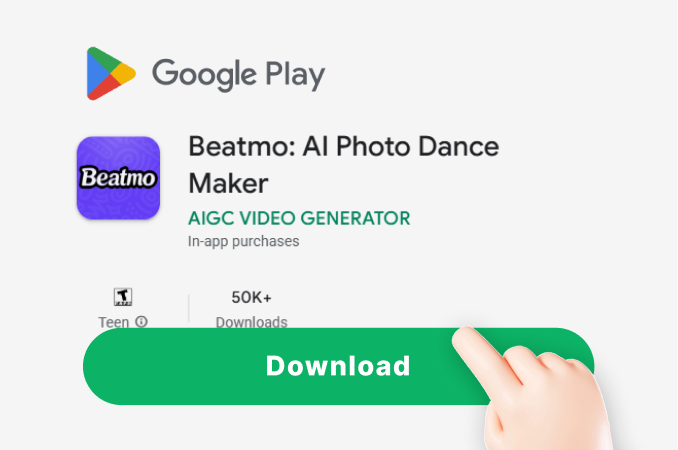
Step 01.
Download the Beatmo app to access filters and edit your body anytime.
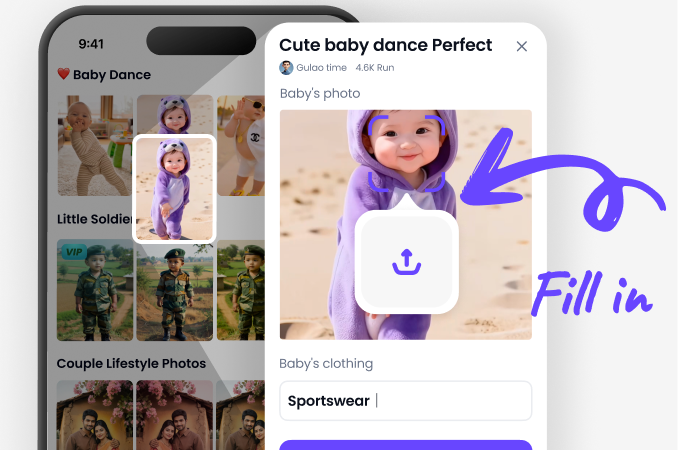
Step 02.
Choose your favorite AI body edit filter in the app, then upload your photo to apply the effect.
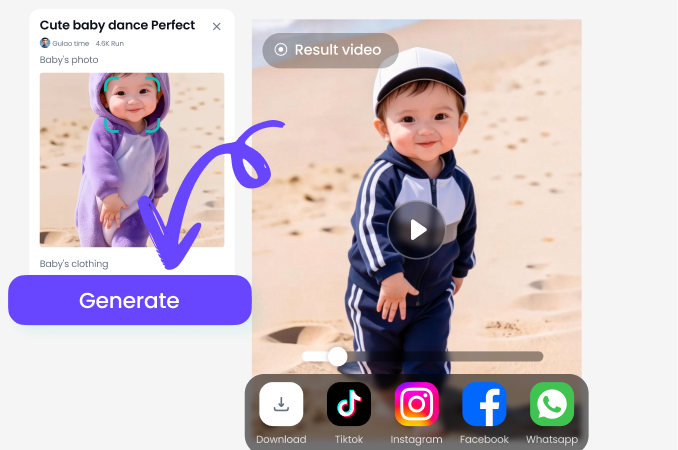
Step 03.
Tap the generate button, and Beatmo will apply the selected filter effect to your photo.
Why Choose Beatmo?
Beatmo AI body edit makes photo adjustments simple, even when you have no editing experience. With a wide range of filters and an easy mobile workflow, you can try different body shapes and refine photos without complex manual retouching.
Why Choose Beatmo?
Beatmo AI body edit makes photo adjustments simple, even when you have no editing experience. With a wide range of filters and an easy mobile workflow, you can try different body shapes and refine photos without complex manual retouching.
Showcase of Beatmo AI Body Edit Creations
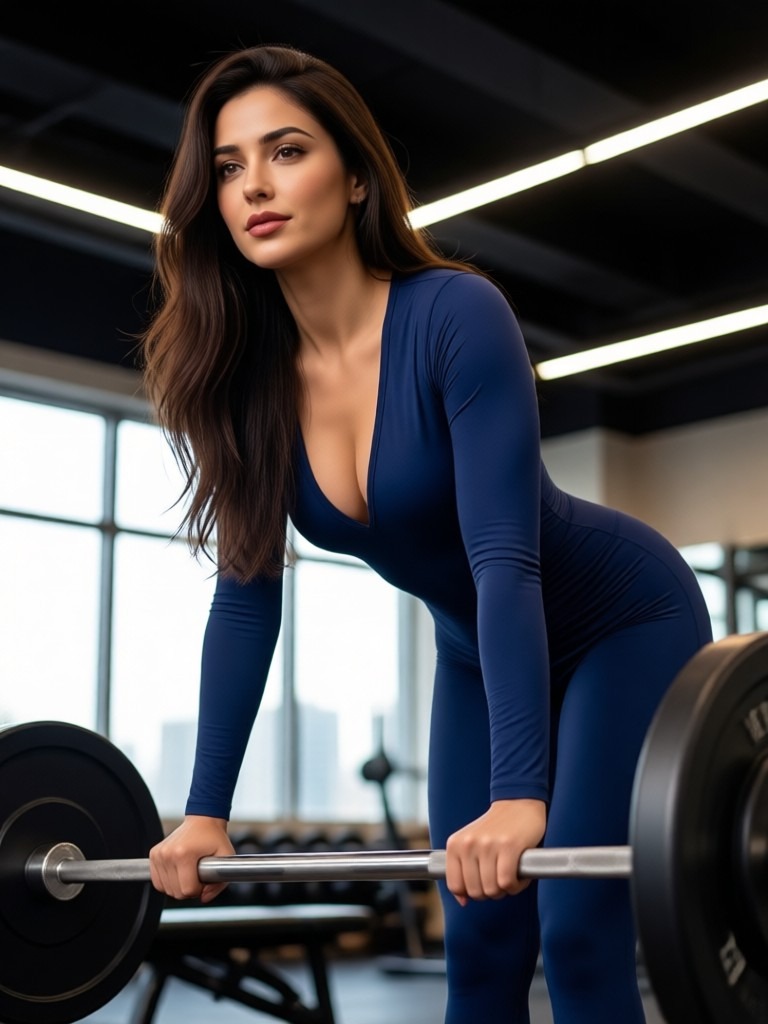
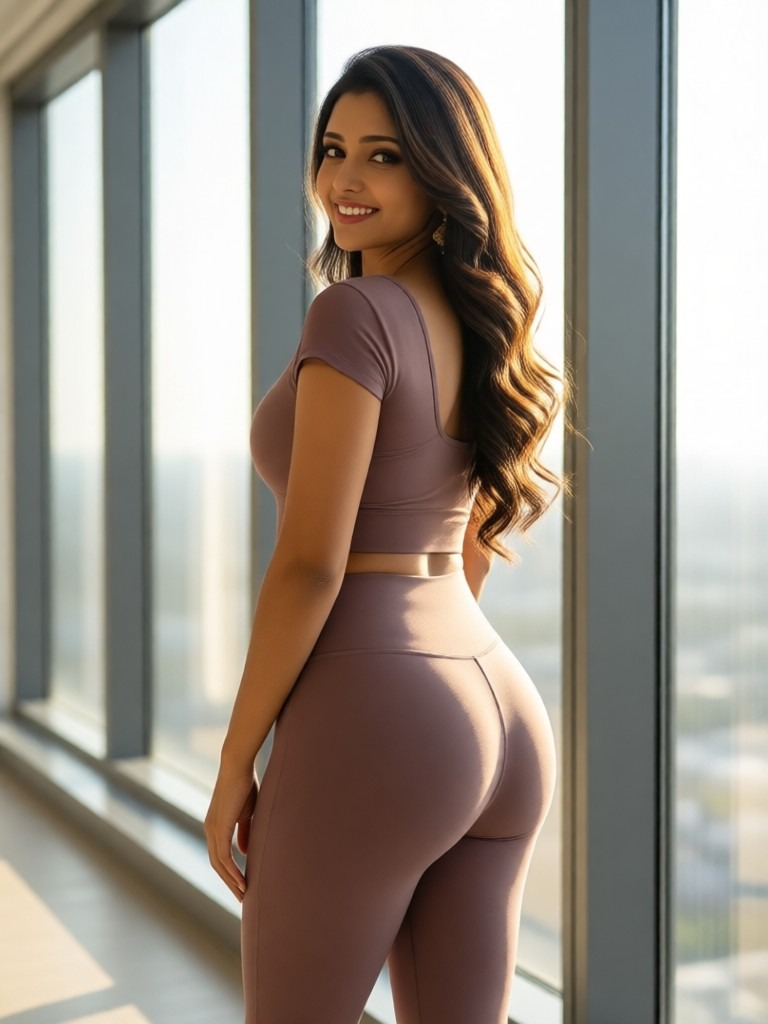
See how Beatmo AI body edit reshapes everyday photos, adjusts proportions, and gives each image a different visual direction.
Try Beatmo AI Body Edit for a Fresh Look
Use Beatmo AI body edit to adjust your figure, try different filters, and refine your photos with simple steps while keeping your natural features recognizable.

Frequently Asked Questions
Find clear answers to common questions and get the guidance you need to make the most of our platform, faster and easier.
More Topics You May Like
Explore more topics you may like and discover fresh ideas tailored to your interests.
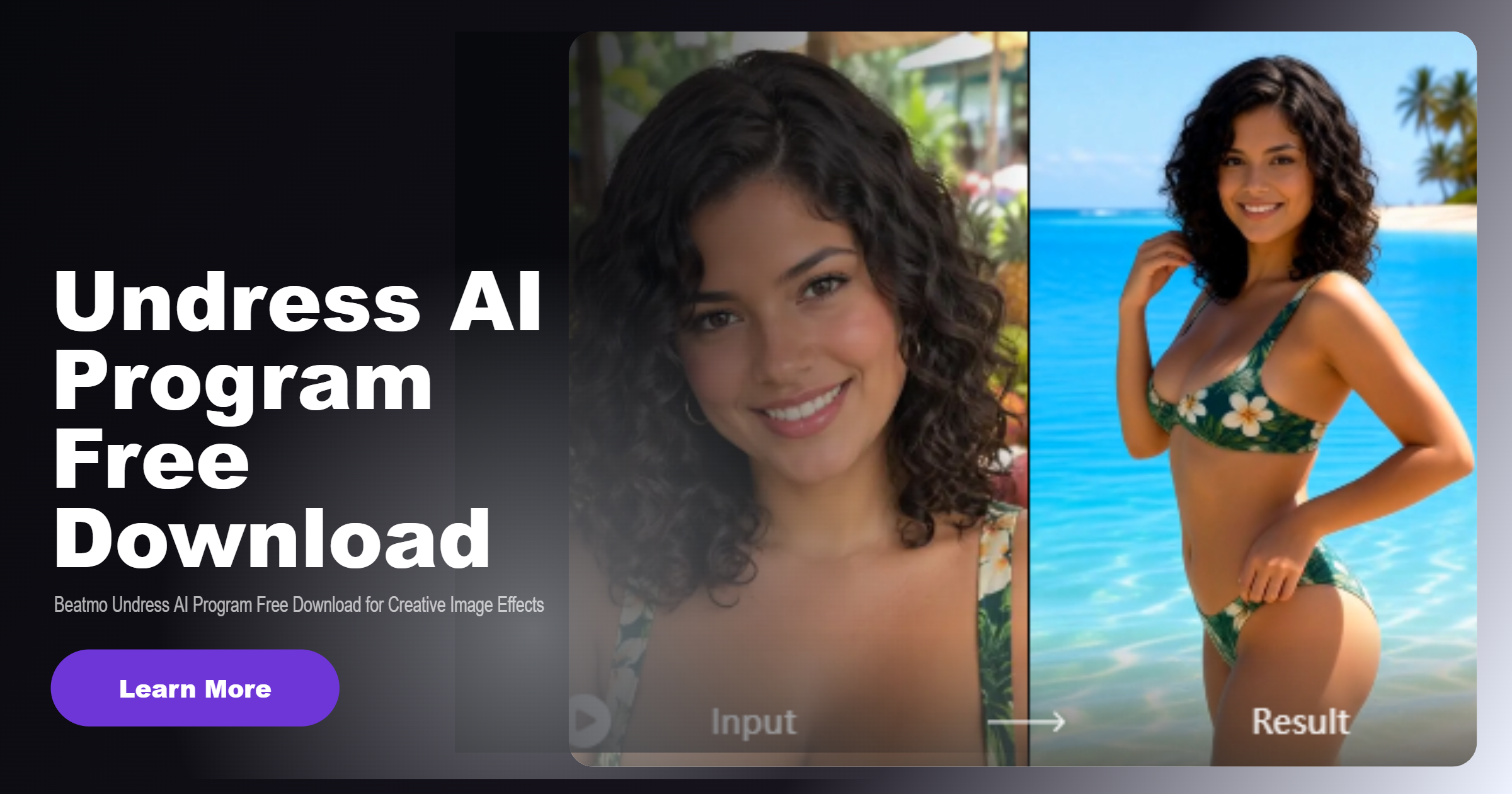
Beatmo Undress AI Program Free Download for Creative Image Effects
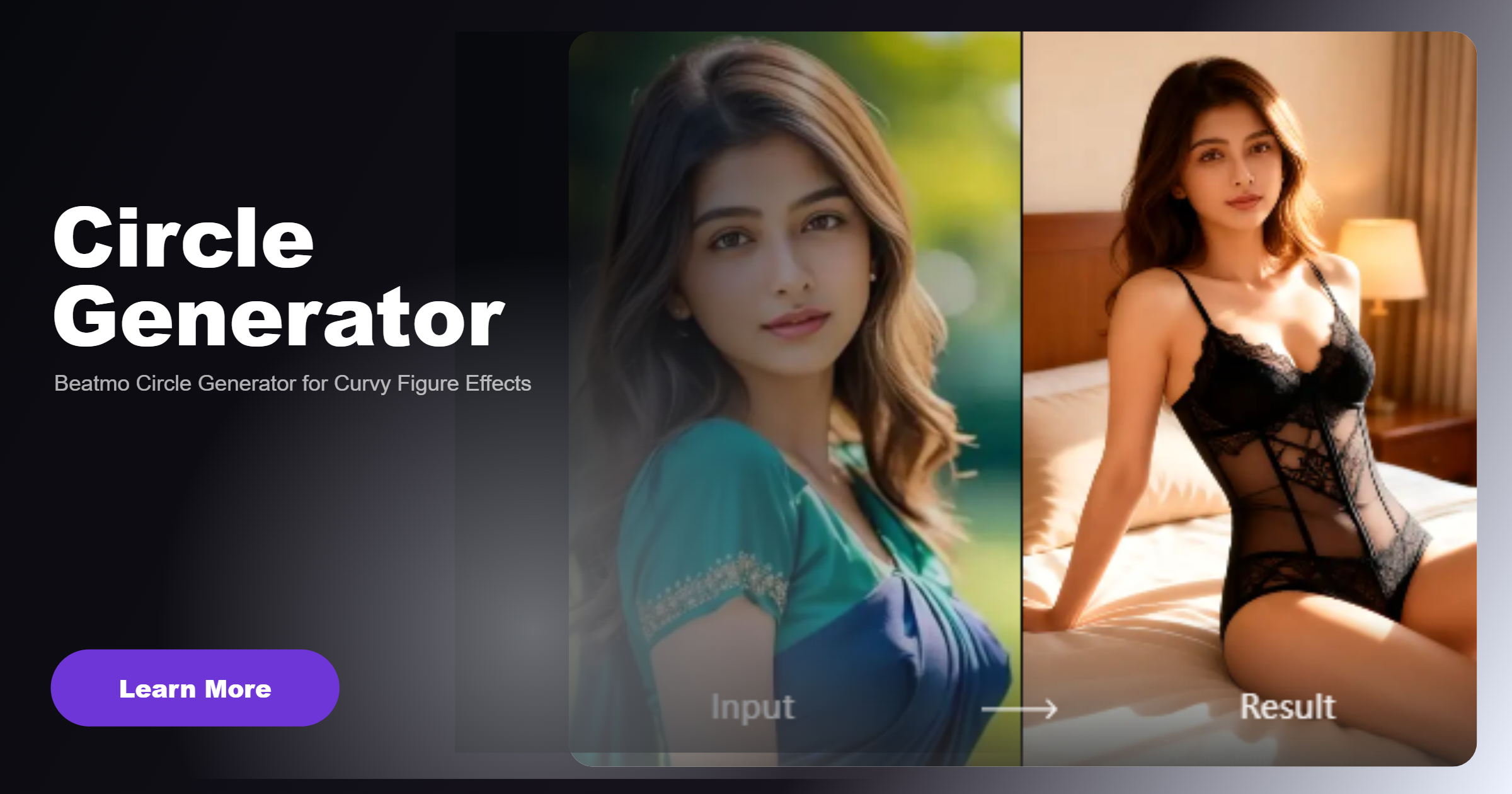
Beatmo Circle Generator for Curvy Figure Effects
Beatmo Porn Text Generator for Creative Adult Writing

Beatmo Male To Female Transformation Porn: Create AI Transformation Videos
Beatmo Naked Anime Sex Filter for Anime Inspired AI Art
Beatmo Undress AI Program Free Download for Creative Image Effects
Beatmo Circle Generator for Curvy Figure Effects
Beatmo Porn Text Generator for Creative Adult Writing
Beatmo Male To Female Transformation Porn: Create AI Transformation Videos
Beatmo Naked Anime Sex Filter for Anime Inspired AI Art
Refine Your Look with Beatmo AI Body Edit
Download the Beatmo app to try AI body editing filters, adjust your figure in photos, and discover new ways to refine your look with just a few taps.
Refine Your Look with Beatmo AI Body Edit
Download the Beatmo app to try AI body editing filters, adjust your figure in photos, and discover new ways to refine your look with just a few taps.