AI Boudoir Photo
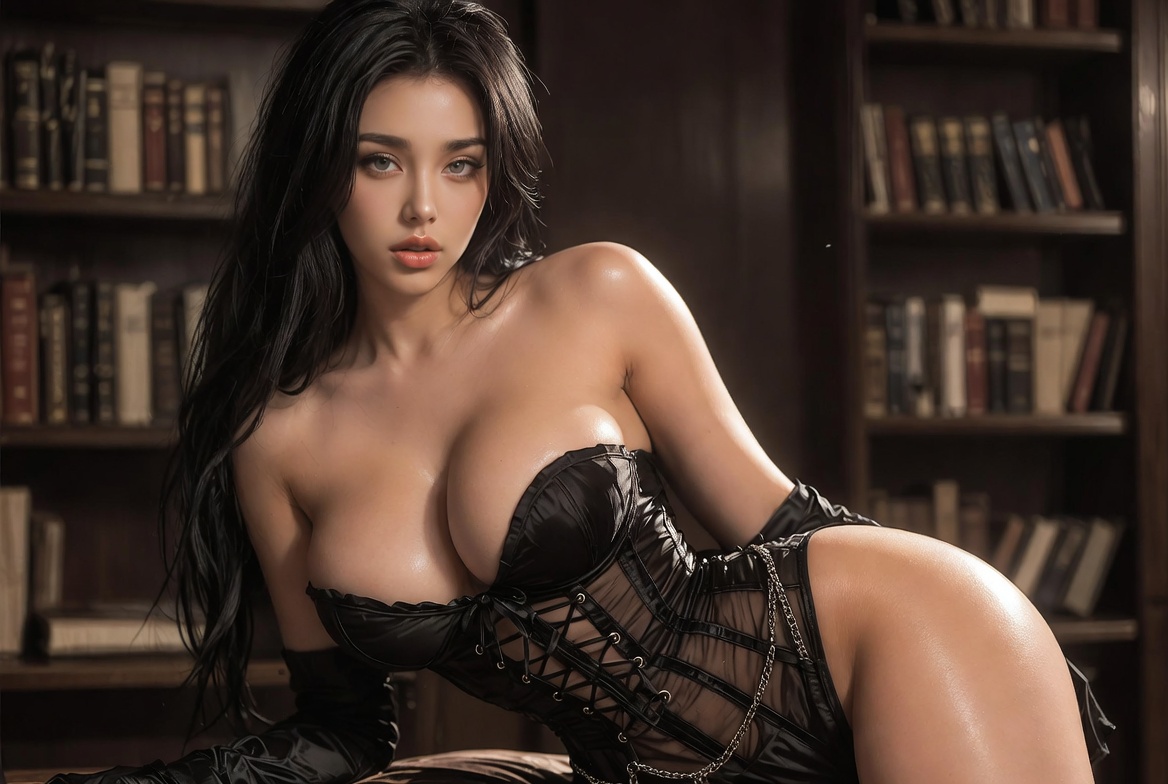
Pick a Boudoir Style Filter That Fits Your Mood
Browse refined portrait filters built for intimate, elegant photos. Soft studio light, film grain, vintage glamour, and modern editorial looks are ready to apply in one tap.
Key Features of the Boudoir AI Photo Generator
beatmo brings text-to-image, image-to-image, and style transfer into one mobile app so you can craft polished boudoir portraits without complex prompt work or desktop software.
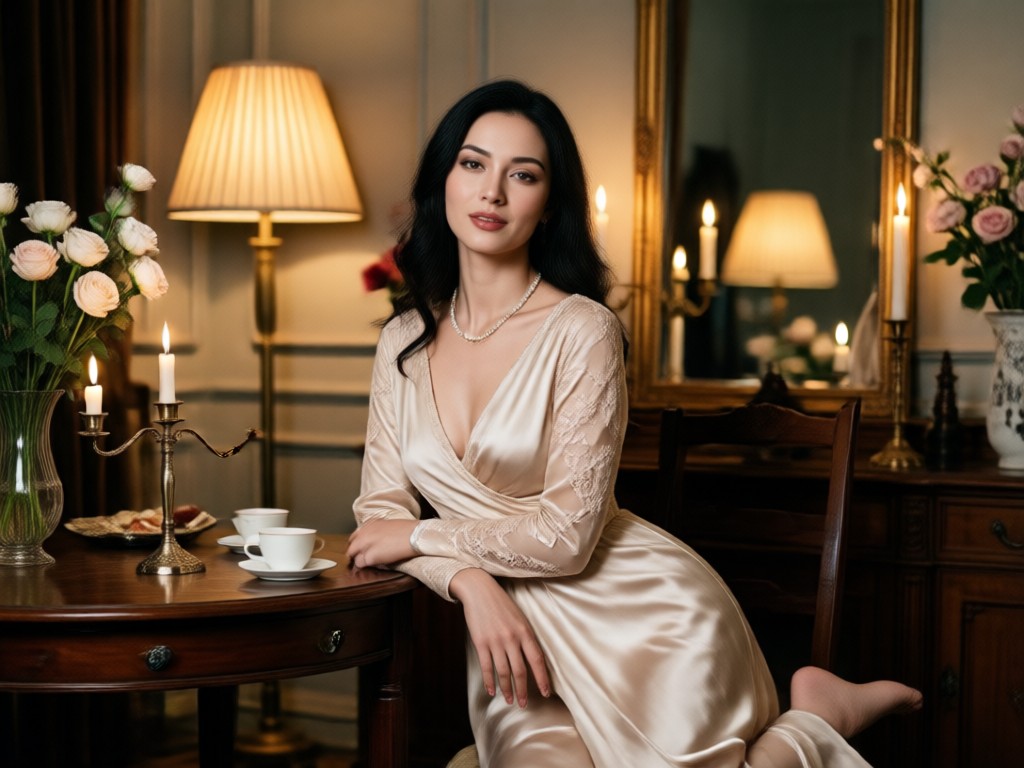
Text to Image Boudoir Creation
Describe lighting, outfit mood, and atmosphere in plain language. Choose a style template and generate high detail portraits without writing long technical prompts.
Text to Image Boudoir Creation
Describe lighting, outfit mood, and atmosphere in plain language. Choose a style template and generate high detail portraits without writing long technical prompts.
Image to Image Style Transfer
Upload a personal photo as the base. AI keeps facial identity and body proportions while shifting wardrobe, lighting, and color grade for a refined boudoir result.
Image to Image Style Transfer
Upload a personal photo as the base. AI keeps facial identity and body proportions while shifting wardrobe, lighting, and color grade for a refined boudoir result.
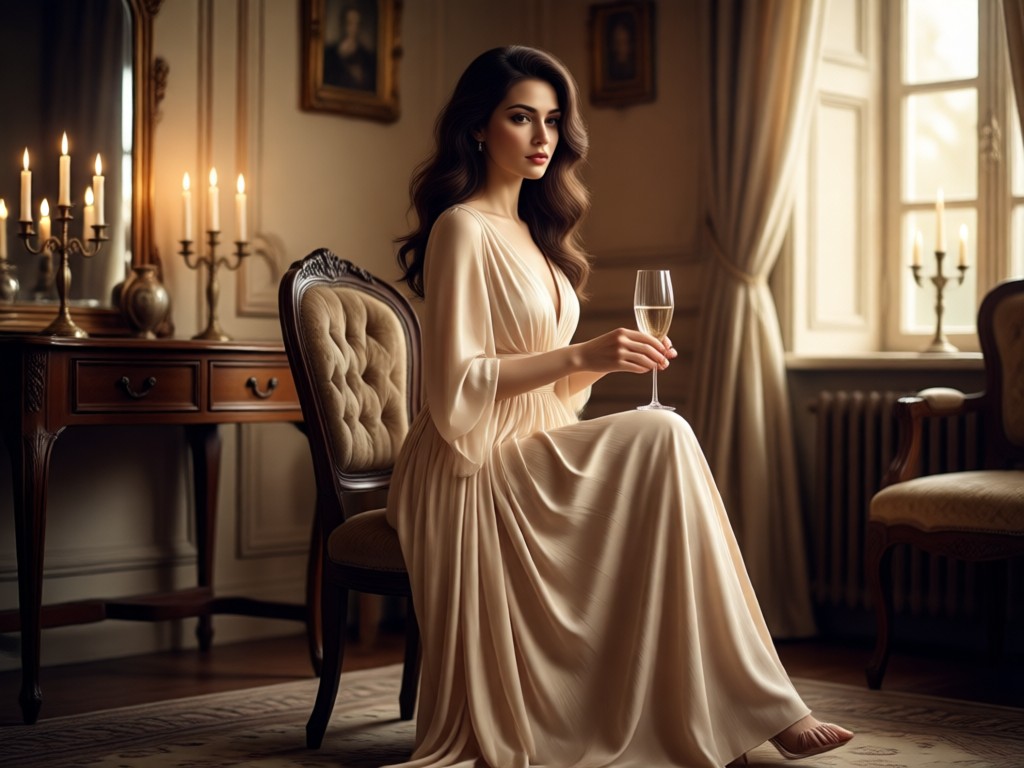
One Million Plus Style Filters
Access soft glamour, film noir, pastel studio, oil painting, and cinematic looks. Switch templates quickly until the portrait matches the mood you want to share or keep private.
One Million Plus Style Filters
Access soft glamour, film noir, pastel studio, oil painting, and cinematic looks. Switch templates quickly until the portrait matches the mood you want to share or keep private.
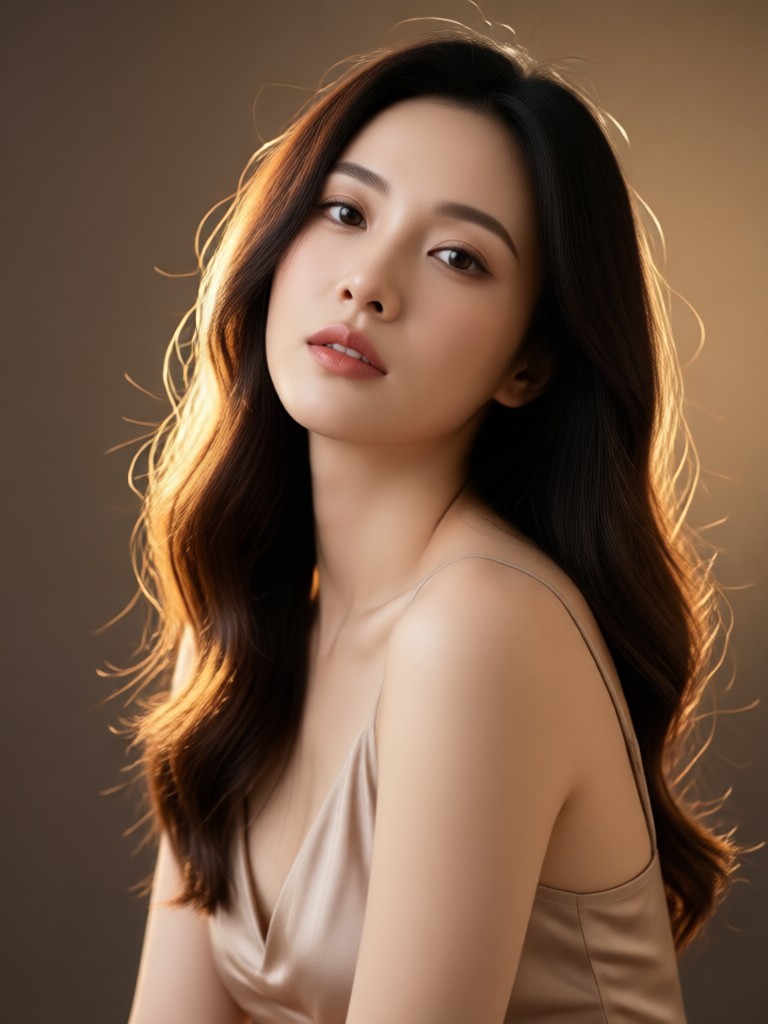
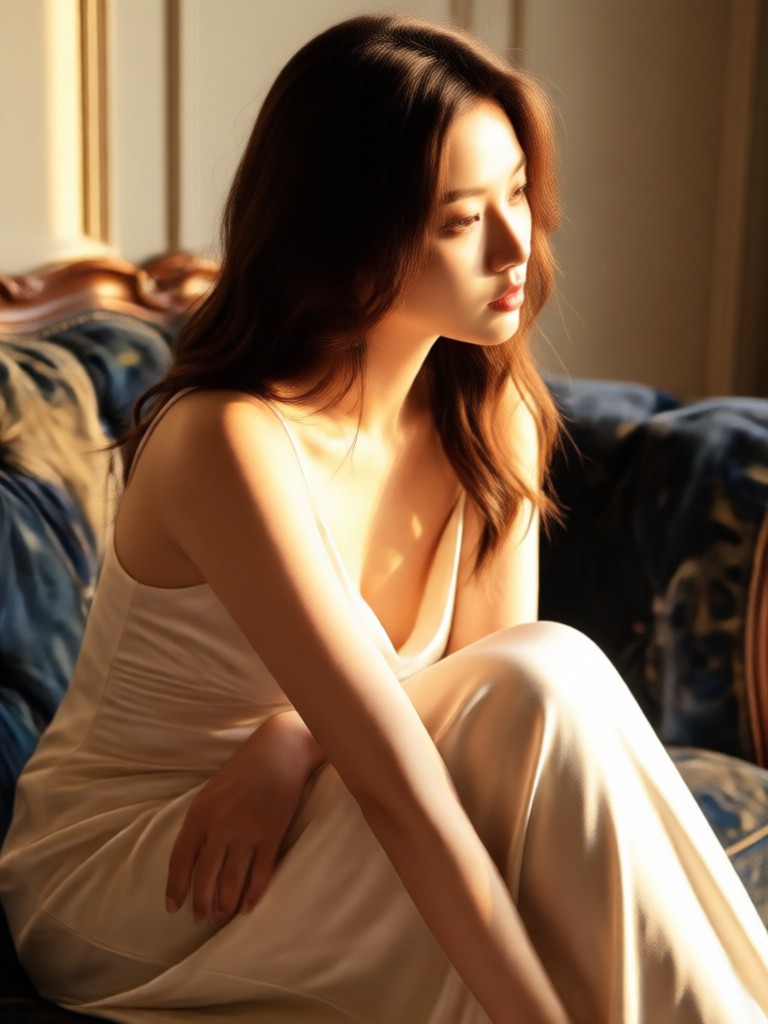
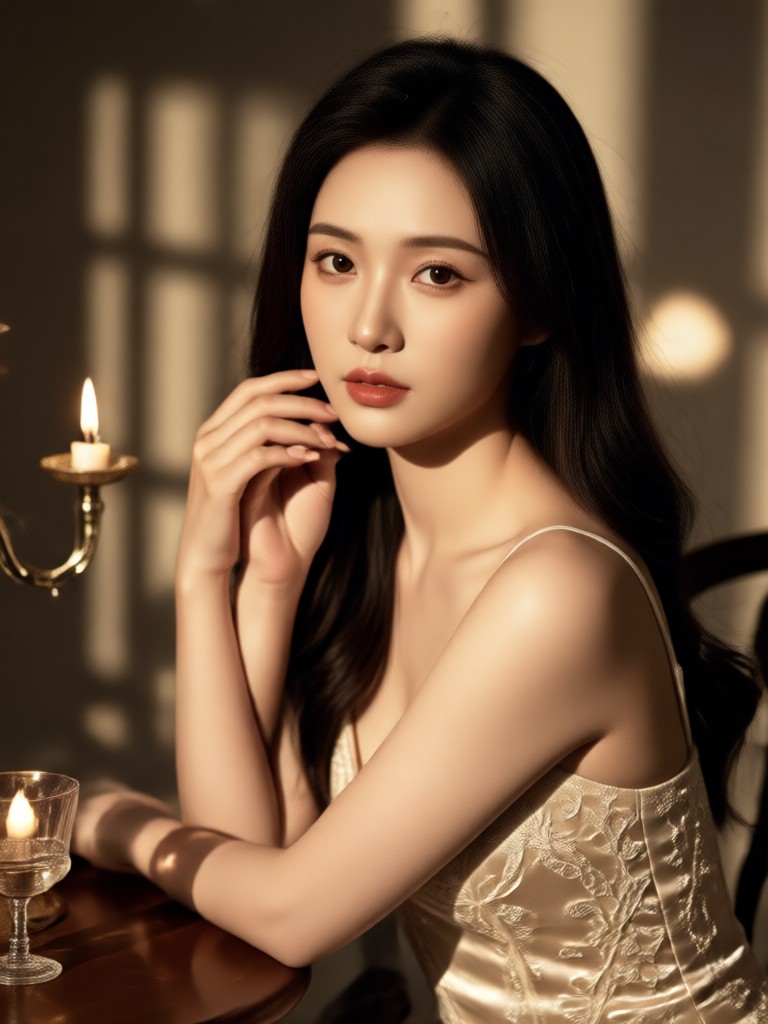
AI Boudoir Photo Gallery
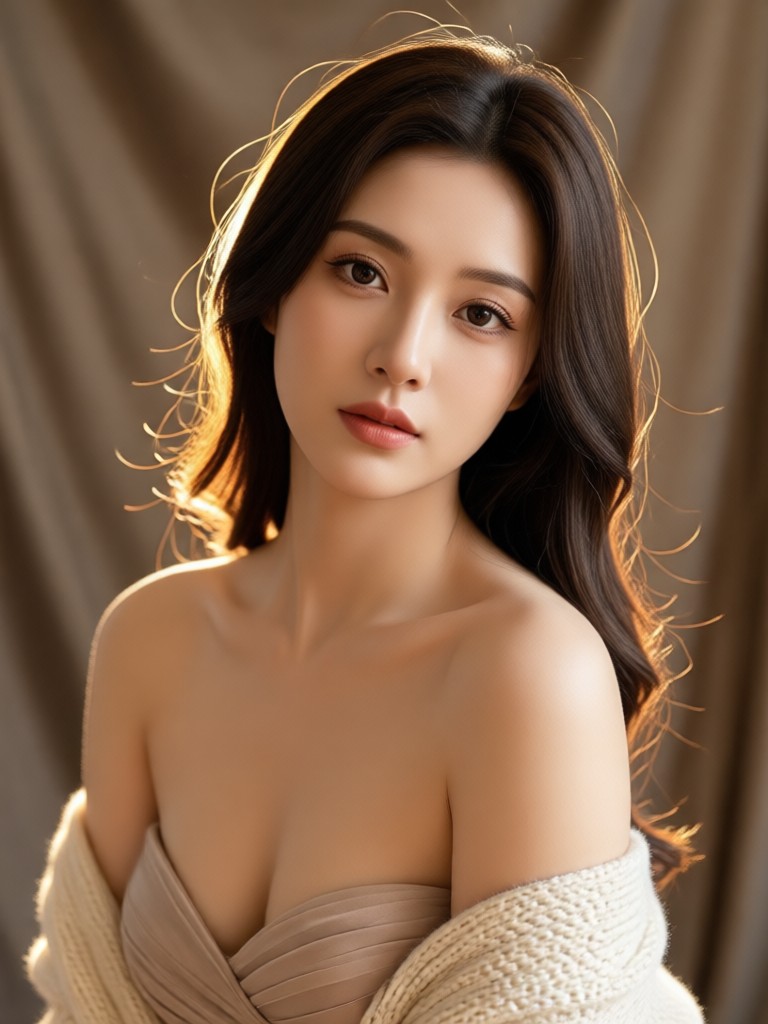
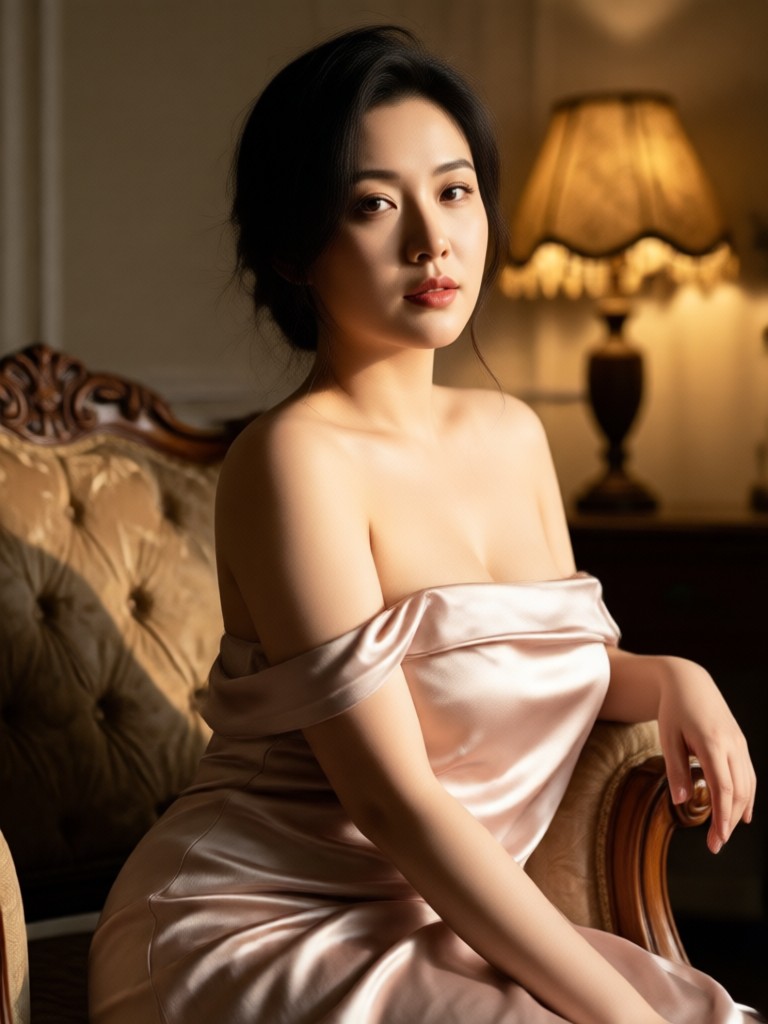
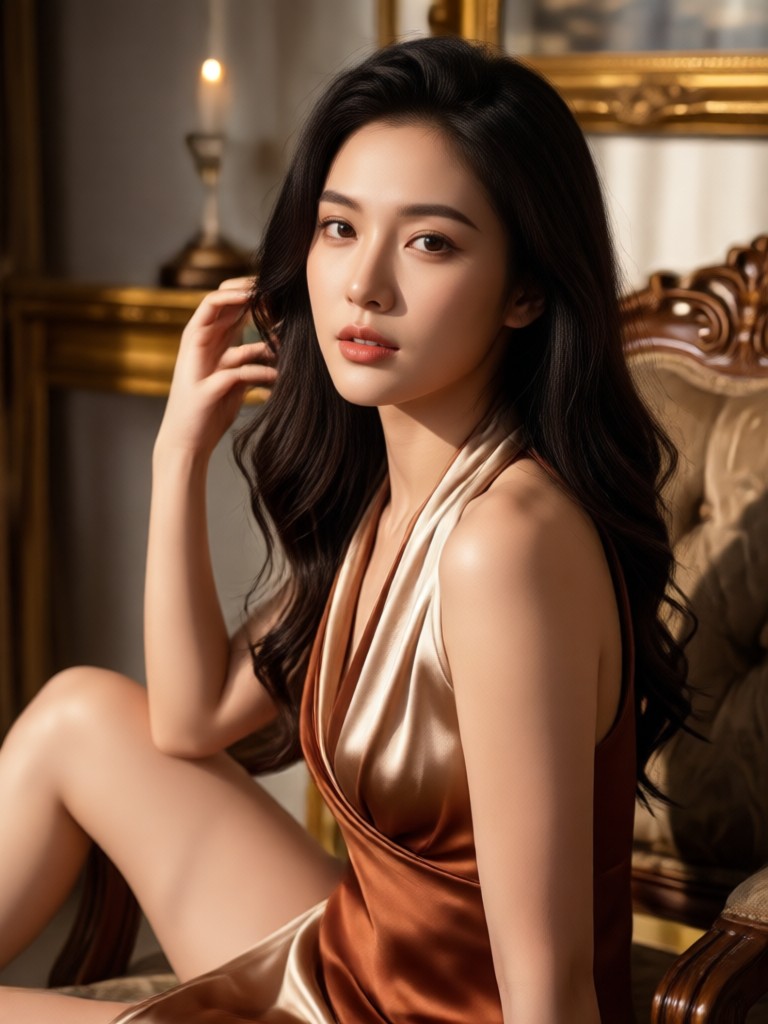
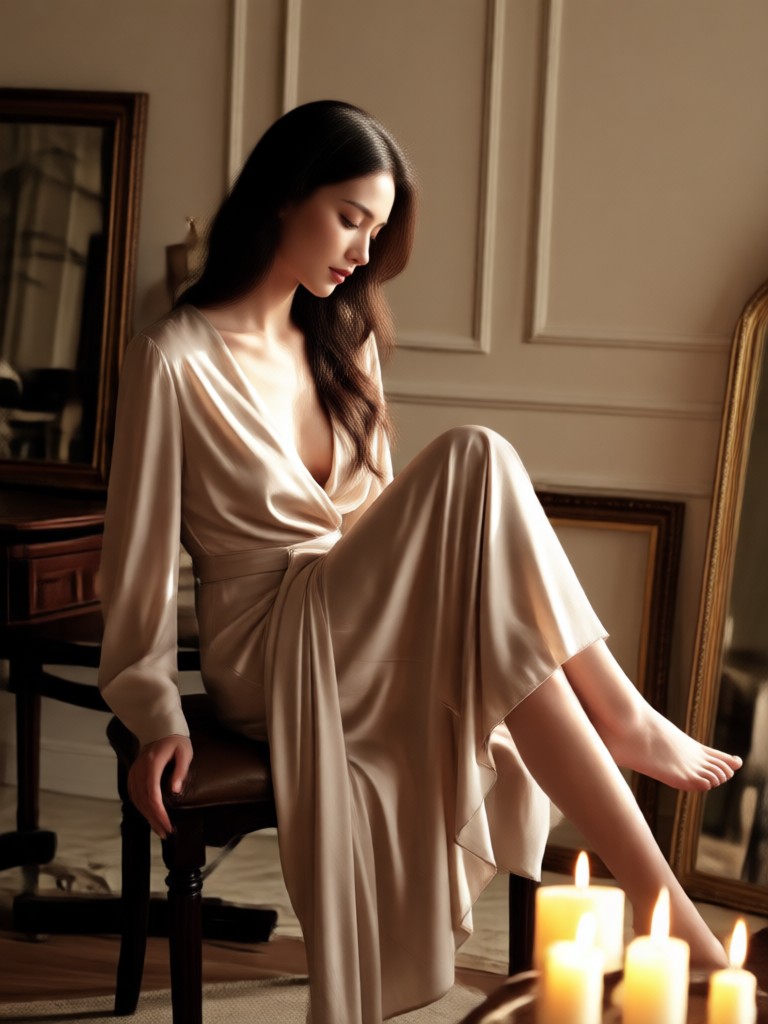
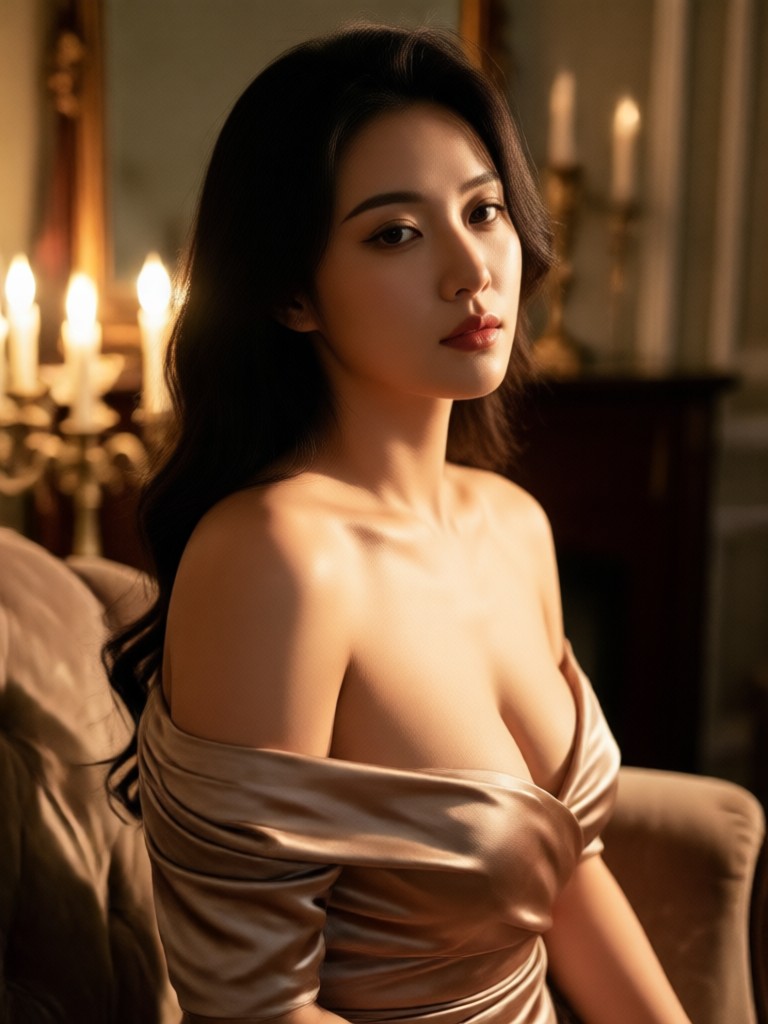
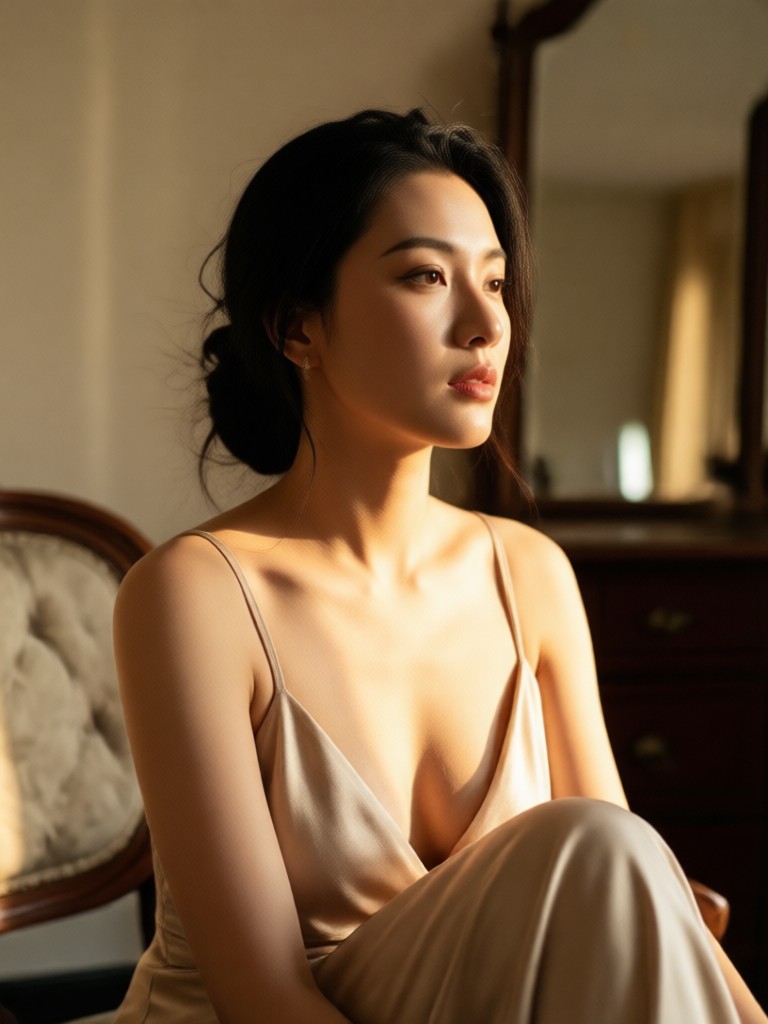
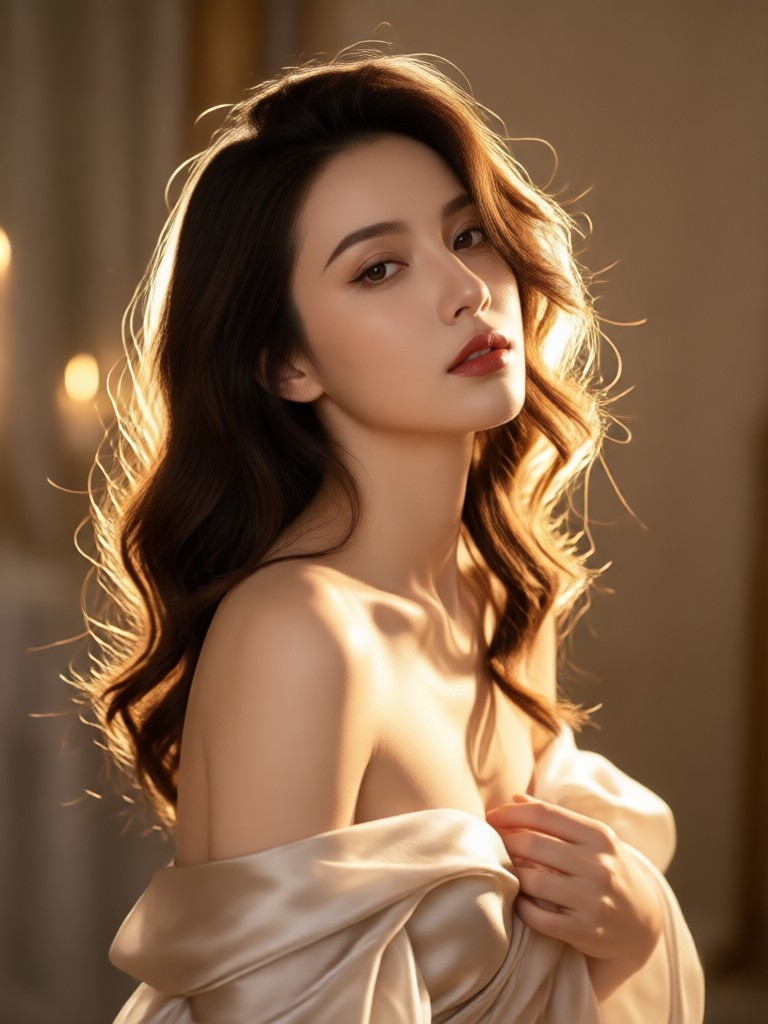
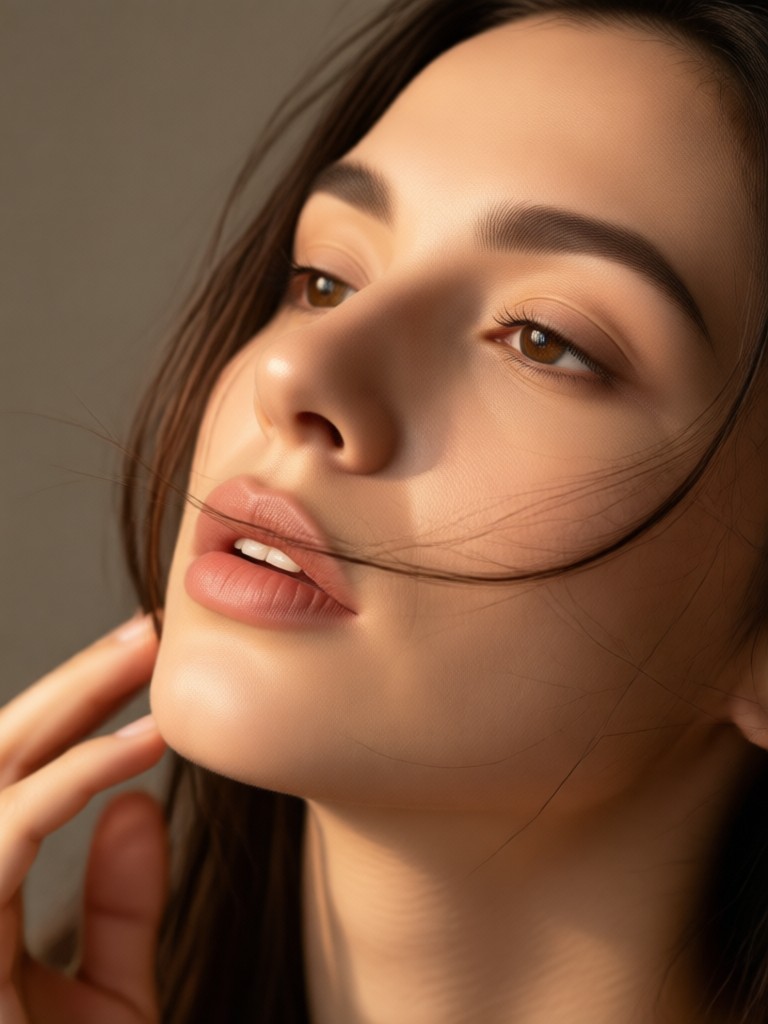
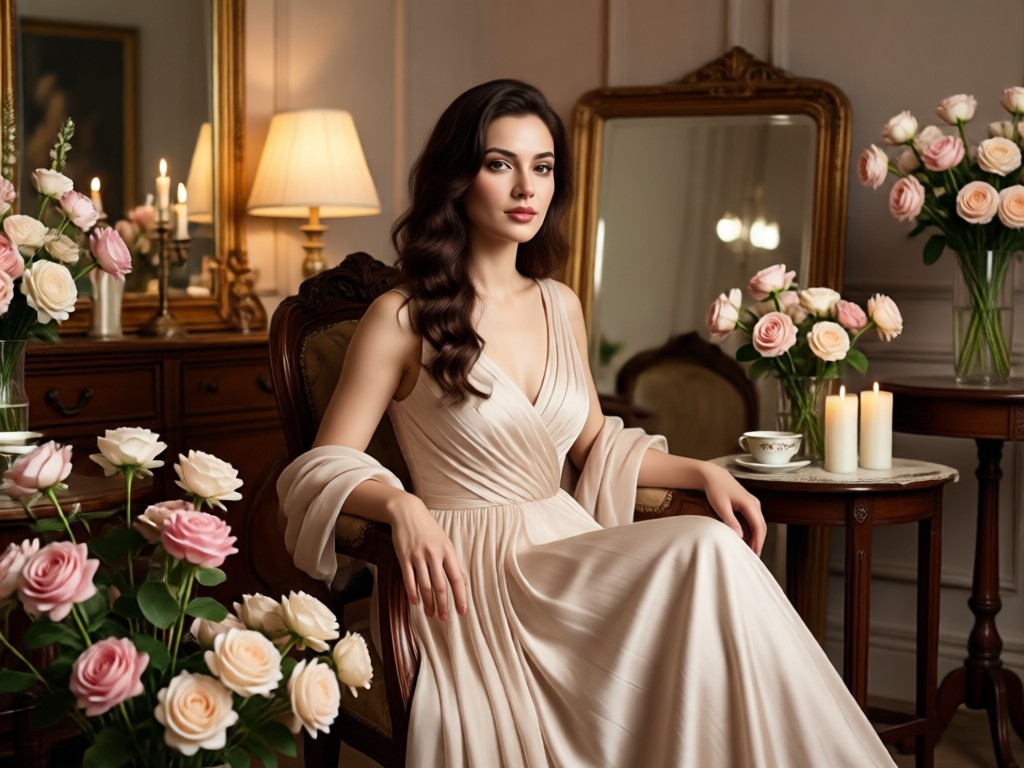
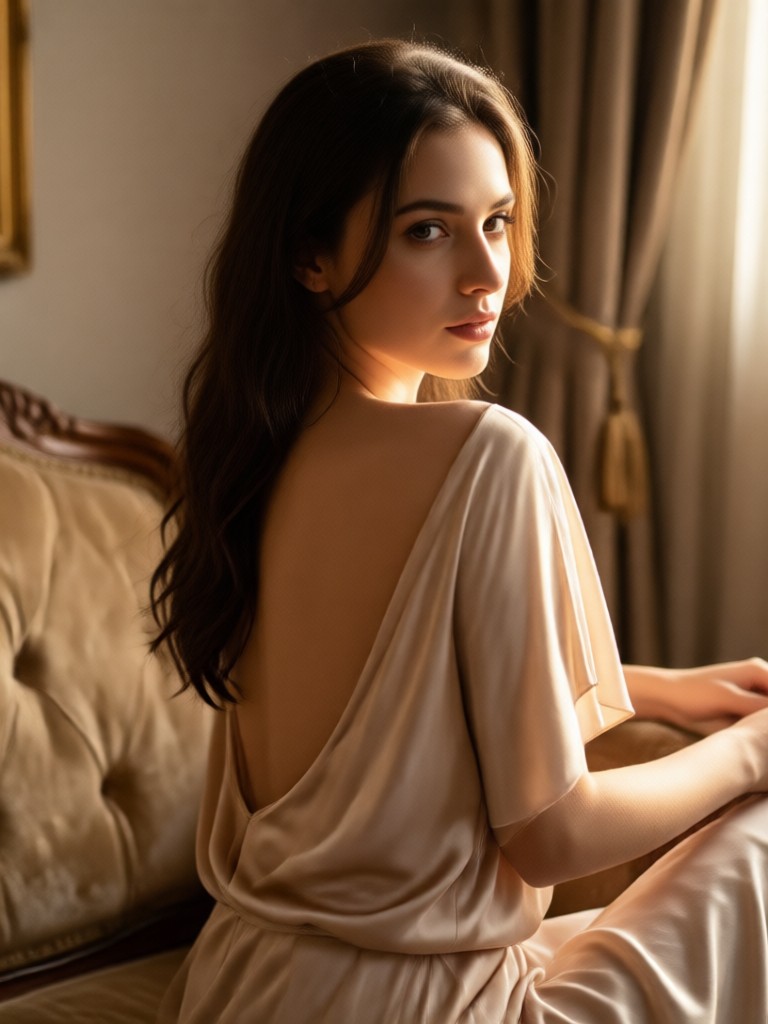
Explore sample results created with beatmo style filters. Soft lighting, elegant posing cues, and polished color grades show what the boudoir AI photo generator can produce on mobile.
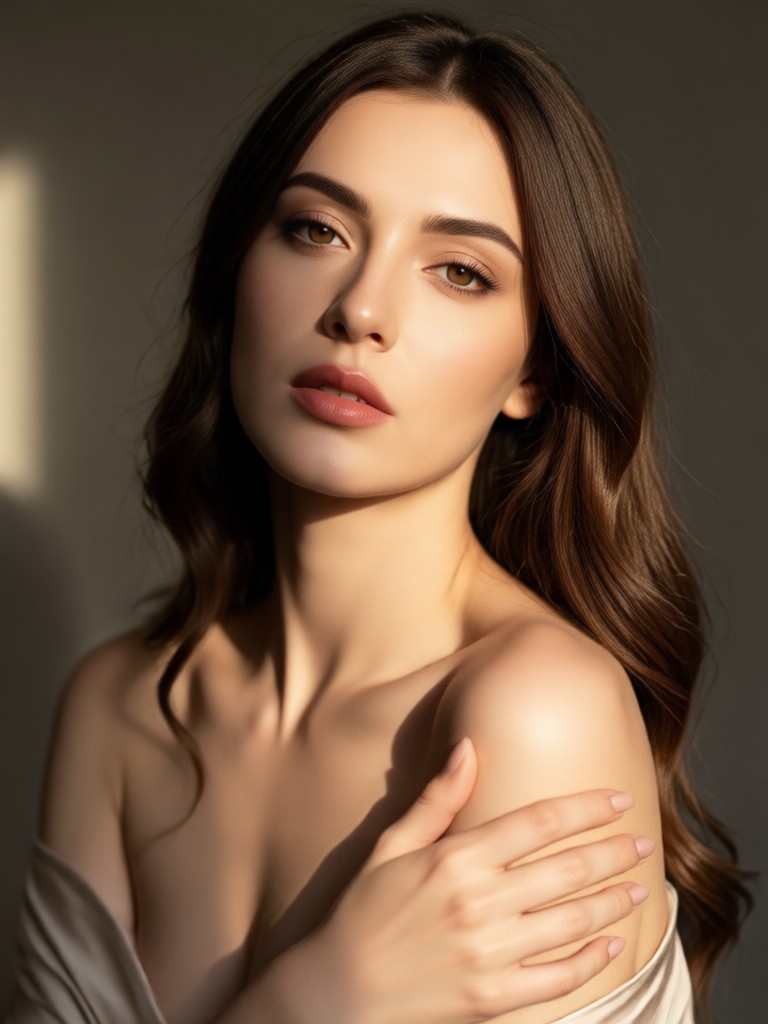
How to Create an AI Boudoir Photo
Make polished boudoir portraits in three simple steps inside the beatmo mobile app. No studio booking and no advanced editing tools required.
Step 01.
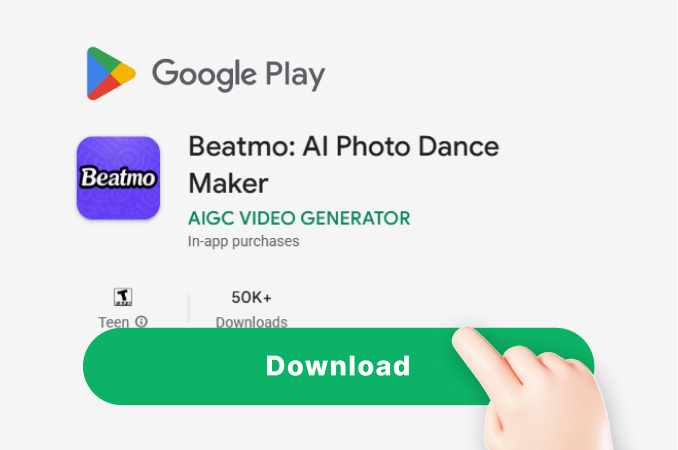
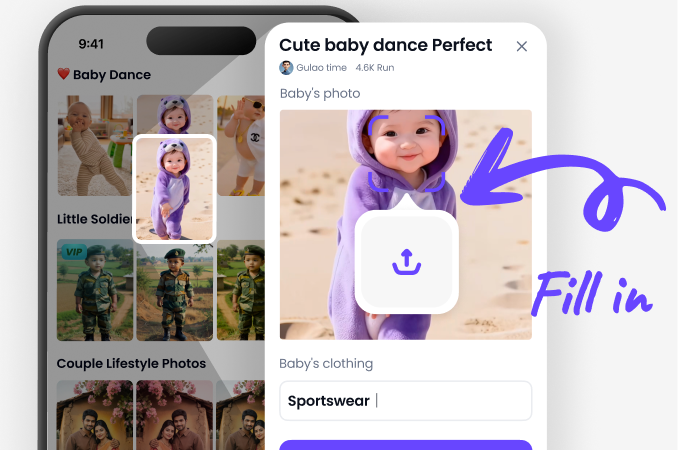
Download beatmo from Google Play so you can create AI boudoir photos anytime on your phone with full access to image tools and style filters.
Step 02.
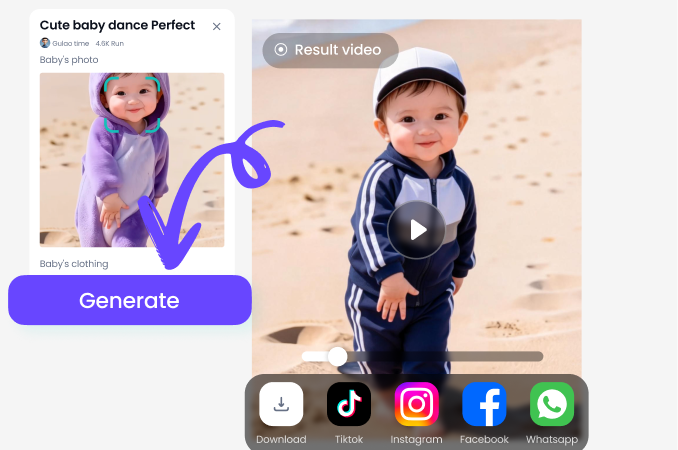
Open a portrait filter that fits your mood, then upload a clear photo or enter a short description of lighting, wardrobe, and atmosphere for the boudoir AI photo generator.
Step 03.
Generate your AI boudoir photo, review the result, then save it privately or share a tasteful version on social media when you are ready.
Why Choose beatmo for AI Boudoir Photos
Traditional boudoir sessions can feel expensive, time consuming, and stressful. beatmo gives you private creative control on mobile. Upload a trusted photo, test multiple looks, and keep results that feel elegant rather than overdone. Style templates remove the guesswork, while image-to-image tools help preserve natural facial features for a more personal final portrait.
Why Choose beatmo for AI Boudoir Photos
Traditional boudoir sessions can feel expensive, time consuming, and stressful. beatmo gives you private creative control on mobile. Upload a trusted photo, test multiple looks, and keep results that feel elegant rather than overdone. Style templates remove the guesswork, while image-to-image tools help preserve natural facial features for a more personal final portrait.
Boudoir AI Photo Generator on Mobile
Install beatmo on Google Play and create elegant AI boudoir photos from text or uploaded images with one-tap style filters.

What Creators Say About AI Boudoir Photos
Private and easy for personal keepsakes
I wanted a polished boudoir look without booking a studio. beatmo let me upload a simple photo, try a few soft light filters, and keep the results private on my phone. The face stayed recognizable and the style felt tasteful.
Fast style tests before a real shoot
I use the boudoir AI photo generator to preview wardrobe moods and lighting ideas for clients. Text prompts plus style templates help me show concepts quickly, then we decide what to recreate in person.
Great for social content with control
I create soft, elegant portrait posts and need consistent quality. beatmo filters give me cinematic color and clean skin detail without heavy manual editing. Image to image is the feature I use most.
Frequently Asked Questions
Clear answers about creating an AI boudoir photo with beatmo, from setup and privacy to style filters and export quality.
More Topics You May Like
Explore more topics you may like and discover fresh ideas tailored to your interests.
Beatmo AI Image to Image NSFW - Turn Photos into Realistic Porn
Use beatmo's free NSFW AI art generator for image to image transformations. Create custom adult art styles from your photos with easy mobile app. Download now for unlimited creative freedom.
AI Porn Video Generator by Beatmo - Create Stunning Adult Videos
Beatmo turns your ideas into custom adult videos using text to video and image to video AI. Choose from over one million style filters for realistic results on mobile. No complex prompts required. Download the app from Google Play and start creating today.
Beatmo AI Girlfriend - Chat, Flirt & Create Your Dream Girl
Experience AI Girlfriend Chat with beatmo. Generate lifelike images and videos of your ideal companion using thousands of style templates. Chat visually through custom scenes and animations in the mobile app.
AI Bikini Girl Generator - Free Sexy BIkini Generator
Beatmo AI lets you generate stunning bikini images instantly. Upload a photo or enter a description, pick from thousands of styles, and get realistic results in seconds. No design skills needed. Download the app to start creating today.
Create Your AI Boudoir Photo Today
Download beatmo on Google Play, pick a refined style filter, and generate elegant portraits from text or your own photos in minutes.

Create Your AI Boudoir Photo Today
Download beatmo on Google Play, pick a refined style filter, and generate elegant portraits from text or your own photos in minutes.