AI Front Hip Twerk
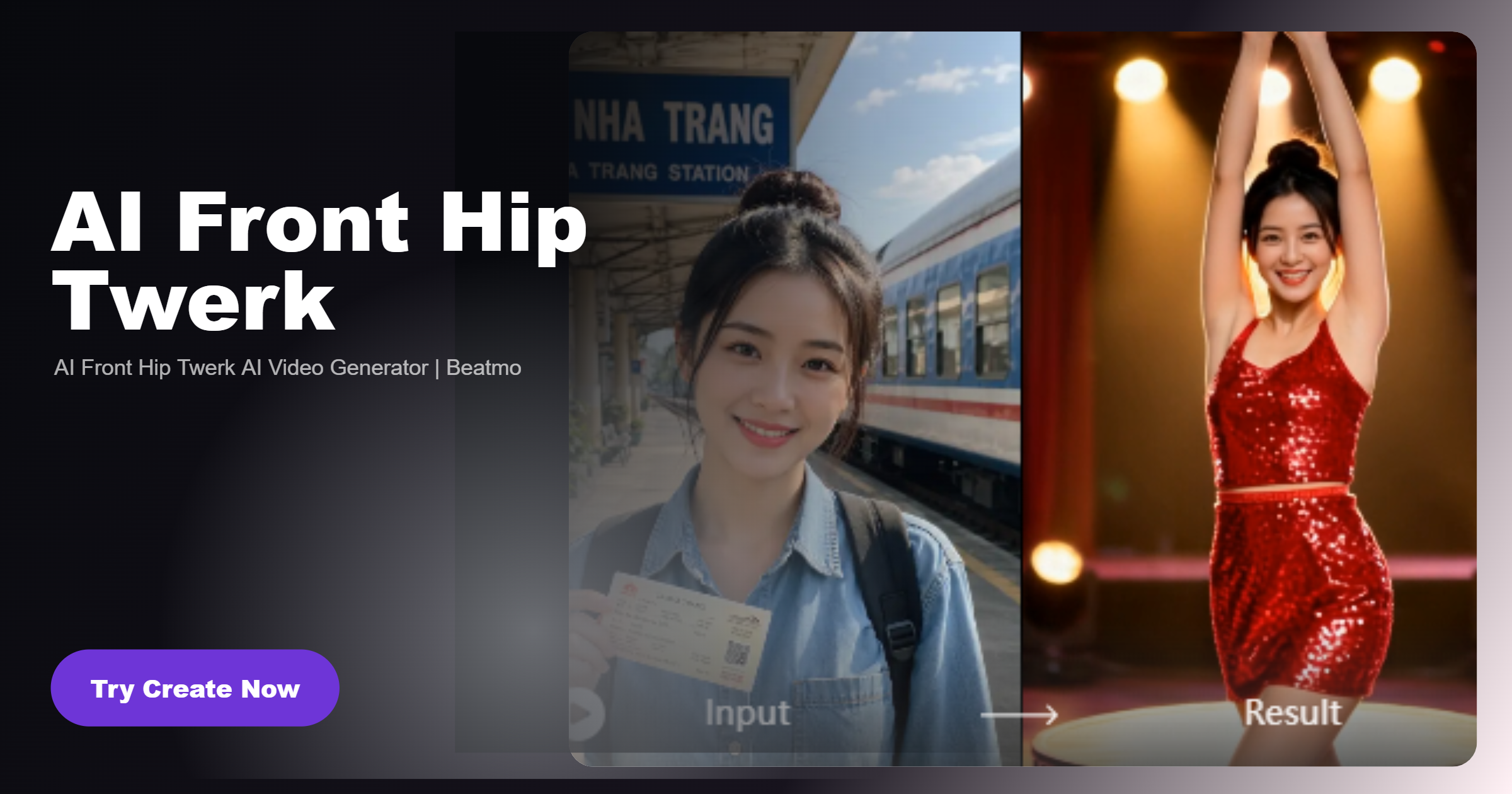
Recommended AI Front Hip Twerk Filters
Find filters that shape front facing dance scenes with smooth hip movement and natural rhythm for expressive AI videos.
Advantages of Using Beatmo to Make AI Front Hip Twerk Videos
Beatmo helps shape natural dance motion while keeping the front view clear, so each movement remains easy to follow.
 Before
Focus on the Front View
AI Front Hip Twerk keeps the camera facing the subject, making the main dance action easy to follow. With Beatmo, you can use different filters to shape the scene while keeping the framing centered on the movement and the overall rhythm natural.
BeforeFocus on the Front View
AI Front Hip Twerk keeps the camera facing the subject, making the main dance action easy to follow. With Beatmo, you can use different filters to shape the scene while keeping the framing centered on the movement and the overall rhythm natural.
 Before
Shape the Dance Motion
Rhythmic hip movement gives AI Front Hip Twerk videos a clear sense of motion. Beatmo helps you apply filters that influence the visual direction, allowing the subject to move through the scene with natural timing and a continuous flow that fits the dance.
BeforeShape the Dance Motion
Rhythmic hip movement gives AI Front Hip Twerk videos a clear sense of motion. Beatmo helps you apply filters that influence the visual direction, allowing the subject to move through the scene with natural timing and a continuous flow that fits the dance.
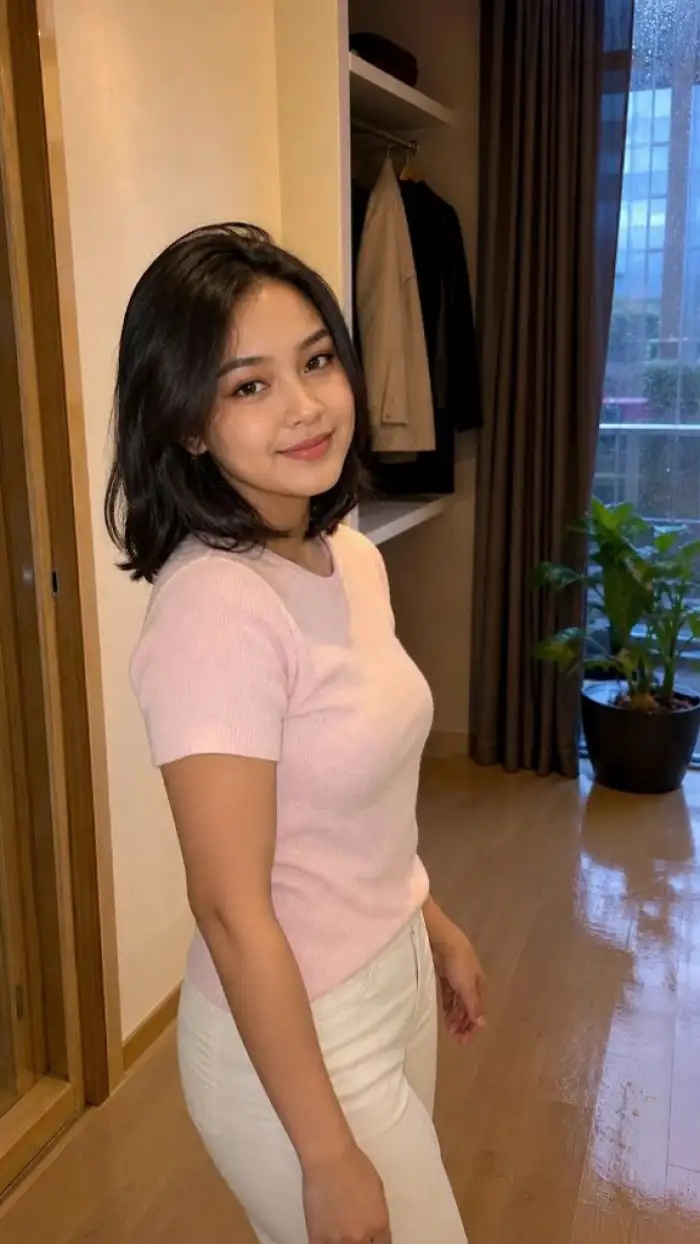 Before
Add More Visual Variety
Different filters can give AI Front Hip Twerk videos a fresh visual direction without changing the main movement. Beatmo lets you try different scene styles, camera moods, and presentation choices, helping each video feel distinct while keeping the dance action at the center.
BeforeAdd More Visual Variety
Different filters can give AI Front Hip Twerk videos a fresh visual direction without changing the main movement. Beatmo lets you try different scene styles, camera moods, and presentation choices, helping each video feel distinct while keeping the dance action at the center.
How to Make AI Front Hip Twerk Videos?
Learn how to make AI Front Hip Twerk videos with Beatmo through this simple guide. Download the Beatmo app and give it a try.

Step 01.
Download the Beatmo app and start making AI Front Hip Twerk videos you like anytime.
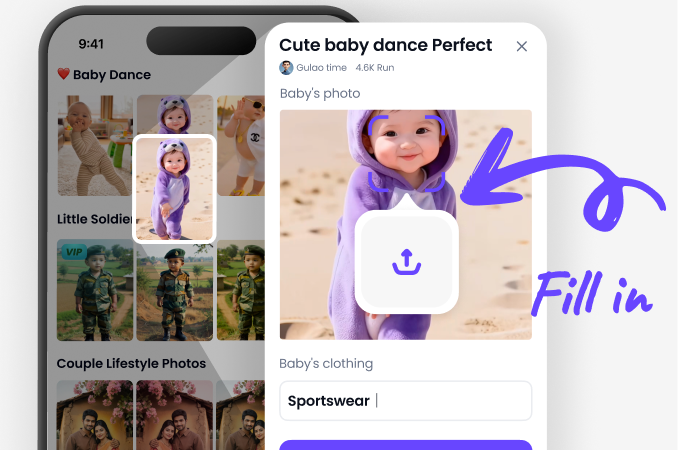
Step 02.
Choose your favorite AI Front Hip Twerk video filter in the app, then upload a photo to use with the filter.
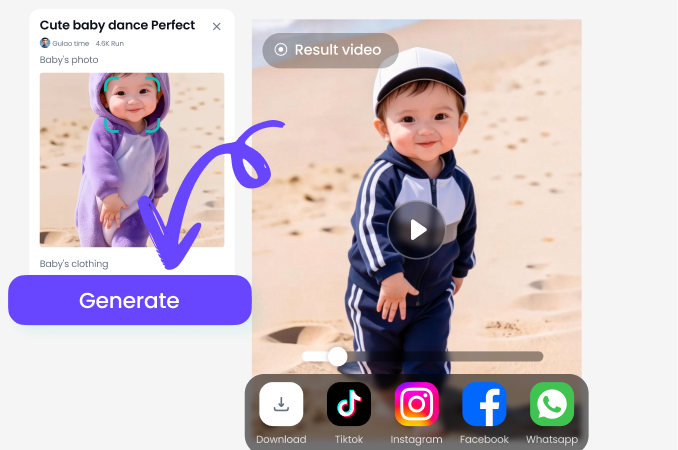
Step 03.
Tap the button, and Beatmo will turn your photo into an AI Front Hip Twerk video.
AI Front Hip Twerk Videos Made with Beatmo
See how AI Front Hip Twerk videos capture natural dance motion and maintain a clear front view throughout each scene.
Make Every AI Front Hip Twerk Video Feel More Alive
Give your AI Front Hip Twerk videos a natural flow with Beatmo, keeping the front view focused while dance movements develop smoothly from one moment to the next.

User Feedback on AI Front Hip Twerk Filters
Worth Repeating
I picked Beatmo for an AI Front Hip Twerk clip and liked how the subject remained visually stable during the sequence. The effect added enough motion to make the original image feel less static.
A New Take
I wanted something different from my usual dance edits, so I tried AI Front Hip Twerk in Beatmo. The finished video gave the subject a noticeable change in movement without losing the original visual identity.
Quick Experiment
I tested AI Front Hip Twerk on several photos through Beatmo and enjoyed comparing the results. The effect worked differently depending on each image, giving me more room to experiment with the final video.
Frequently Asked Questions
Find clear answers to common questions and get the guidance you need to make the most of our platform, faster and easier.
More Topics You May Like
Explore more topics you may like and discover fresh ideas tailored to your interests.
Beatmo Nude Runway Models Filter for Fashion Style

Pinay Nude Videos With Natural AI Motion | Beatmo
Beatmo Head Swap Porn Filters: Create Fresh Looks with Head Swap Porn Effects

AI Nude Online Free Tool for Easy Visual Creation | Beatmo
Bikini App for Porn Photo Editing with Beatmo
Beatmo Nude Runway Models Filter for Fashion Style
Pinay Nude Videos With Natural AI Motion | Beatmo
Beatmo Head Swap Porn Filters: Create Fresh Looks with Head Swap Porn Effects
AI Nude Online Free Tool for Easy Visual Creation | Beatmo
Bikini App for Porn Photo Editing with Beatmo
Give Your AI Front Hip Twerk Ideas More Motion with Beatmo
Download the Beatmo app to try AI Front Hip Twerk filters, add movement to your photos, and make dance videos that match your creative ideas.
Give Your AI Front Hip Twerk Ideas More Motion with Beatmo
Download the Beatmo app to try AI Front Hip Twerk filters, add movement to your photos, and make dance videos that match your creative ideas.