AI Halloween Costume Generator
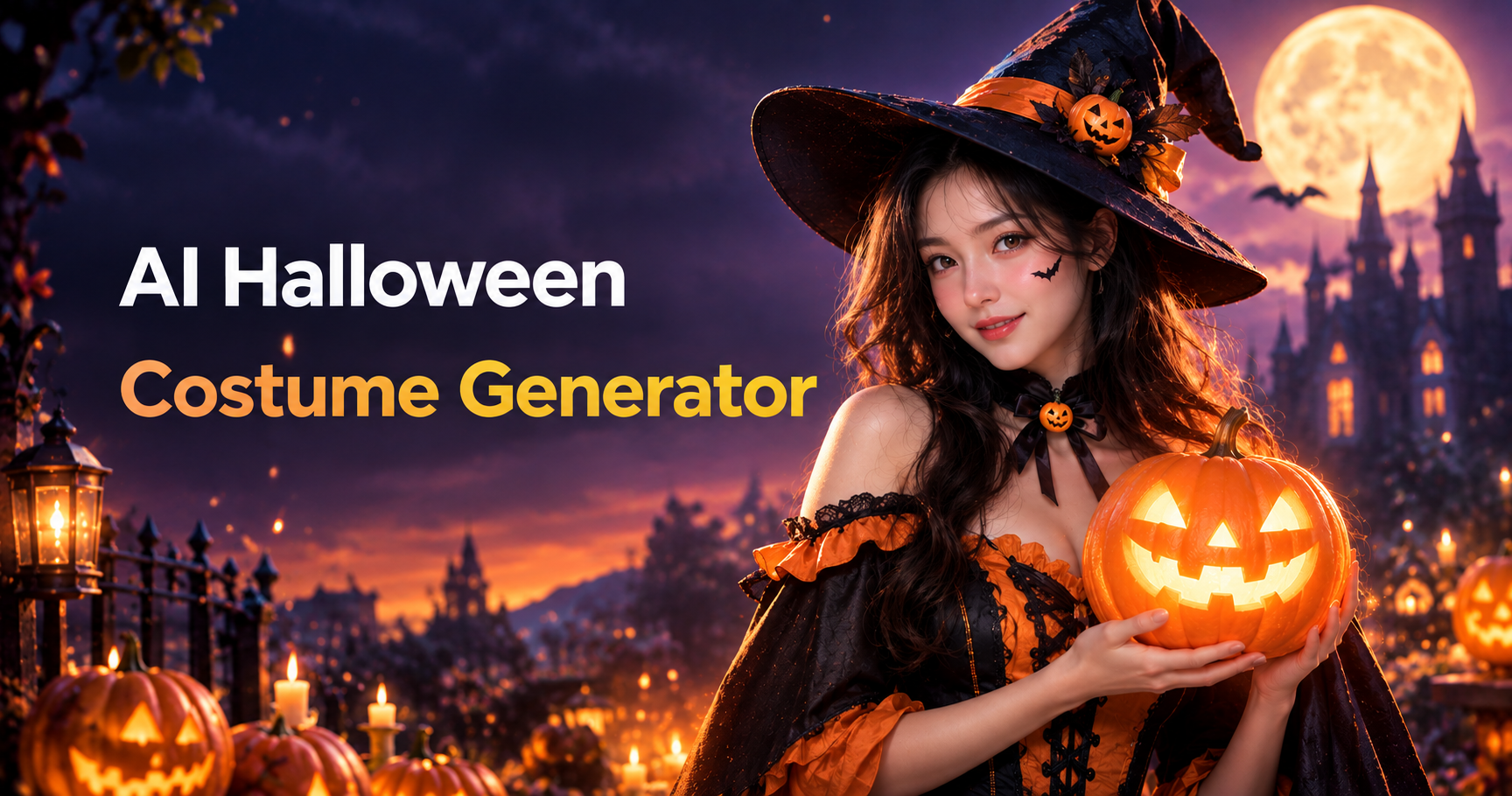
Recommended AI Halloween Costume Filters
Discover AI Halloween costume filters featuring character inspired clothing, haunted scene elements, mysterious accessories, and imaginative holiday visuals.
Benefits of Creating AI Halloween Costume Looks with Beatmo
Enjoy quick styling, varied costume concepts, recognizable facial details, and flexible visual changes across different Halloween inspired photo themes.
 Before
Costume Styles for Every Mood
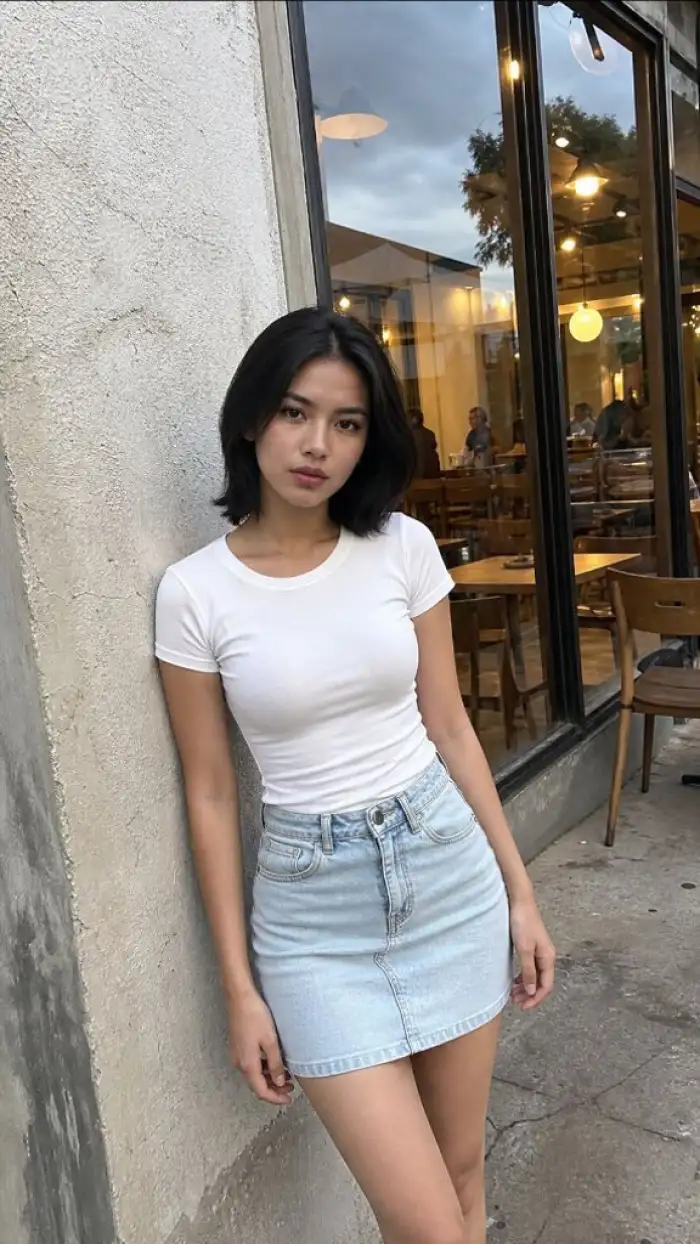
With Beatmo's AI halloween costume generator, you can try gothic outfits, fantasy characters, classic horror looks, and playful disguises. Choose from varied filters to adjust clothing, accessories, colors, and visual details while keeping your main facial features clear and recognizable.
BeforeCostume Styles for Every Mood
With Beatmo's AI halloween costume generator, you can try gothic outfits, fantasy characters, classic horror looks, and playful disguises. Choose from varied filters to adjust clothing, accessories, colors, and visual details while keeping your main facial features clear and recognizable.
 Before
 After
Refined Details in Every Photo
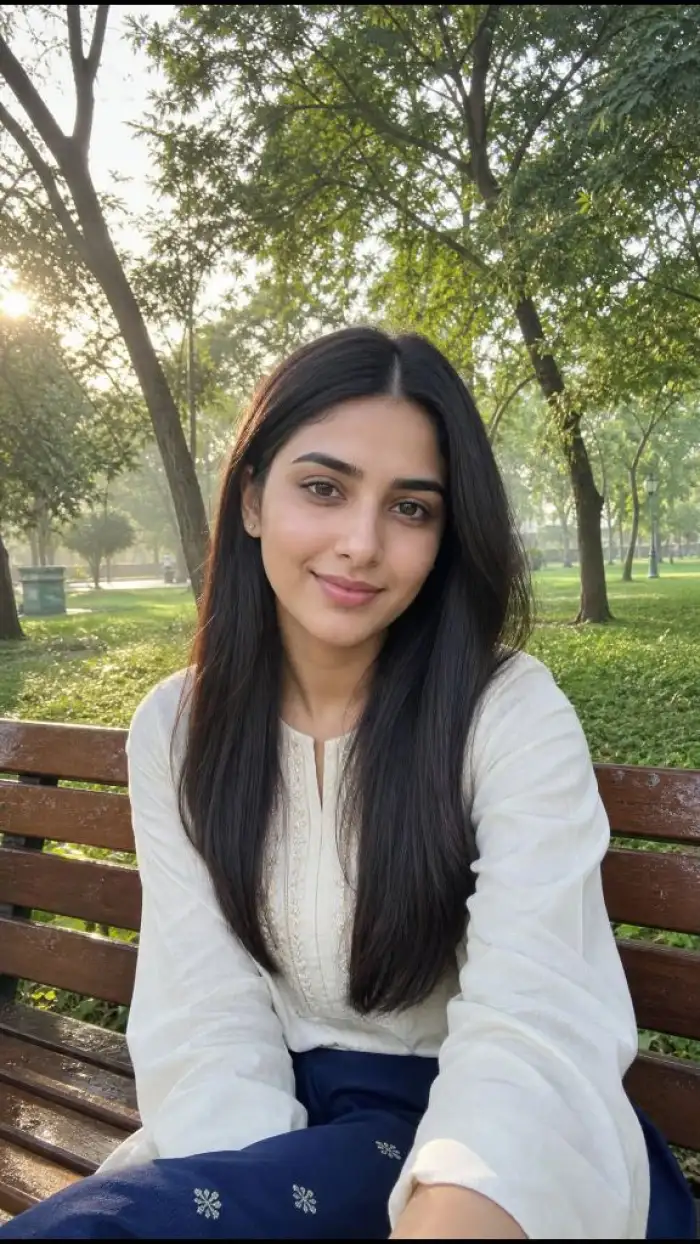
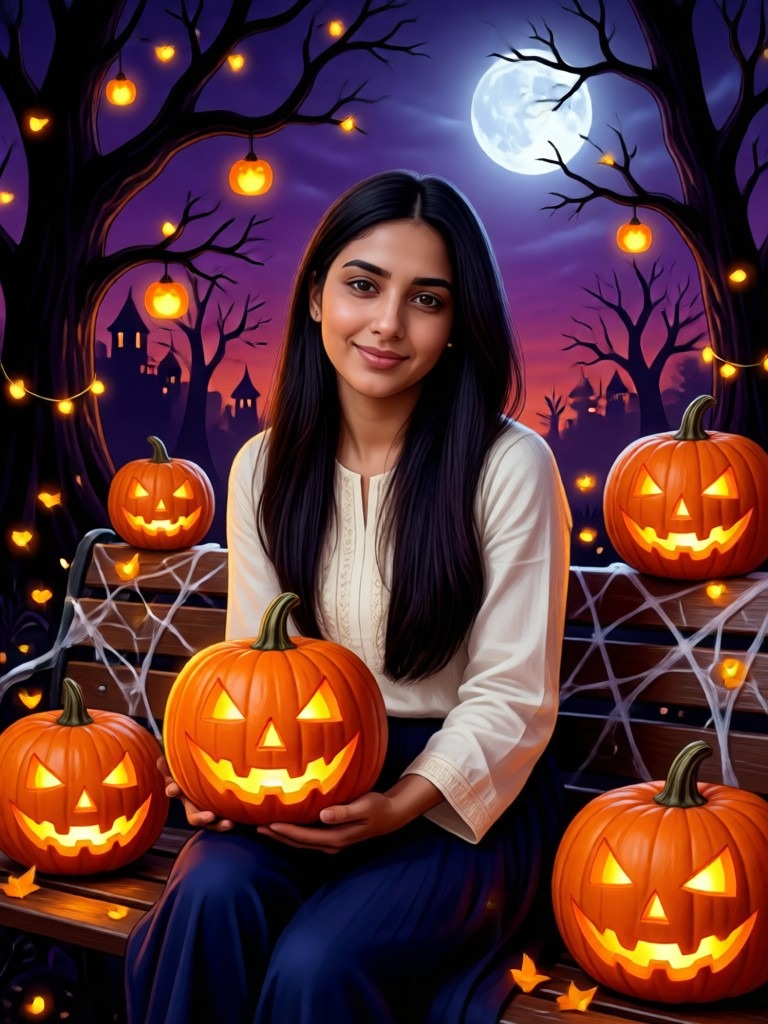
Upload your photo to Beatmo and let the AI halloween costume generator add costume elements that match your chosen filter. Clothing, makeup, accessories, and themed details are adjusted together, helping you achieve a cohesive look without changing the identity of the person in your photo.
BeforeAfterRefined Details in Every Photo
Upload your photo to Beatmo and let the AI halloween costume generator add costume elements that match your chosen filter. Clothing, makeup, accessories, and themed details are adjusted together, helping you achieve a cohesive look without changing the identity of the person in your photo.
 Before
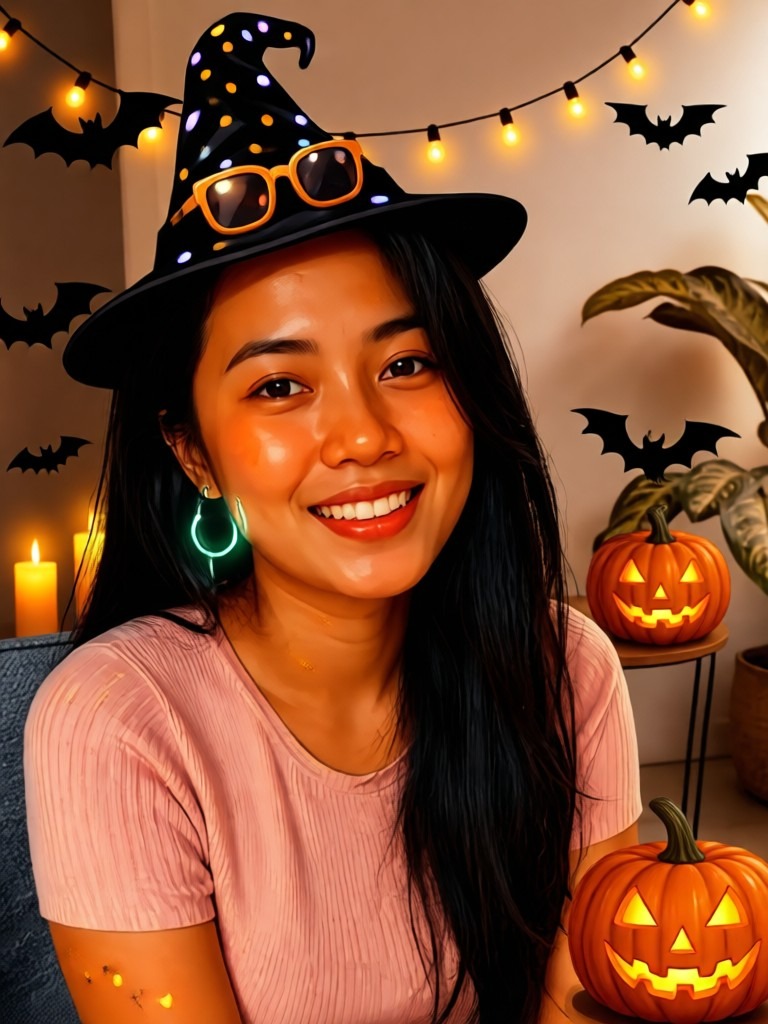 After
Easy Ideas Without Complex Editing
Beatmo makes the AI halloween costume generator simple to use when you want fresh Halloween photo ideas. Pick a filter, upload your image, and apply the desired style with a few taps. You can try different costume concepts without spending time on manual editing.
BeforeAfterEasy Ideas Without Complex Editing
Beatmo makes the AI halloween costume generator simple to use when you want fresh Halloween photo ideas. Pick a filter, upload your image, and apply the desired style with a few taps. You can try different costume concepts without spending time on manual editing.
How to Generate an AI Halloween Costume?
Learn how to generate an AI Halloween costume with Beatmo by following a few simple steps. Open the Beatmo app and give it a try.
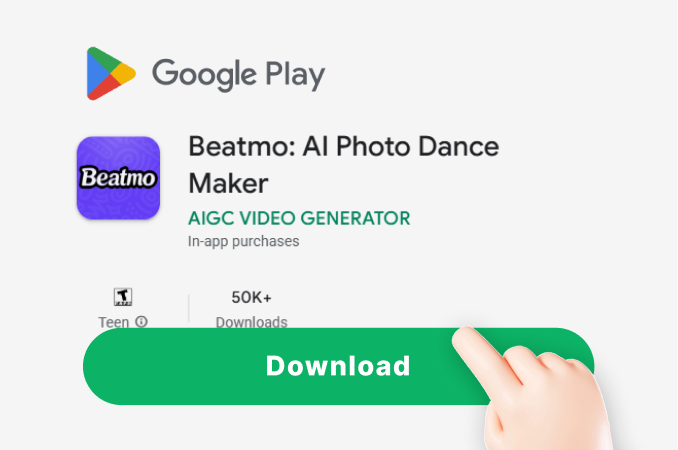
Step 01.
Download the Beatmo app and generate AI Halloween costume effects anytime with just a few taps.
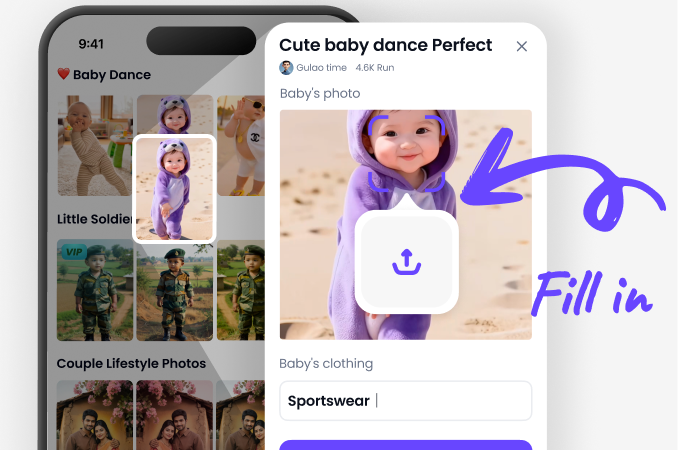
Step 02.
Choose a Halloween costume filter in the app, then upload a photo to apply the filter and generate your result.
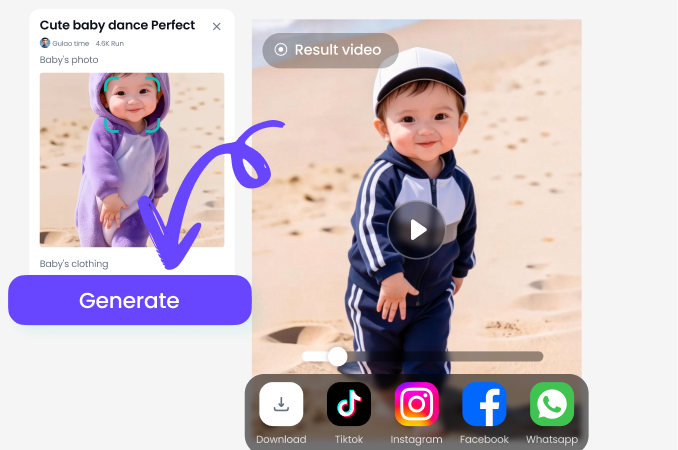
Step 03.
Tap the generate button, and Beatmo will turn your photo into an AI Halloween costume effect.
AI Halloween Costume Effects Created with Beatmo
Browse eerie costumes, character styling, seasonal accessories, and cinematic Halloween details crafted with Beatmo's AI editing tools.
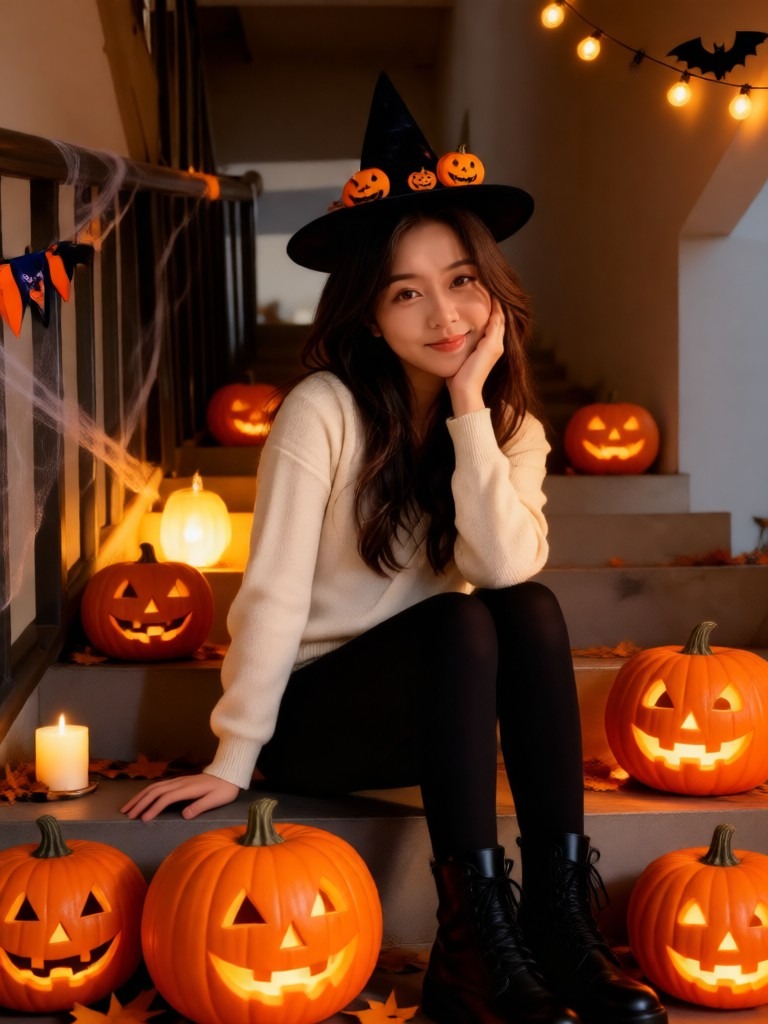
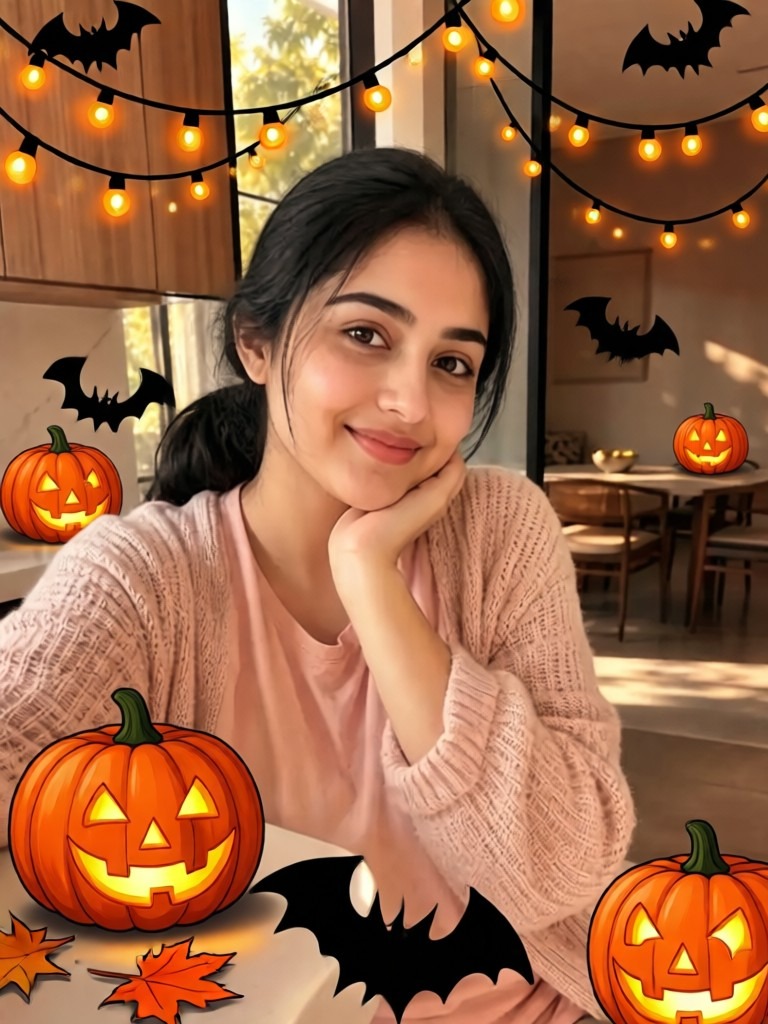
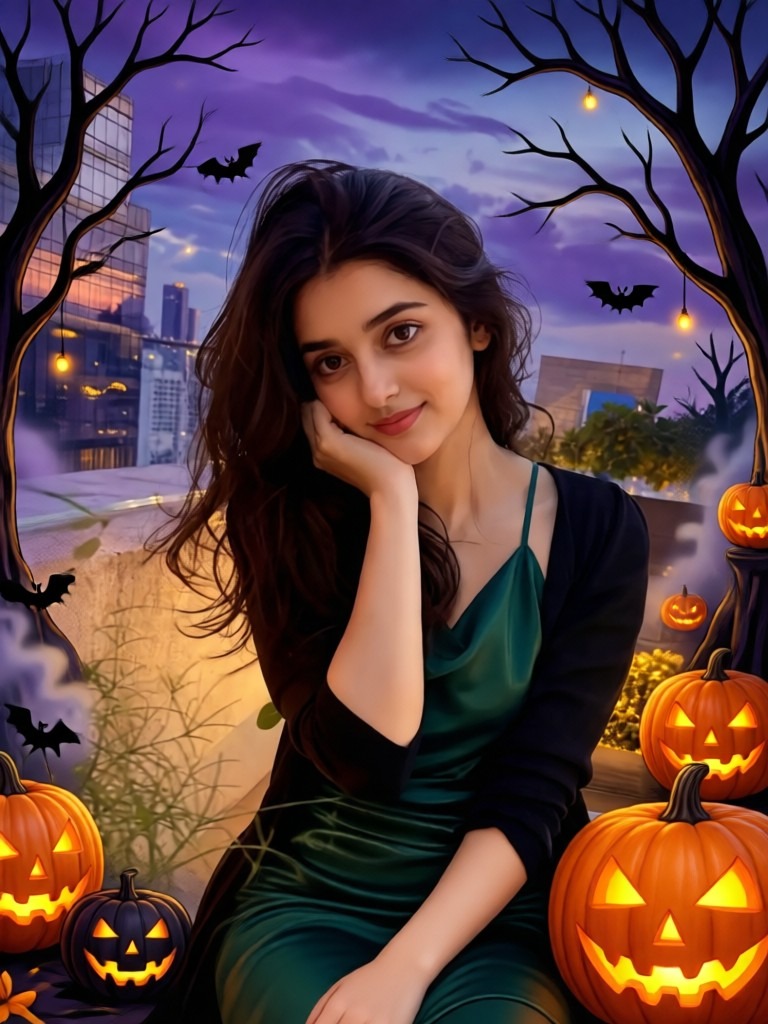
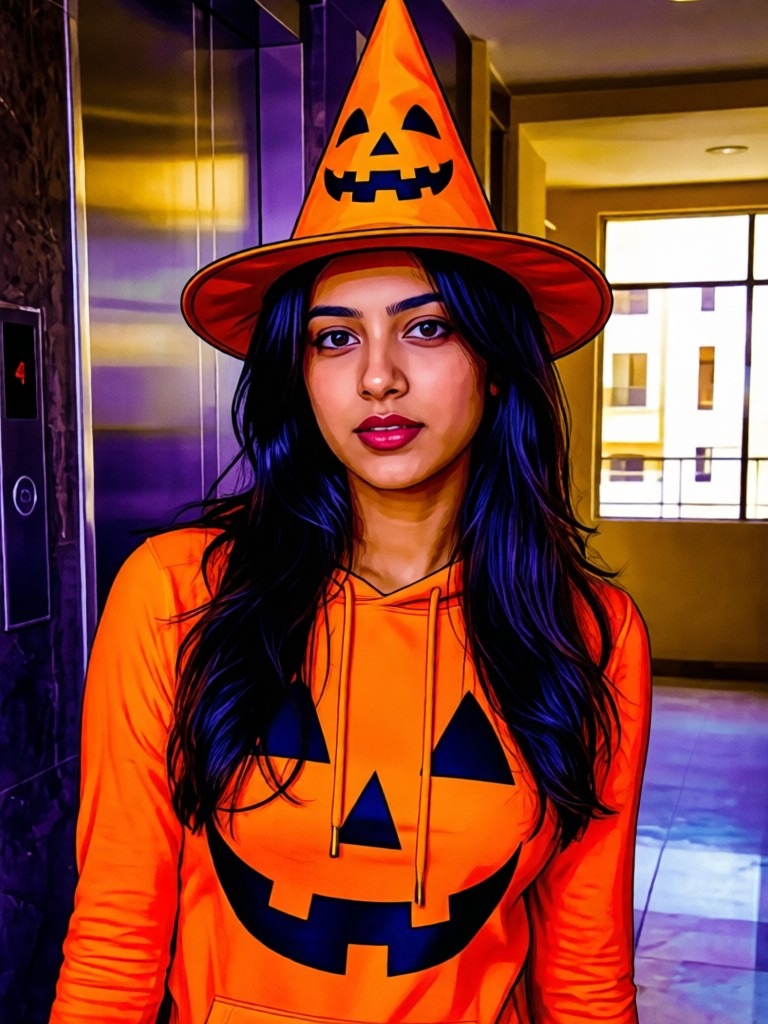
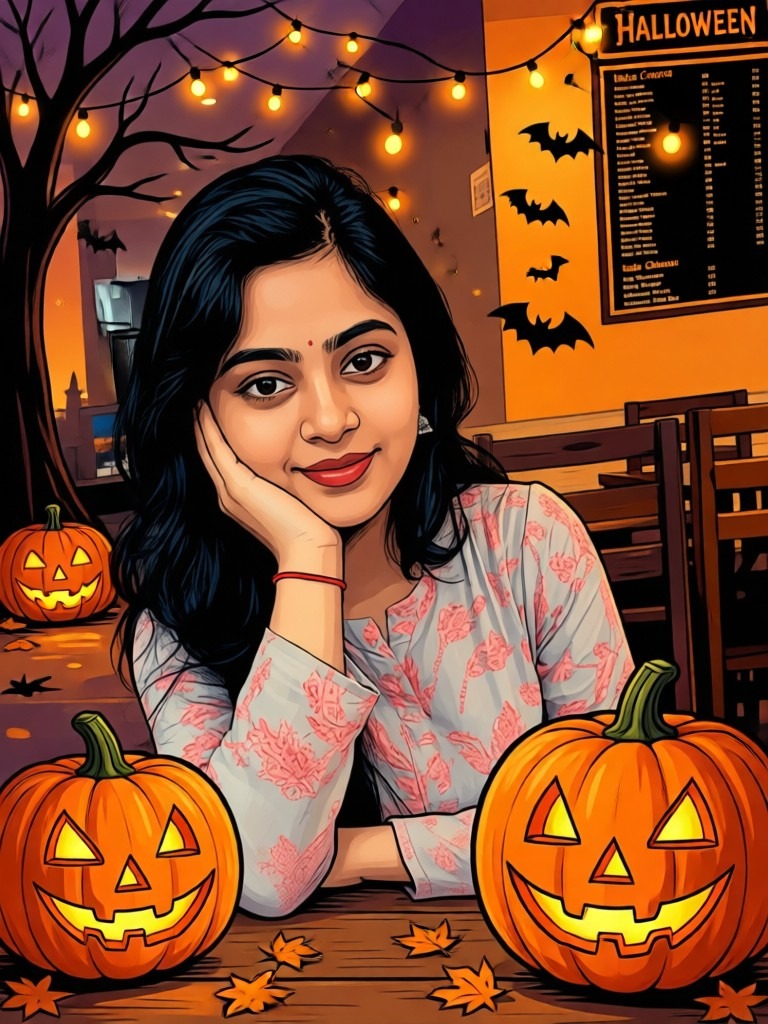
Give Your Photo a Halloween Costume Twist
Try Halloween costume filters in Beatmo to add themed outfits, eerie accessories, and seasonal details that give your photos a fresh festive character.

Frequently Asked Questions
Find clear answers to common questions and get the guidance you need to make the most of our platform, faster and easier.
YouTube Videos About AI Halloween Costume Generator
Explore in-depth YouTube tutorials and demos that showcase the power and reliability of our AI Generator.
More Topics You May Like
Explore more topics you may like and discover fresh ideas tailored to your interests.
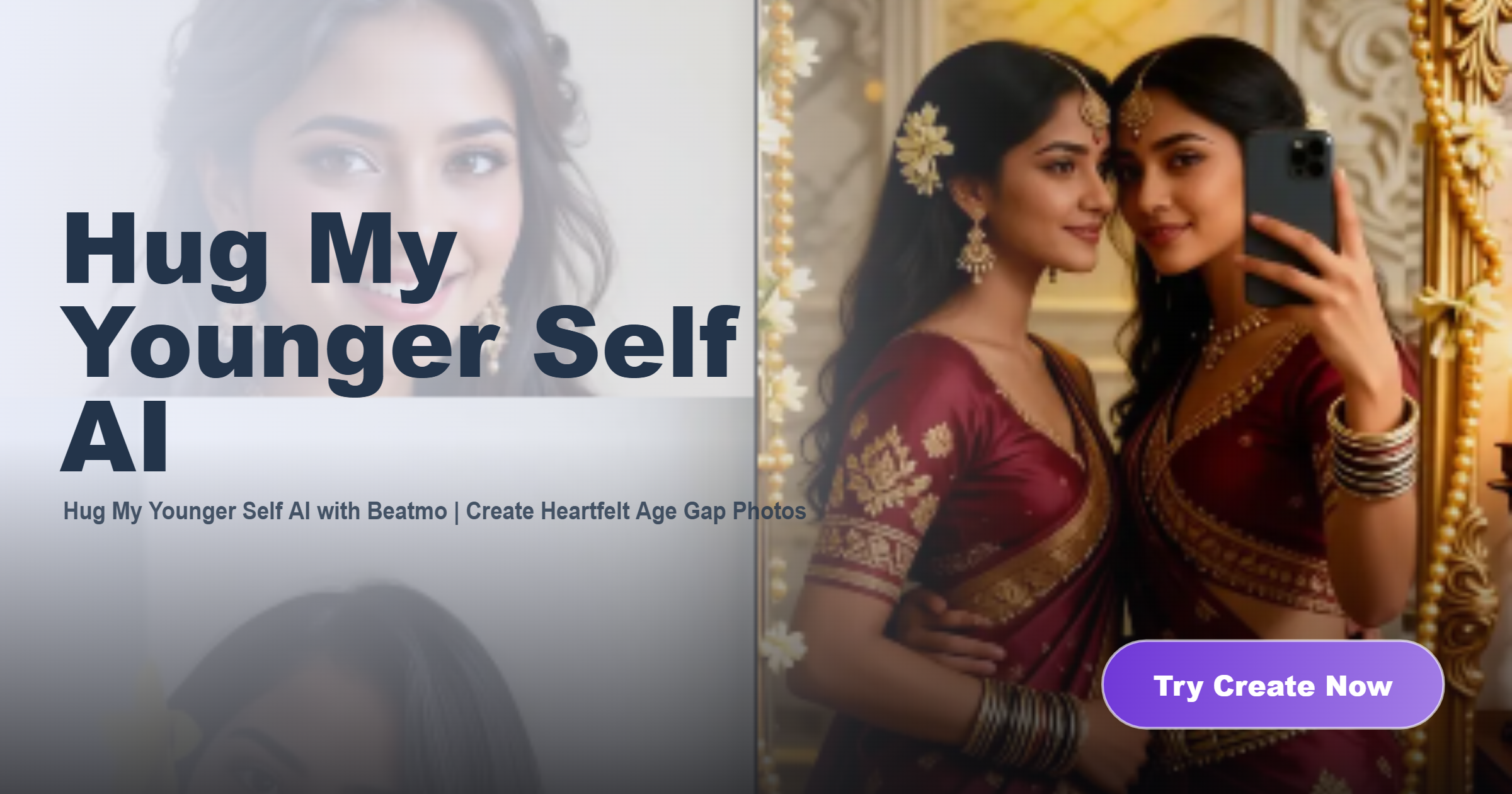
Hug My Younger Self AI with Beatmo | Create Heartfelt Age Gap Photos
Beatmo Big Ass XXX Video Generator: Create Porn Videos with Ease
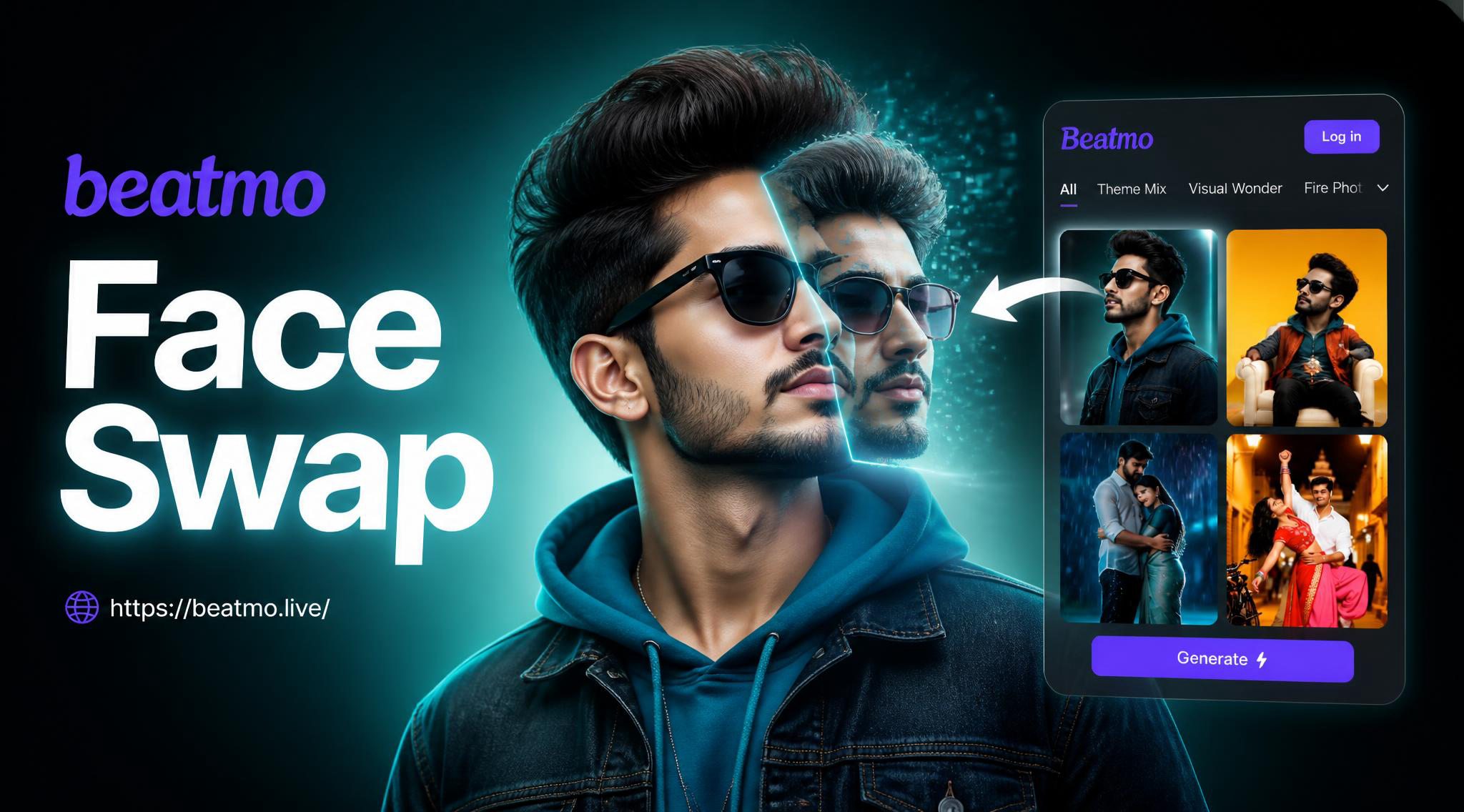
Pixlr Face Swap: AI Face Exchange Tool

Online Invitation Card Maker - Design & Download Instantly

Image to Video AI-Turn any photo into a moving video
Hug My Younger Self AI with Beatmo | Create Heartfelt Age Gap Photos
Beatmo Big Ass XXX Video Generator: Create Porn Videos with Ease
Pixlr Face Swap: AI Face Exchange Tool
Online Invitation Card Maker - Design & Download Instantly
Image to Video AI-Turn any photo into a moving video
Give Your Halloween Photos a Fresh Costume Look
Download the Beatmo app to try AI Halloween costume generator filters, style your photos with seasonal details, and discover new Halloween looks with ease.
Give Your Halloween Photos a Fresh Costume Look
Download the Beatmo app to try AI Halloween costume generator filters, style your photos with seasonal details, and discover new Halloween looks with ease.