Bikini Model Generator
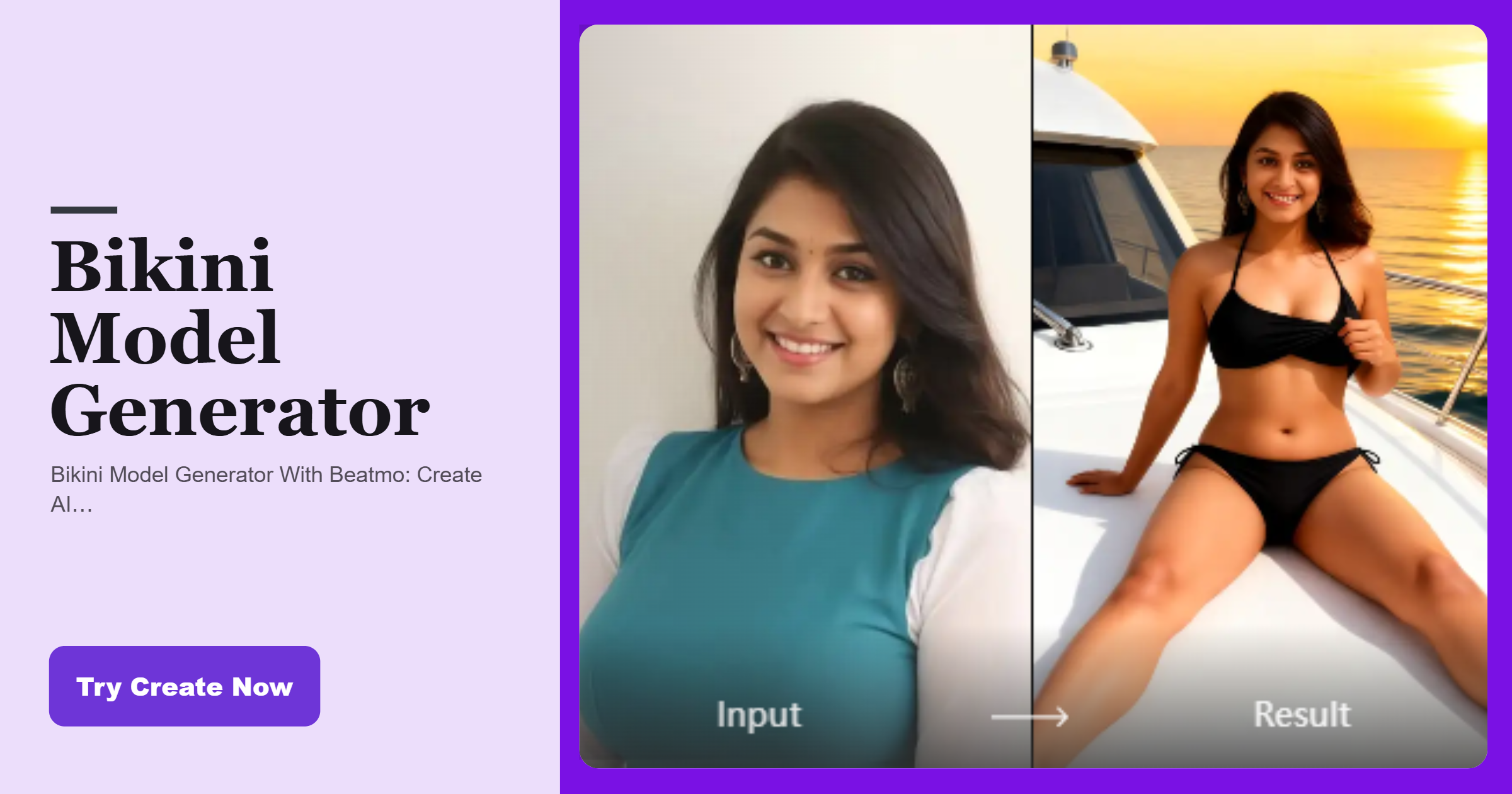
Try the Bikini Model Generation Filter
Give your photo a fashion inspired update with confident styling, realistic lighting, and a camera ready appearance.
Advantages of Using Beatmo to Generate Bikini Model Images
Keep your source image recognizable while Beatmo adapts the subject into a fashion focused bikini concept that suits the original photo.
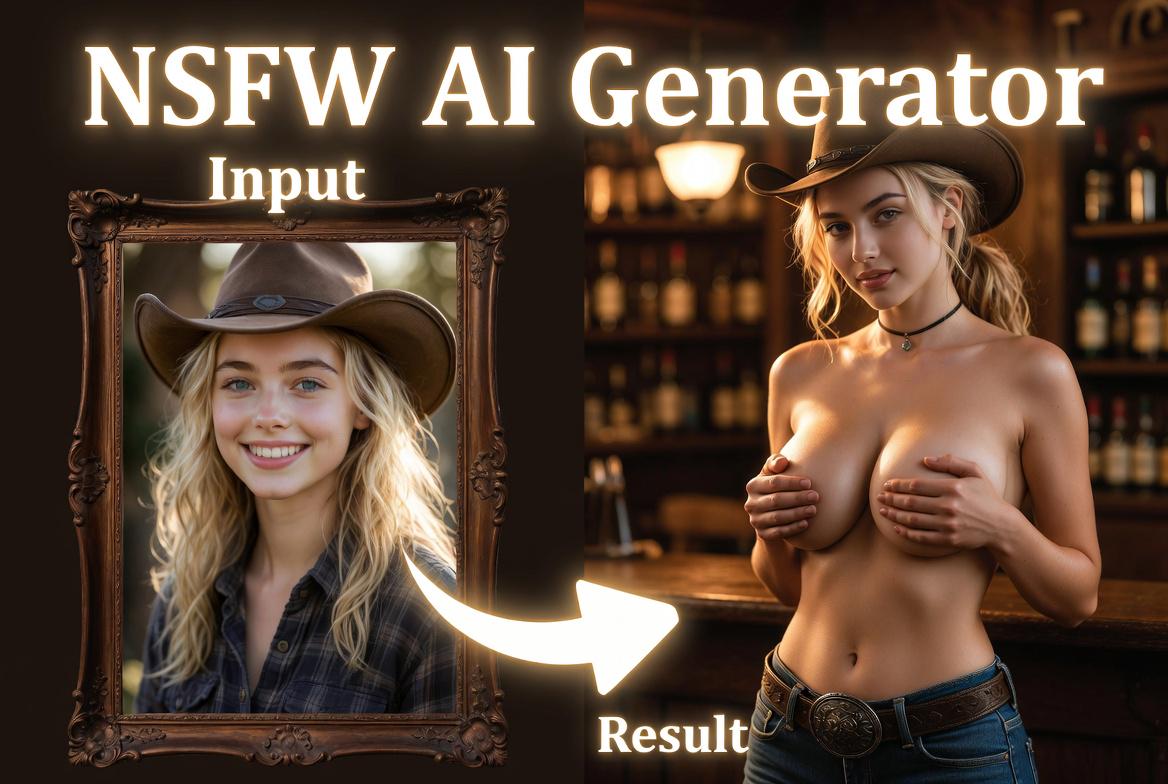
 Before
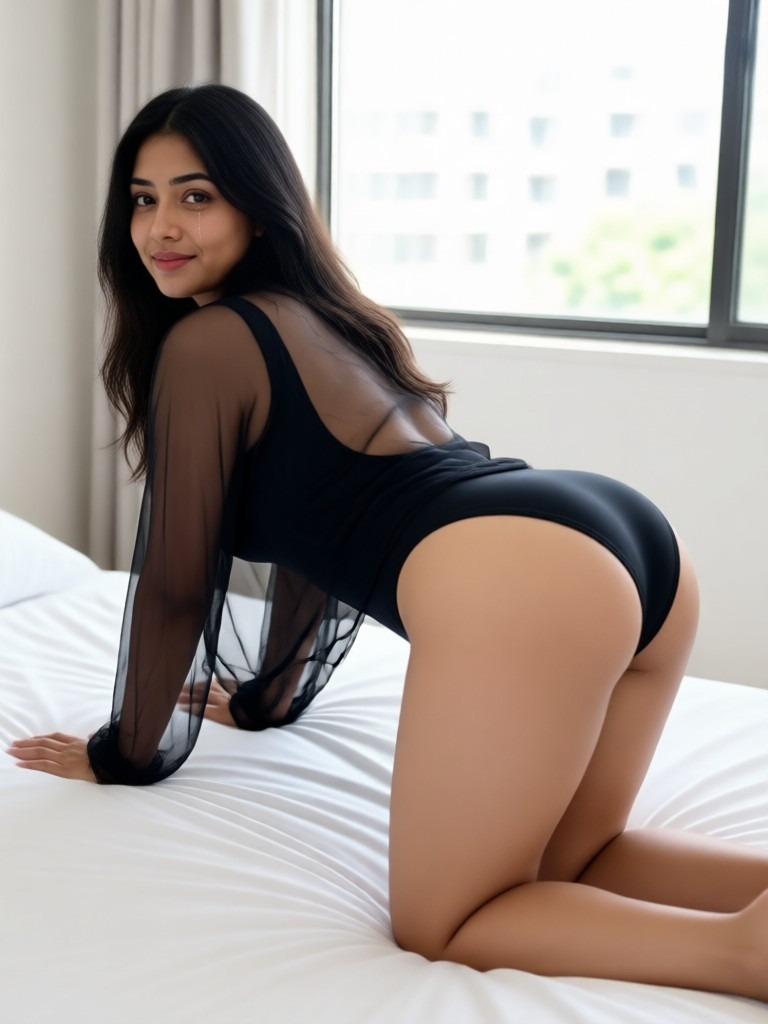 After
Keep Your Original Look
Bikini model generator uses your photo as the visual foundation while keeping key facial features recognizable. Beatmo adapts the subject into a bikini model concept without losing the connection to the original image. Your appearance remains familiar as the scene takes on a new direction.
BeforeAfterKeep Your Original Look
Bikini model generator uses your photo as the visual foundation while keeping key facial features recognizable. Beatmo adapts the subject into a bikini model concept without losing the connection to the original image. Your appearance remains familiar as the scene takes on a new direction.
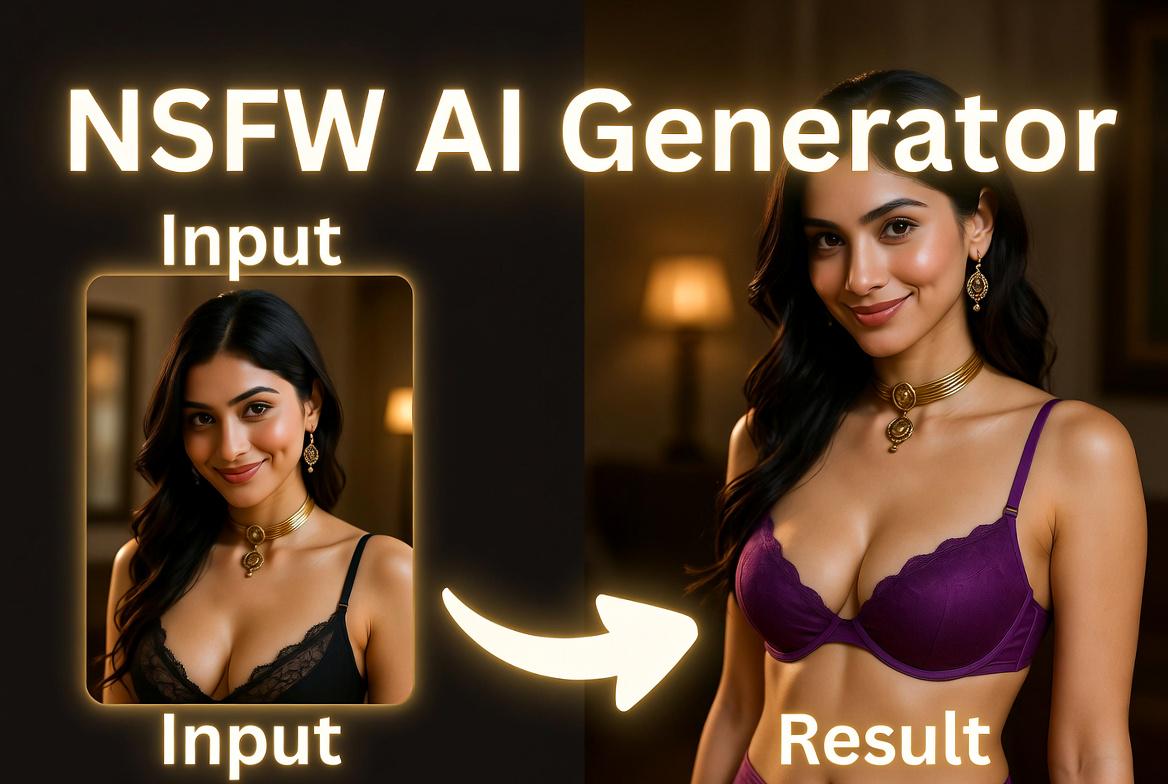
 Before
Refine Your Fashion Concept
With bikini model generator, you can reshape the presentation around your source photo. Beatmo handles the clothing, pose, and setting as part of the same visual composition. This helps the finished image feel natural while keeping attention to the subject and the fashion concept.
BeforeRefine Your Fashion Concept
With bikini model generator, you can reshape the presentation around your source photo. Beatmo handles the clothing, pose, and setting as part of the same visual composition. This helps the finished image feel natural while keeping attention to the subject and the fashion concept.
 Before
Extend Images Into Video
From a finished image, bikini model generator can support ideas that involve movement. Beatmo brings its AI video features into the workflow, allowing you to develop the same concept into short visual clips. The subject remains recognizable as the scene gains motion.
BeforeExtend Images Into Video
From a finished image, bikini model generator can support ideas that involve movement. Beatmo brings its AI video features into the workflow, allowing you to develop the same concept into short visual clips. The subject remains recognizable as the scene gains motion.
How to Generate a Bikini Model With Beatmo?
Learn how to generate a bikini model with Beatmo. Follow this guide and try it yourself.
Step 01.
Download the Beatmo app and start generating a bikini model anytime right in the app.
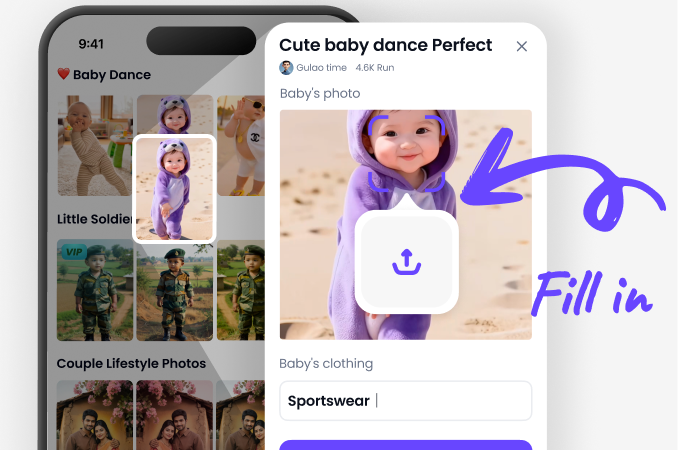
Step 02.
In the app, choose a bikini model filter you like and upload a portrait photo to generate your result.
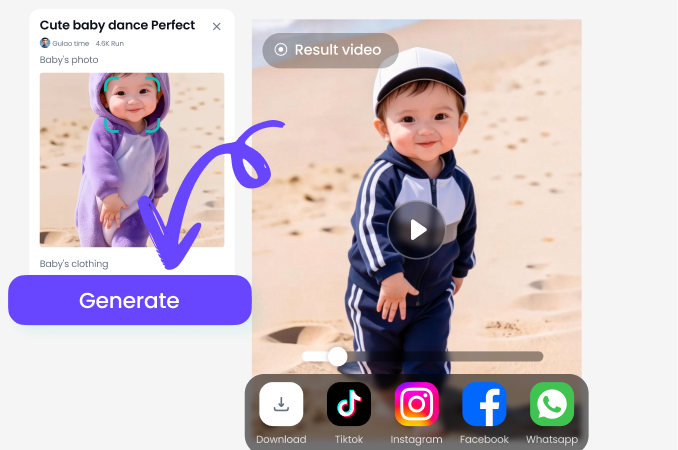
Step 03.
Tap the generate button, and Beatmo will turn your photo into a bikini model look.
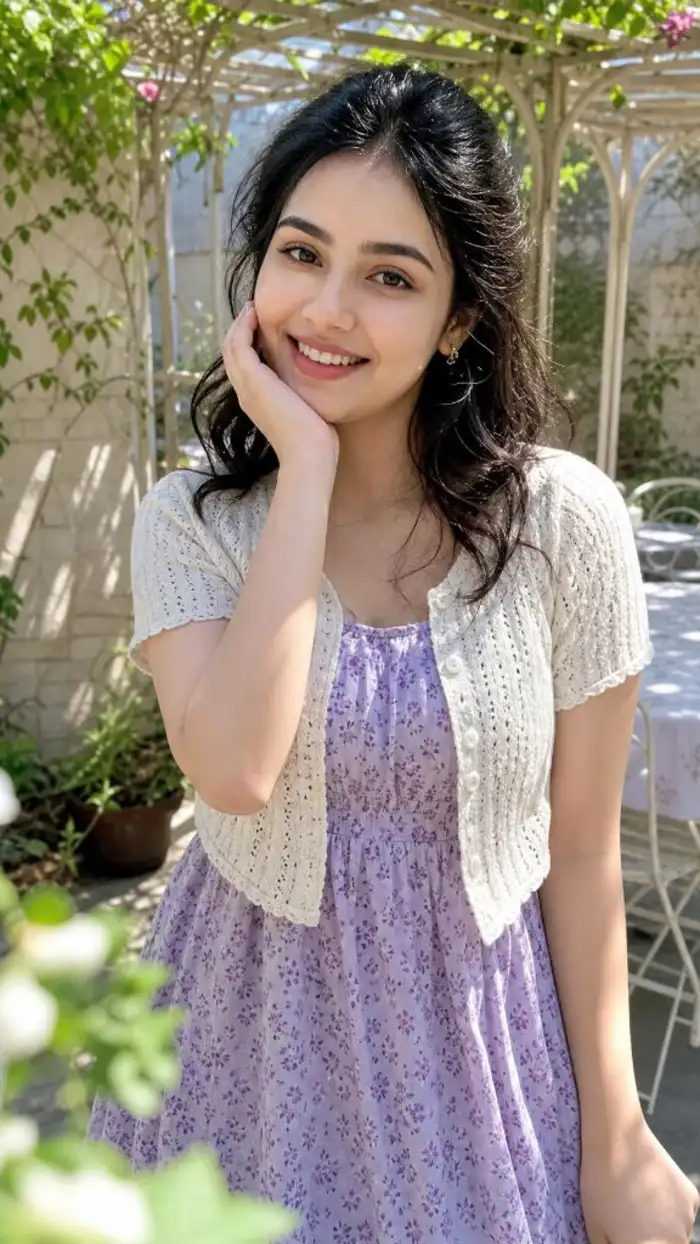
Try Bikini Model Generator With Beatmo
Use bikini model generator with Beatmo to rework your photos. Give them a fashion focused look while keeping the subject recognizable and connected to the original image.
Bikini Model Results Generated With Beatmo
See how Beatmo adapts your photos into bikini model visuals while keeping the original subject recognizable and naturally framed.



Bring Your Bikini Model Ideas to Beatmo
Discover bikini model generator with Beatmo and give your photos a fresh visual concept. See how your original image can take on a different fashion setting.

Frequently Asked Questions
Find clear answers to common questions and get the guidance you need to make the most of our platform, faster and easier.
More Topics You May Like
Explore more topics you may like and discover fresh ideas tailored to your interests.
Beatmo Nude Runway Models Filter for Fashion Style
Pinay Nude Videos With Natural AI Motion | Beatmo
Beatmo Head Swap Porn Filters: Create Fresh Looks with Head Swap Porn Effects
AI Nude Online Free Tool for Easy Visual Creation | Beatmo
Bikini App for Porn Photo Editing with Beatmo
Beatmo Nude Runway Models Filter for Fashion Style
Pinay Nude Videos With Natural AI Motion | Beatmo
Beatmo Head Swap Porn Filters: Create Fresh Looks with Head Swap Porn Effects
AI Nude Online Free Tool for Easy Visual Creation | Beatmo
Bikini App for Porn Photo Editing with Beatmo
Bring Bikini Model Generator to Your Photos
Download the Beatmo app to try bikini model generator on your phone. Upload a photo and continue developing your ideas with AI tools anytime.
Bring Bikini Model Generator to Your Photos
Download the Beatmo app to try bikini model generator on your phone. Upload a photo and continue developing your ideas with AI tools anytime.