Front Hip Twerk AI
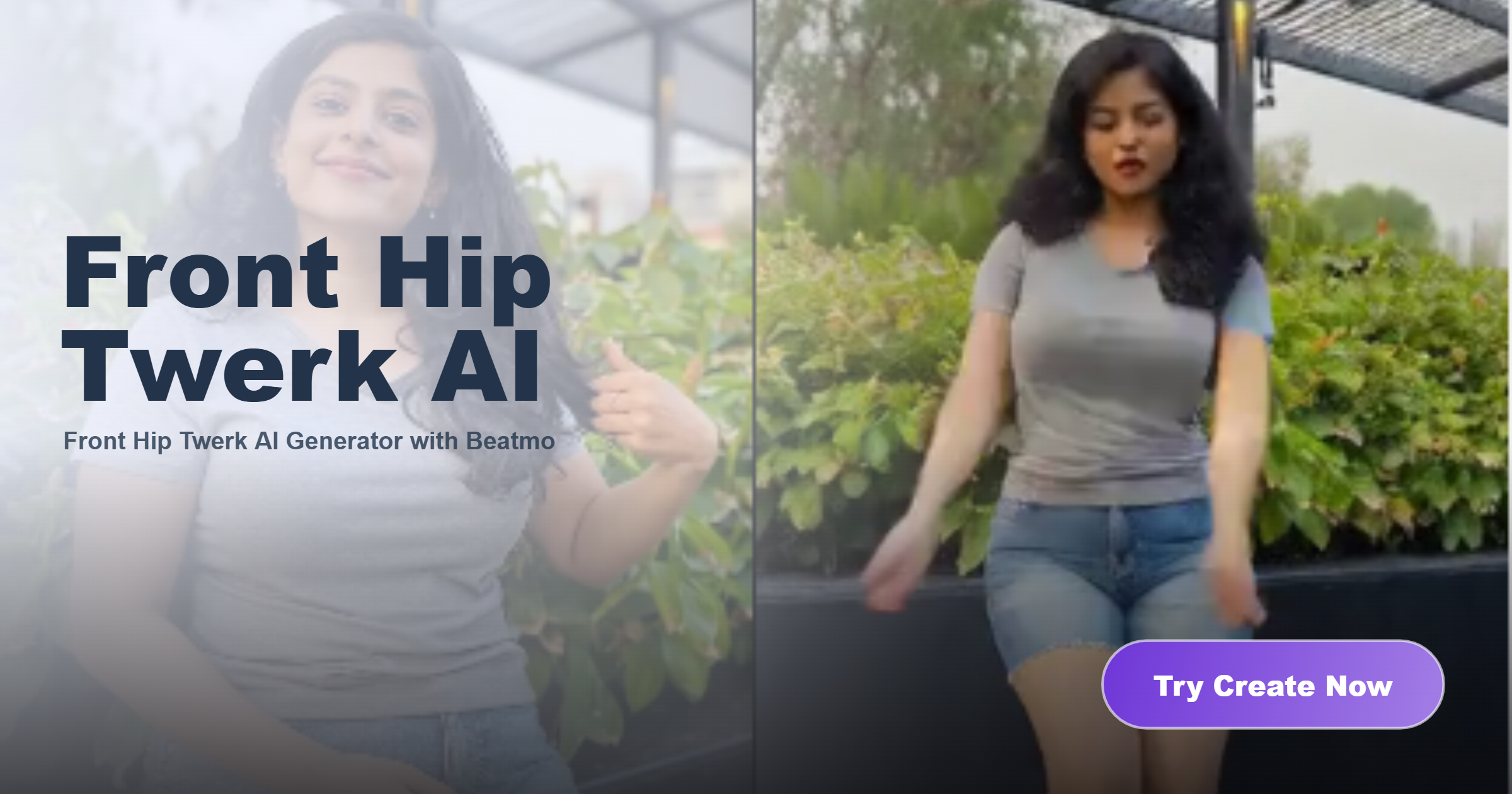
Recommended Front Hip Twerk AI Filters for You
Choose front hip twerk AI filters that add natural rhythm and flowing movement while keeping the subject clear and recognizable throughout the video.
Advantages of Using Beatmo to Generate Front Hip Twerk Videos
Beatmo adds steady hip movement to your footage while keeping the front view clear, facial details visible, and motion consistent.
 Before
Natural Dance Movement
Front hip twerk AI adds steady hip motion to your image while keeping the subject facing forward. Beatmo helps the movement develop naturally, so the video feels continuous without making the original pose or body position look disconnected.
BeforeNatural Dance Movement
Front hip twerk AI adds steady hip motion to your image while keeping the subject facing forward. Beatmo helps the movement develop naturally, so the video feels continuous without making the original pose or body position look disconnected.
 Before
Clear Subject Details
Your source image remains an important visual reference when using front hip twerk AI. With Beatmo, facial features and overall appearance stay recognizable as the body moves, helping you keep the main subject clear throughout the generated video.
BeforeClear Subject Details
Your source image remains an important visual reference when using front hip twerk AI. With Beatmo, facial features and overall appearance stay recognizable as the body moves, helping you keep the main subject clear throughout the generated video.
 Before
Flexible Motion Filters
Beatmo offers front hip twerk AI filters that give you different ways to shape the dance effect. You can choose a suitable filter based on the movement and visual direction you want, then apply it to your image for a smooth video result.
BeforeFlexible Motion Filters
Beatmo offers front hip twerk AI filters that give you different ways to shape the dance effect. You can choose a suitable filter based on the movement and visual direction you want, then apply it to your image for a smooth video result.
How to Generate Front Hip Twerk Videos?
Learn how to generate front hip twerk videos with Beatmo through a simple tutorial. Download the Beatmo app and try it yourself.

Step 01.
Download the Beatmo app and generate front hip twerk videos anytime you want.
Step 02.
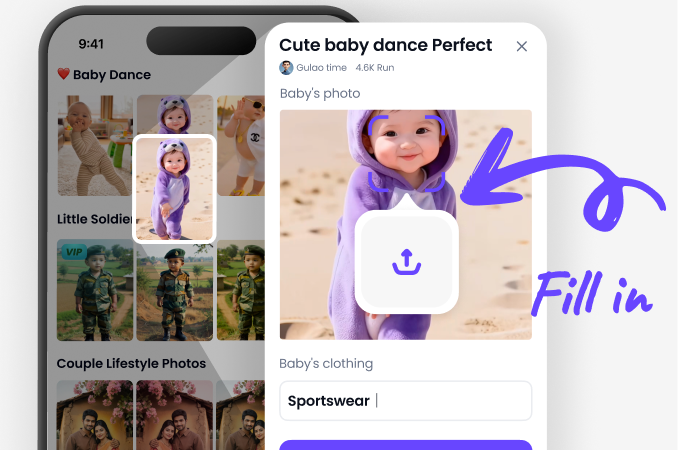
Choose your favorite front hip twerk filter in the app, then upload a photo to apply the effect and generate your video.
Step 03.
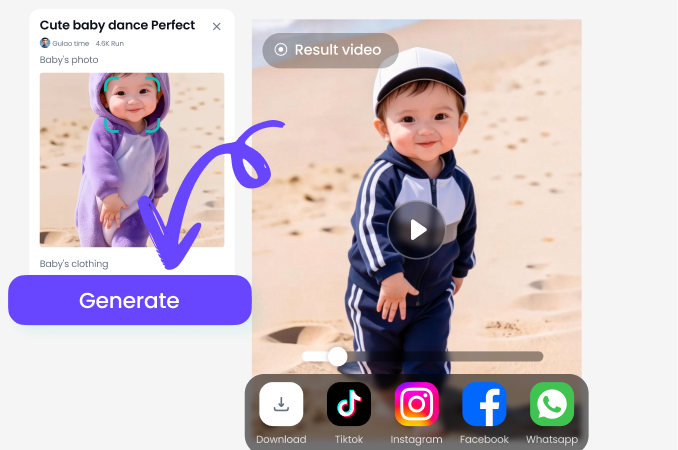
Tap the generate button, and Beatmo will turn your photo into a front hip twerk video.
Front Hip Twerk Videos Generated with Beatmo
See how front hip twerk AI adds natural dance movement to still images, while Beatmo keeps the subject clear and the motion visually consistent.
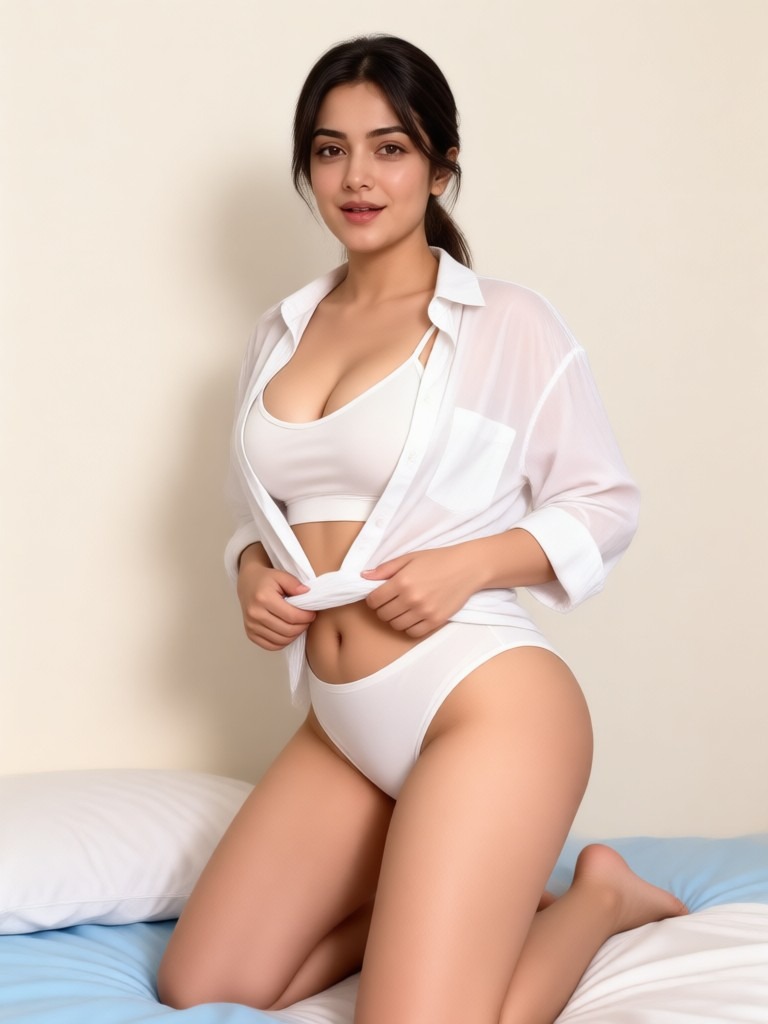
Make Your Images Move with Front Hip Twerk AI
Give your still images a natural dance rhythm with front hip twerk AI, and use Beatmo to add smooth movement while keeping the subject clear.

User Feedback on Beatmo Front Hip Twerk AI Filters
A Livelier Photo
I uploaded a simple portrait to Beatmo and tried front hip twerk AI. The generated video added clear dancing motion while keeping my face and appearance recognizable, so the result still felt like my original photo.
Different Movement
I tested front hip twerk AI with a few filters and noticed clear differences in how the body moved. Beatmo kept the camera view stable, which made the dance motion easier to follow from beginning to end.
Quick Experiment
I wanted to see how a still image would look with dance movement, so I tried front hip twerk AI in Beatmo. The result added continuous hip motion while keeping the subject visually consistent throughout the short video.
Frequently Asked Questions
Find clear answers to common questions and get the guidance you need to make the most of our platform, faster and easier.
More Topics You May Like
Explore more topics you may like and discover fresh ideas tailored to your interests.
Beatmo Nude Runway Models Filter for Fashion Style

Pinay Nude Videos With Natural AI Motion | Beatmo
Beatmo Head Swap Porn Filters: Create Fresh Looks with Head Swap Porn Effects

AI Nude Online Free Tool for Easy Visual Creation | Beatmo
Bikini App for Porn Photo Editing with Beatmo
Beatmo Nude Runway Models Filter for Fashion Style
Pinay Nude Videos With Natural AI Motion | Beatmo
Beatmo Head Swap Porn Filters: Create Fresh Looks with Head Swap Porn Effects
AI Nude Online Free Tool for Easy Visual Creation | Beatmo
Bikini App for Porn Photo Editing with Beatmo
Add Natural Dance Movement to Your Photos with Beatmo
Download the Beatmo app to try front hip twerk AI filters, add natural movement to your photos, and discover more video effects for your creative ideas.
Add Natural Dance Movement to Your Photos with Beatmo
Download the Beatmo app to try front hip twerk AI filters, add natural movement to your photos, and discover more video effects for your creative ideas.