Undress App Download
Recommended Undress Filters for the Beatmo App
Choose from a wide range of undress filters to adjust mood, texture, lighting, composition, and motion for each visual.
Advantages of Downloading the Beatmo App for Undress Effects
Edit undress photos and videos on mobile, apply filters, adjust key details, and save your results with fewer steps.
 Before
Easy Creation on Mobile
Beatmo makes app downloads useful when you want to work on undress images or videos anywhere. Enter a short description or upload a photo, then choose from a range of filters. Adjust the result with simple controls and continue refining your visual directly on your phone.
BeforeEasy Creation on Mobile
Beatmo makes app downloads useful when you want to work on undress images or videos anywhere. Enter a short description or upload a photo, then choose from a range of filters. Adjust the result with simple controls and continue refining your visual directly on your phone.
 Before
Filters for Undress Effects
With the Beatmo app download, you can access many filters for undress visual effects. Pick a filter that fits your idea, then adjust details such as lighting, texture, composition, or motion. You can also use a short description to guide another round of edits.
BeforeFilters for Undress Effects
With the Beatmo app download, you can access many filters for undress visual effects. Pick a filter that fits your idea, then adjust details such as lighting, texture, composition, or motion. You can also use a short description to guide another round of edits.
 Before
Images and Videos in One App
For app download, Beatmo brings image and video tools together in one mobile workflow. Work from text or photos, add filters, and refine your results step by step. You can make images, animate photos, and save finished visuals without switching between different apps.
BeforeImages and Videos in One App
For app download, Beatmo brings image and video tools together in one mobile workflow. Work from text or photos, add filters, and refine your results step by step. You can make images, animate photos, and save finished visuals without switching between different apps.
How to Use the Beatmo App to Create Undress Effects
Learn how to use the Beatmo app to create undress effects. Download Beatmo and follow the tutorial to give it a try.
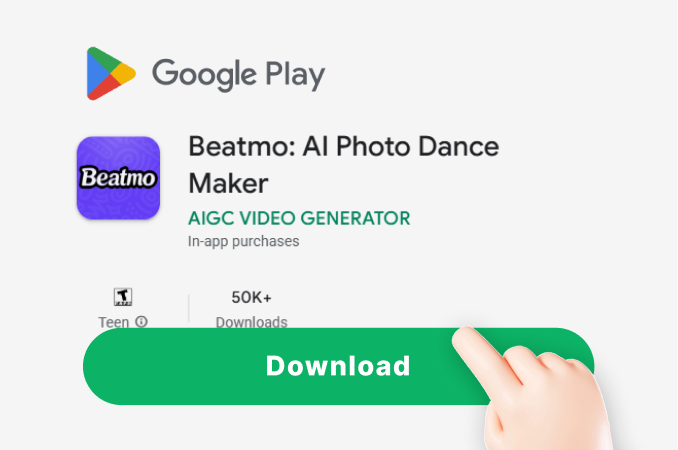
Step 01.
Download the Beatmo app and start creating undress effect images and videos anytime directly in the app.
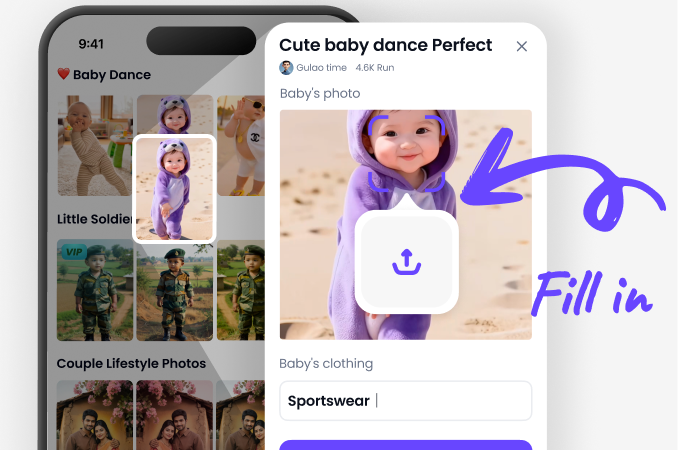
Step 02.
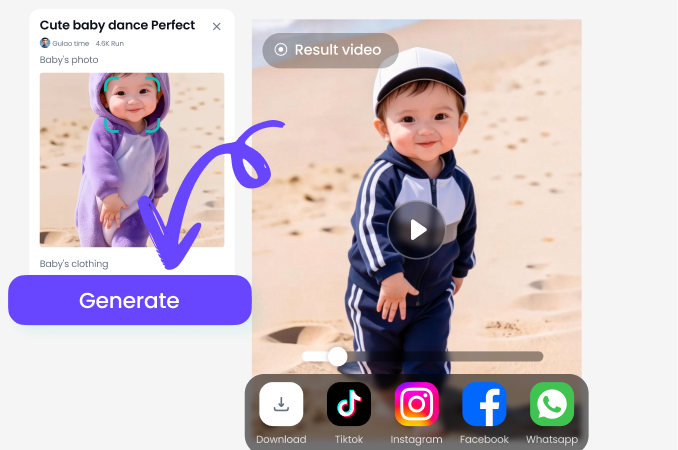
In the app, choose your preferred undress effect filter, then upload a photo through the filter to use as the source for generation.
Step 03.
Tap the button, and Beatmo will turn your photo into an undress effect image or video.
Why Download the Beatmo App
Beatmo is worth downloading when you want simple tools for undress images and videos. Choose filters, edit photos, add motion, and refine results on your phone without managing complicated steps or separate creative apps.
Why Download the Beatmo App
Beatmo is worth downloading when you want simple tools for undress images and videos. Choose filters, edit photos, add motion, and refine results on your phone without managing complicated steps or separate creative apps.
Showcase of Undress Creations Made with the Beatmo App
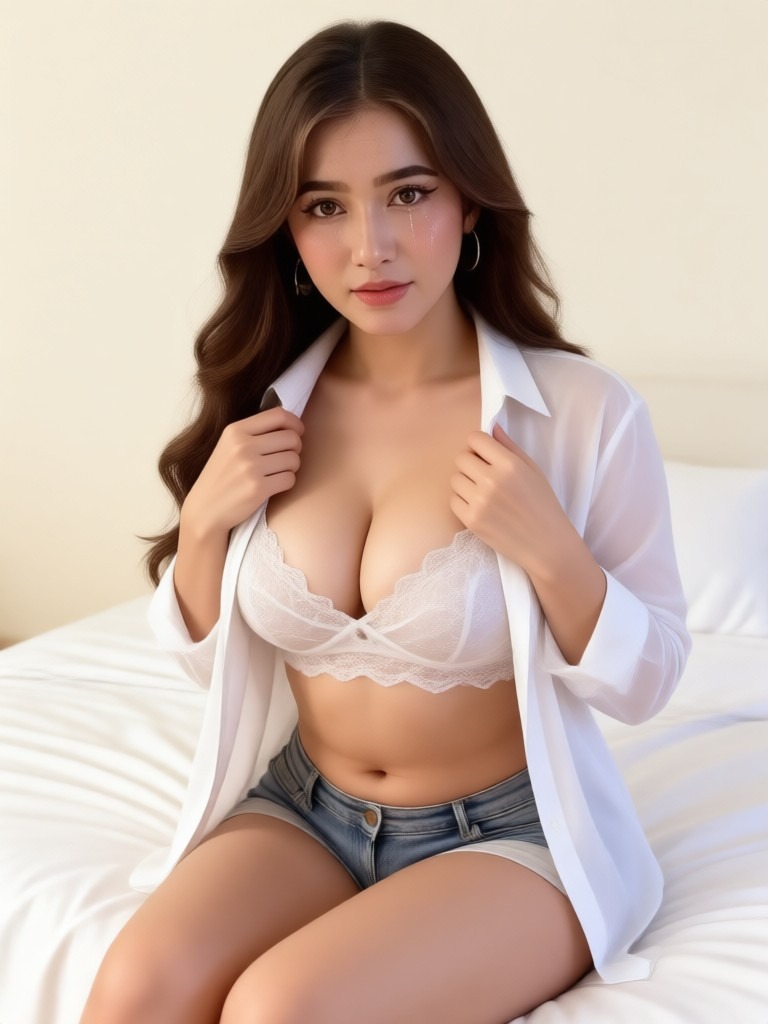
Browse undress images and videos made with Beatmo, featuring varied filters, photo edits, motion effects, and visual changes.
Download Beatmo and Make More Undress with Every Photo
Download the Beatmo app to edit undress photos, make porn videos, apply filters, and refine your ideas with simple tools designed for mobile creation.

Frequently Asked Questions
Find clear answers to common questions and get the guidance you need to make the most of our platform, faster and easier.
More Topics You May Like
Explore more topics you may like and discover fresh ideas tailored to your interests.

Beatmo Big Ass XXX Video Generator: Create Porn Videos with Ease
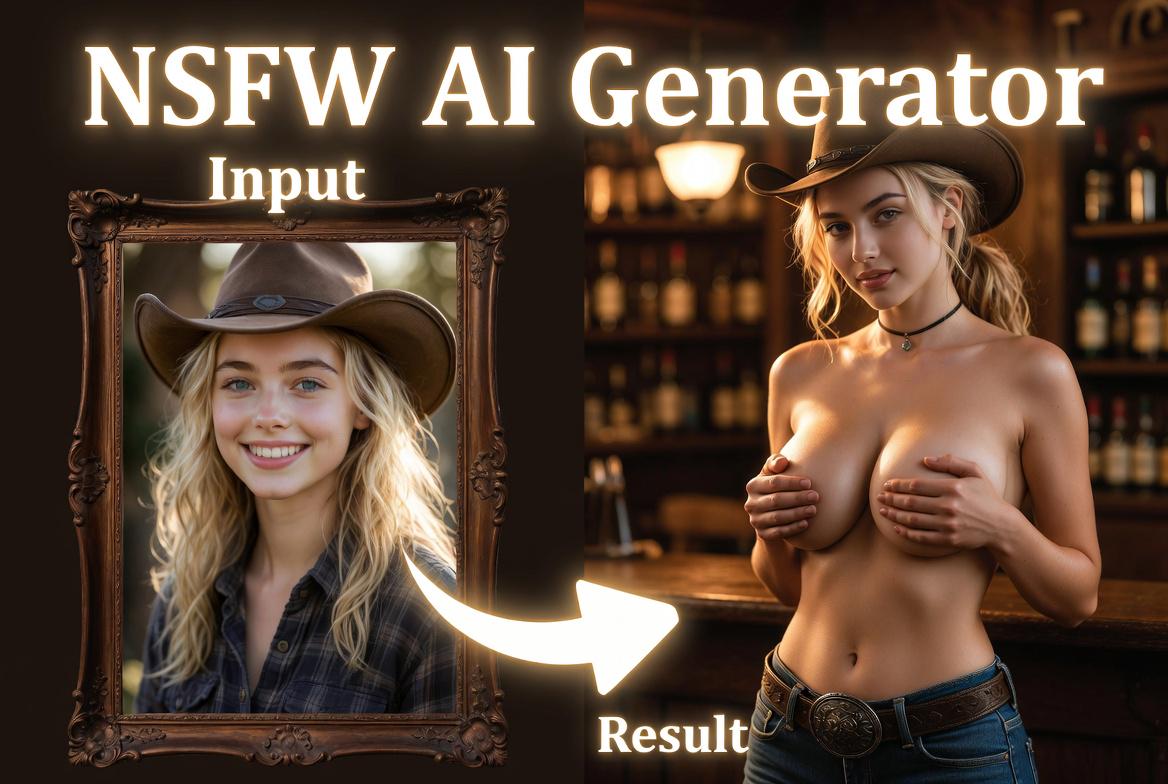
Beatmo Head Swap Porn Filters: Create Fresh Looks with Head Swap Porn Effects
Porn Face Swap Generator | Create Realistic AI Face Swaps
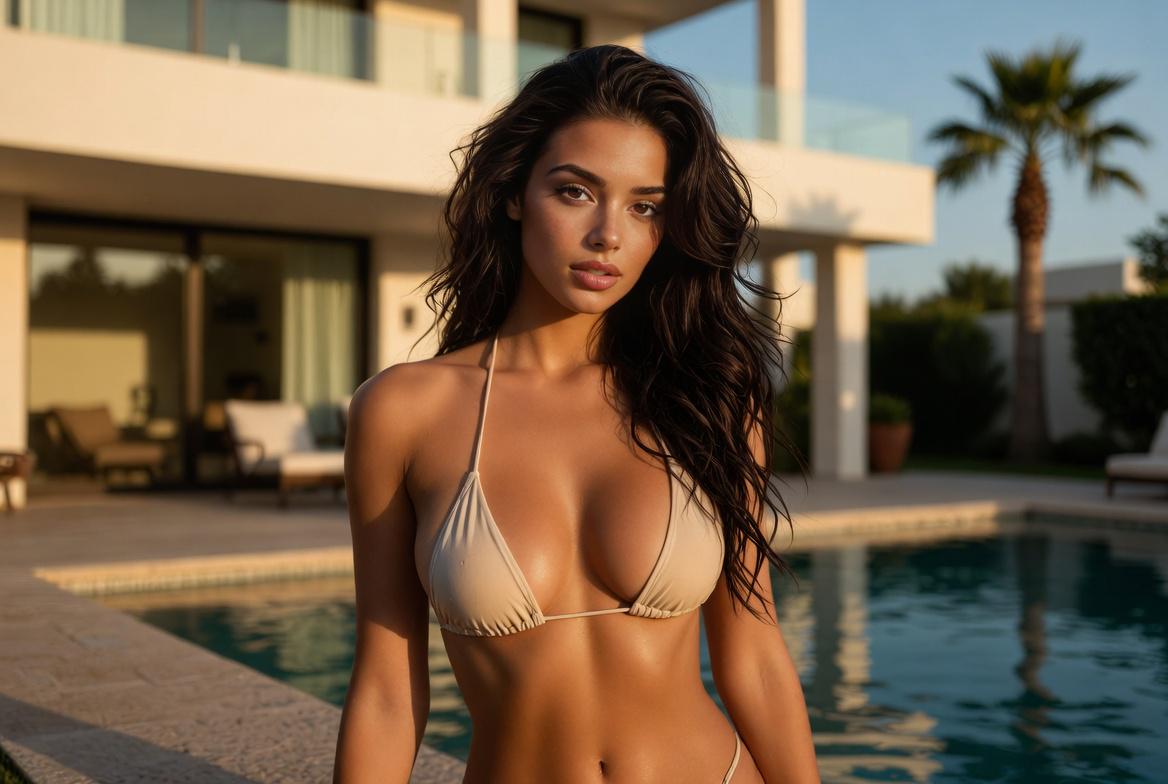
AI Micro Bikini with Beatmo | Creative Outfit Editing
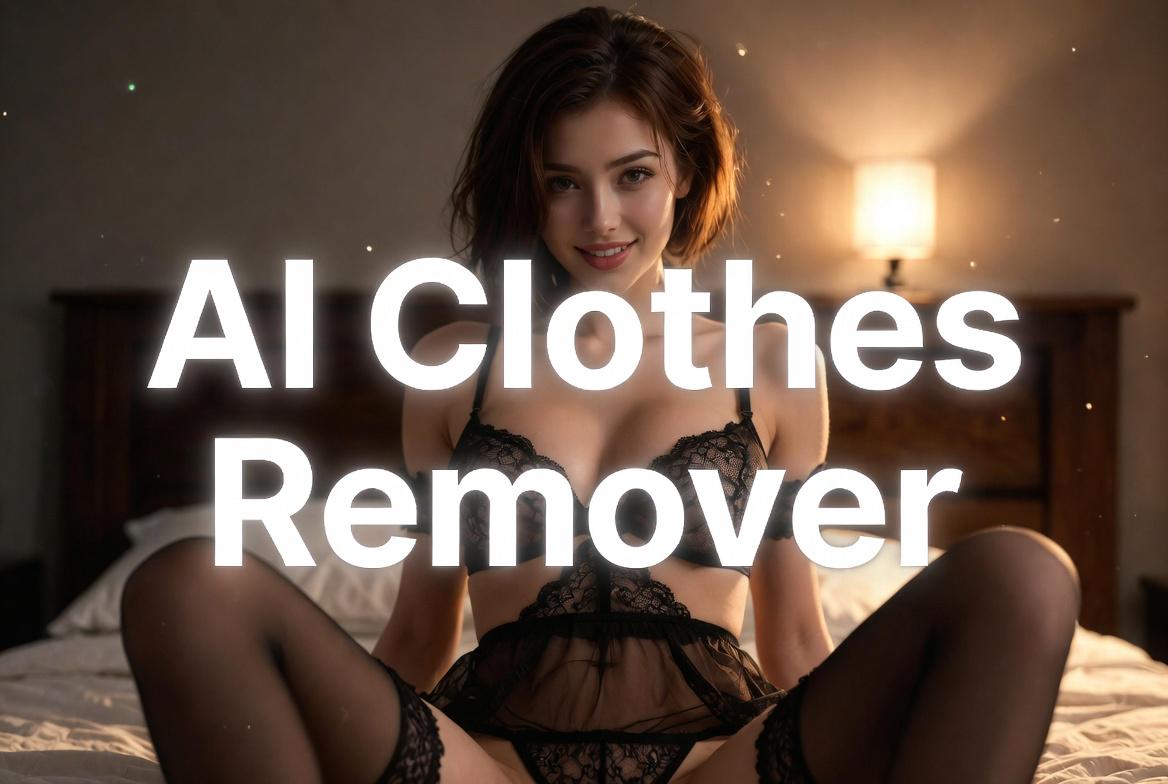
Photo Clothes Remove with Beatmo | AI Outfit Editing
Beatmo Big Ass XXX Video Generator: Create Porn Videos with Ease
Beatmo Head Swap Porn Filters: Create Fresh Looks with Head Swap Porn Effects
Porn Face Swap Generator | Create Realistic AI Face Swaps
AI Micro Bikini with Beatmo | Creative Outfit Editing
Photo Clothes Remove with Beatmo | AI Outfit Editing
Download Beatmo App and Start Creating on Mobile
Download the Beatmo app to edit undress photos, make videos, try different filters, and refine your ideas with simple mobile tools wherever you go.
Download Beatmo App and Start Creating on Mobile
Download the Beatmo app to edit undress photos, make videos, try different filters, and refine your ideas with simple mobile tools wherever you go.