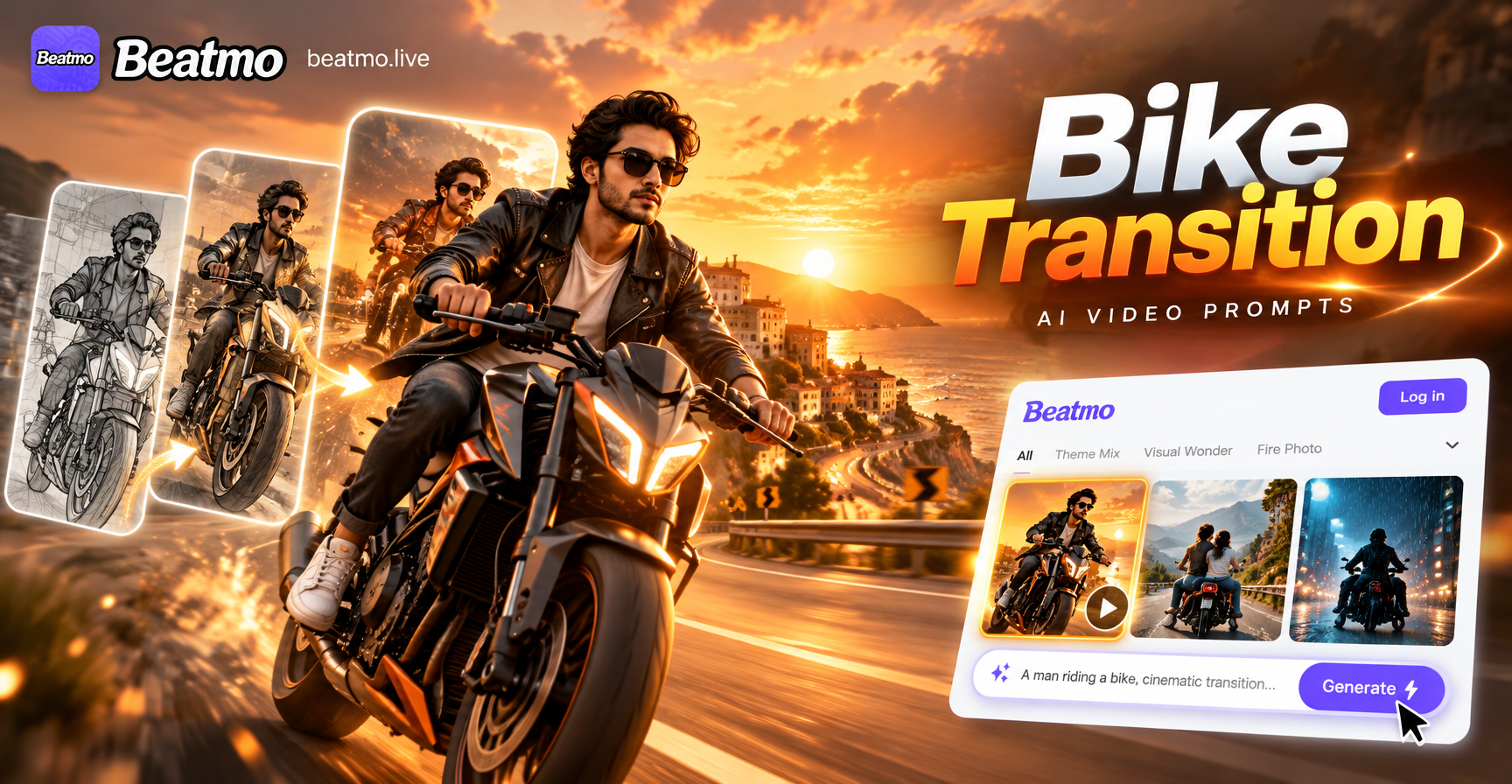
Flying car AI video prompts let you turn a few descriptive lines into short motion clips featuring hovering vehicles, elevated highways, and aerial traffic. This guide collects specific prompts you can copy, adapt, and test in a text to video generator like beatmo. The goal is to help you avoid generic results and get controllable movement, clear subject detail, and believable environments.
Most weak flying car videos come from prompts that are too short or too vague. A prompt that says flying car in city gives the model no direction for camera movement, lighting, time of day, or vehicle design. The prompts below include those missing details.
What a Strong Flying Car AI Video Prompt Includes
Before the list, here are the elements that make a prompt easier to execute. A useful flying car video prompt usually names the vehicle type, the setting, the motion path, the camera behavior, the lighting, and the visual style. For example, a single seater electric flying car is very different from a heavy cargo hover vehicle. Narrowing the vehicle type helps the AI hold the subject steady across frames.
Camera language matters too. Words like slow aerial tracking shot, low angle follow, cockpit view, wide establishing shot, and close orbit tell the model how to sequence movement. Without camera direction, the video may drift between viewpoints.
- Vehicle design: single seater, two seater taxi, police interceptor, delivery pod, luxury coupe.
- Environment: dense skyline, desert canyon, coastal highway, orbital port, suburban street.
- Motion: smooth lane change, sudden ascent, tight turn, landing, vertical takeoff.
- Camera: aerial tracking, side follow, cockpit POV, top down, long lens compression.
- Style: photorealistic, cinematic, anime, retro futurism, documentary, cyberpunk.
- Atmosphere: sunset haze, wet asphalt reflections, fog, neon glow, dust clouds.
Flying Car AI Video Prompts for Different Scenes
Each prompt can be copied directly into beatmo or another text to video tool. For stronger results, replace the vehicle color, city name, or camera direction with details that match your footage plan.
Cinematic City Flight Prompts
A silver flying car glides between mirrored skyscrapers at golden hour, camera tracks from a slow aerial side angle, soft haze and lens flare, photorealistic cinematic videoTwo seater air taxi rises vertically from a rooftop landing pad, steam drifts across the platform, low angle tracking shot, morning light, 35mm film lookSleek black flying car banks left around a glass tower, wet street reflections below, aerial follow cam, shallow depth of field, dramatic orchestral moodAutonomous flying car joins a layered aerial traffic lane above a rain soaked downtown, dashboard HUD glows, medium tracking shot, blue and orange gradeWhite luxury flying vehicle descends toward a skyport carved into a high rise, camera tilts down from rooftop, sunset clouds, clean advertising styleCrimson flying taxi hovers at a stoplight above a crowded crosswalk, steam rises from pavement, camera holds a medium shot, blue hour, film grainGolden flying car cruises past a rooftop garden, petals swirl in the air wake, side follow cam, soft afternoon light
Sci-Fi Chase Prompts
A police flying car chases a red speeder through a narrow sky corridor, camera follows from behind at high speed, neon signs blur past, cyberpunk color paletteTwo flying delivery pods race above an elevated maglev track, sparks fly from a damaged fin, fast lateral tracking shot, overcast industrial skylineRusted flying coupe dodges incoming drone traffic near a spaceport, cockpit POV with rapid head movement, dust and smoke, handheld action feelArmored flying escort vehicle weaves between cargo towers, missiles leave smoke trails, wide establishing shot with sudden zoom, thunderstorm lightingFlying muscle car skids across a rooftop wind draft, rear tires glow from thruster heat, low angle follow, warm amber and dark teal gradeMatte black military flying vehicle breaks through low storm clouds, lightning flickers on the hull, overhead tracking shot, desaturated gradeFlying ambulance with pulsing blue lights threads through tall chimneys, camera leads from the front, cold industrial haze
Animated and Stylized Prompts
Studio Ghibli style flying car with a round canopy floats above a seaside town, camera slowly pans, soft watercolor clouds, gentle wind through grassAnime flying taxi drives through a vertical city at night, cel shaded characters lean out the window, dynamic side tracking shot, pink and cyan neon3D clay animation flying car bounces between floating islands, camera orbits playfully, pastel sky, stop motion rhythmVector art flying car moves along a clean futuristic highway in the sky, flat colors, simple shapes, smooth top down camera movementChildren's book illustration style flying car with a propeller roof flies over a patchwork landscape, soft parallax layers, warm daylightLo-fi anime flying car drifts beside a train line in the sky, power lines sway, warm sunset loop, tranquil side panMinimalist motion graphic flying car crosses a grid landscape, clean geometric shadows, smooth constant speed, pastel palette
Documentary and Realistic Prompts
Documentary shot of a prototype flying car taking off from a desert test facility, heat shimmer, long lens from a distance, dust kicks outwardNews helicopter view of a flying car navigating controlled airspace, stable zoom lens, clear midday light, realistic noise and motionEngineer walks toward a parked flying car in a wind tunnel hangar, camera on a dolly, practical lights, slight handheld motionPilot inspects the undercarriage of a flying car at dawn, steam from a charging port, naturalistic colors, quiet documentary pacingTest pilot gives a hand signal from the cockpit of a flying car on a runway, telephoto lens, overcast morning, subtle handheld motionMaintenance crew services a flying car in an open air hangar, sparks from a welding arm, wide shot, natural light
First Person and Cockpit Prompts
Cockpit view of a flying car ascending through low clouds, hands on the yoke, instrument panel glowing, gentle turbulence, immersive POVPassenger view from the back seat as a flying car glides over a moonlit bay, window reflection, soft interior light, calm aerial motionFirst person view of a flying car landing on a roof, dashboard warning lights change from red to green, slight camera shake on touchdownPilot reaches for a holographic navigation dial while the flying car hovers above a night market, shallow focus on the hand, neon outsidePilot turns the yoke as a flying car rises above traffic, sweat on the dashboard reflected light, slight G force shake, bright exteriorBack seat passenger watches a flying car pass beneath a stone arch bridge, water below, steady camera, late afternoon
How to Adapt These Flying Car AI Video Prompts
These prompts are starting points, not fixed instructions. If your first output looks too similar across scenes, change one or two elements at a time. Swapping the camera phrase often changes the entire feel. For example, a prompt with aerial tracking shot tends to feel like a chase or product film. A prompt with cockpit POV feels like a simulation. A prompt with wide establishing shot feels like worldbuilding.
Color and weather also shape tone. A night scene with wet roads reads as cyberpunk. A desert scene with heat haze reads as documentary. An overcast industrial scene reads as sci-fi logistics. Use those associations to match the story you want to tell.
When you need to produce a series of clips, keep the vehicle description and setting stable while changing only the motion and camera. That consistency helps create a sequence that feels like one world.
Common Weak Results and How to Fix Them
Even detailed prompts can produce warped frames. Here are the most common problems and specific prompt adjustments that often fix them.
The car changes shape between frames
Add a fixed vehicle description at the start of the prompt and repeat it once in the middle. Instead of a flying car, use a compact silver flying car with swept tail fins and a glass canopy. The extra detail gives the model a clearer reference to maintain.
The camera movement is chaotic
Limit the prompt to one camera action. Avoid asking for zoom out, pan right, and orbit at the same time. Choose a single phrase like slow lateral tracking shot from left to right and let the scene stay simple.
The background looks empty or sparse
Add a background layer such as aerial traffic, rooftop gardens, drone delivery lanes, distant bridges, or cloud layers. A busy but not cluttered background helps sell the flying car world.
The motion looks too fast or too slow
Use pacing words like slow gliding approach, steady cruise, rapid evasion, or gentle hover. Pair the pacing with the camera distance. Close shots feel faster, wide shots feel slower.
The vehicle floats without weight
Include environmental reaction words like air wakes behind the car, rooftop dust lifts, reflection wobbles in a wet street, or thruster glow pulses. These small reactions make the motion feel grounded.
Tips for Longer and More Consistent Flying Car Videos
Most text to video tools generate short clips. To build a longer sequence, break the story into small action beats. A landing sequence can become three prompts: approach, descent, and touchdown. An escape sequence can become accelerate, dodge, and disappear into fog. Each beat should have its own prompt and its own camera direction.
If you are using beatmo, you can also upload a static flying car image as a reference and use image to video features to animate the scene. This is useful when you want to keep the exact vehicle design from a still image. Enter a simple motion instruction such as slow aerial tracking shot with the flying car moving toward the right and let the video generator add the movement.
Do not overload one prompt with too many characters, brands, or impossible physics. A prompt with three different flying cars, two camera moves, and a complex dialogue scene will struggle. Keep the subject count low and the action clear.
Prompt Checklist Before You Generate
- Start with one clear vehicle design and one color or material.
- Name the location and time of day.
- Include one camera movement, not several.
- Add one light source such as sunset, neon, or soft overcast.
- Add one environmental reaction for weight and motion.
- End with the visual style such as cinematic, anime, or documentary.
The best flying car AI video prompts are specific enough to guide the model but simple enough to avoid confusion. Start with the examples above, change one element at a time, and test several variants. With a small set of consistent prompts, you can create an entire flying car scene inside the beatmo app.