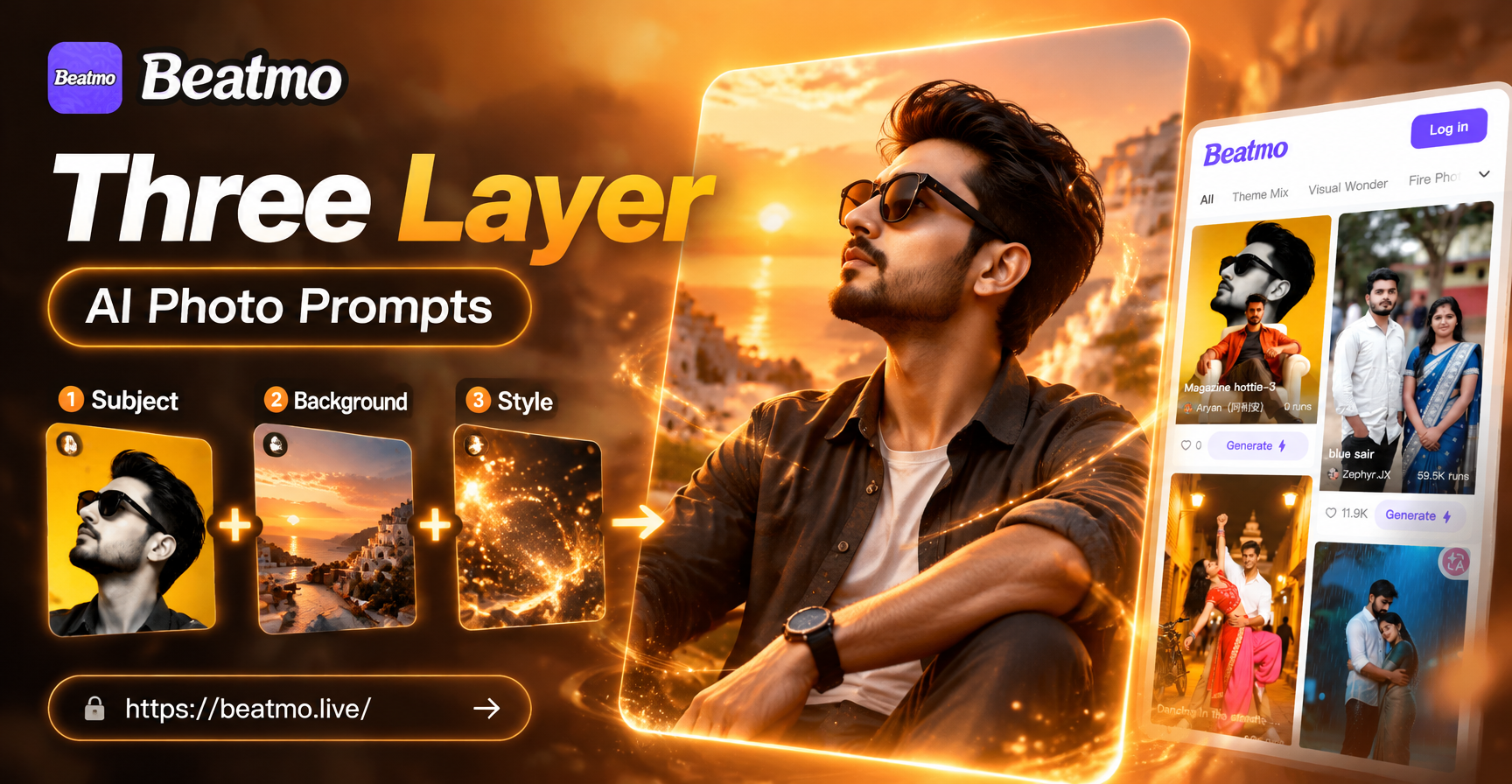
The three layer photo trend has taken social media by storm. Instead of generating a single static image, creators are now stacking multiple scenes vertically to tell a richer visual story. This technique works brilliantly for showcasing character evolution, depicting different moods, or illustrating timelines in a single frame. However, getting the AI to understand exactly what you want can be frustrating if you do not structure your input correctly. This guide breaks down the anatomy of effective Three Layer AI Photo Prompts and shows you how to use beatmo to achieve viral-ready results.
What Are Three Layer AI Photo Prompts?
Three layer AI photo prompts are text instructions designed to generate a single image divided into three distinct vertical or horizontal panels. Each panel contains a different scene, pose, or style while maintaining a consistent subject or theme throughout the image. The trend is particularly popular for showing transformation sequences, such as a character aging, a city changing through seasons, or a person wearing three different outfits. The challenge lies in maintaining visual consistency across the layers. The AI needs to understand that the character in the top layer is the same person in the bottom layer. Without the right prompt structure, the model often produces inconsistent facial features or disjointed backgrounds. Mastering the syntax allows you to keep the subject locked while transforming the environment.
Why the Trend Is Dominating Social Media
The appeal of the three layer format is its ability to convey a narrative instantly. In a feed full of single images, a carefully constructed triple stack grabs attention because it offers more visual information. Users stop scrolling to analyze the progression from one layer to the next. This boosts engagement rates significantly. On platforms like Instagram and TikTok, carousel posts or tall images naturally suit the vertical format. Creators use this style for fashion lookbooks, fitness transformations, and emotional storytelling. beatmo excels at this because its image-to-image and text-to-image engines handle complex spatial instructions better than many standard generators. The app's massive library of style filters also allows you to apply a unified aesthetic across all three layers, ensuring the final image looks like a cohesive art piece rather than a random collage.
Understanding the Anatomy of a Prompt
To get consistent results, you cannot simply write a paragraph of disjointed ideas. You need a clear structure. Think of your prompt as a brief for a photographer and a set designer. You must specify the overall setting, the subject, and the breakdown of the three layers. A strong prompt usually follows a top-to-bottom logic. You explicitly tell the AI to split the image into three sections. Then you describe what happens in the top section, the middle section, and the bottom section. You must also specify the background and the lighting for the entire image. Finally, you add a style modifier, such as cinematic, anime, or 3D clay. This prevents the AI from switching styles randomly between layers.
How to Structure a Three Layer Command
Start your prompt by declaring the canvas. Use phrases like "A tall vertical image divided into three horizontal sections" or "A 3-panel stacked narrative image." This immediately tells the model what you are trying to achieve. Next, introduce the subject with a unifying description. For example, "a young woman with silver hair, green eyes, and a red scarf." By establishing the subject before detailing the layers, you increase the chance the AI keeps her identity consistent. Then, describe each section chronologically from top to bottom.
Step 1: The Top Layer
Explain the starting state. For a season theme, this might be "In the top panel, she stands in a snowy winter forest, shivering, with snow falling." Be specific about the emotion and the environment. This gives the AI a clear directive for the first portion of the image.
Step 2: The Middle Layer
Describe the transitional phase. "In the middle panel, she walks through a blooming spring meadow, flowers bursting around her." Notice how the transition feels natural. The AI now understands that time or emotion is progressing through the image.
Step 3: The Bottom Layer
Finish the narrative. "In the bottom panel, she enjoys a bright summer beach scene, smiling confidently." By the end of the prompt, you have described a complete arc. Add technical details like "8k resolution, soft cinematic lighting, highly detailed faces" to boost quality. This structured approach is the core of successful Three Layer AI Photo Prompts.
Using beatmo Filters for Layer Consistency
One of the biggest advantages of beatmo is the ability to apply a style filter to your entire generation. When you select a filter like "Ghibli Style" or "Cyberpunk," the AI applies that aesthetic uniformly across all three panels. This eliminates the need for complex negative prompts. If you tried to generate a cyberpunk layer with a watercolor layer and a realistic photo layer, it would look chaotic. Instead, choose one filter and let the AI focus on the narrative content. The filter handles the artistic consistency. This is particularly useful for creators who are not professional prompt engineers. You simply describe the story, pick a filter, and let beatmo handle the visual heavy lifting. The result is a professional-looking triple stack that looks like it was designed by an artist.
Prompt Ideas for Viral Content
If you are stuck for ideas, consider these proven concepts. The "Past, Present, Future" theme works for almost any subject. Show a character in vintage clothes, modern casual wear, and futuristic space gear. The "Seasonal Change" prompt is perfect for landscape lovers. Show the same tree in autumn, winter, and spring. The "Fitness Journey" prompt is highly engaging. Show a person at the start of their workout, mid-workout, and celebrating at the finish line. For fashion pages, use the "Lookbook" approach. Show the same model wearing three different outfits in three different locations. The key is to keep the subject description identical in all three layers. Do not change the hair color or the face description. Only change the environment and the clothing.
Advanced Tips for Better Results
To push your results further, pay attention to the transition lines. Unless you want hard borders, ask the AI to use "seamless transitions" or "soft gradients between panels." This prevents the image from looking like three separate photos taped together. If you are using image-to-image, upload a reference photo of the person first. beatmo will lock the facial features and allow you to place them in the three different scenarios. This is the easiest way to get a perfect match for a personal transformation video. You can also generate the three layers separately and then use the app's editing tools to stack them. This gives you maximum control over each individual scene. However, generating them together as a single image often results in more natural lighting and perspective continuity.
Common Mistakes to Avoid
The most common mistake is changing the character description. If you say "a blonde woman" in the top layer and "a brunette" in the bottom layer, the AI will generate two different people. Always keep the core identity consistent. Another mistake is making the layers too complex. If you try to describe a full war scene with explosions in a tiny strip, the AI will have trouble rendering the details clearly. Keep each layer focused on one subject and one simple background element. Avoid overly long prompts that exceed the character limit. beatmo works best when you use clear, concise language. Do not use run-on sentences. Break your instructions down into clear, distinct statements. A well-structured prompt for a three layer image should be between 40 and 80 words for optimal performance.
Conclusion
Mastering Three Layer AI Photo Prompts opens up a new dimension of creative storytelling. By understanding how to structure your description and utilizing the powerful filters available in beatmo, you can generate stunning images that stand out in any feed. The process is simple: define your canvas, lock your subject, describe the top, middle, and bottom layers, and choose your style. Whether you are telling a story of transformation or just showing off your fashion sense, this technique will elevate your content. Download the beatmo app today and start creating your first stacked masterpiece. The only limit is your imagination.