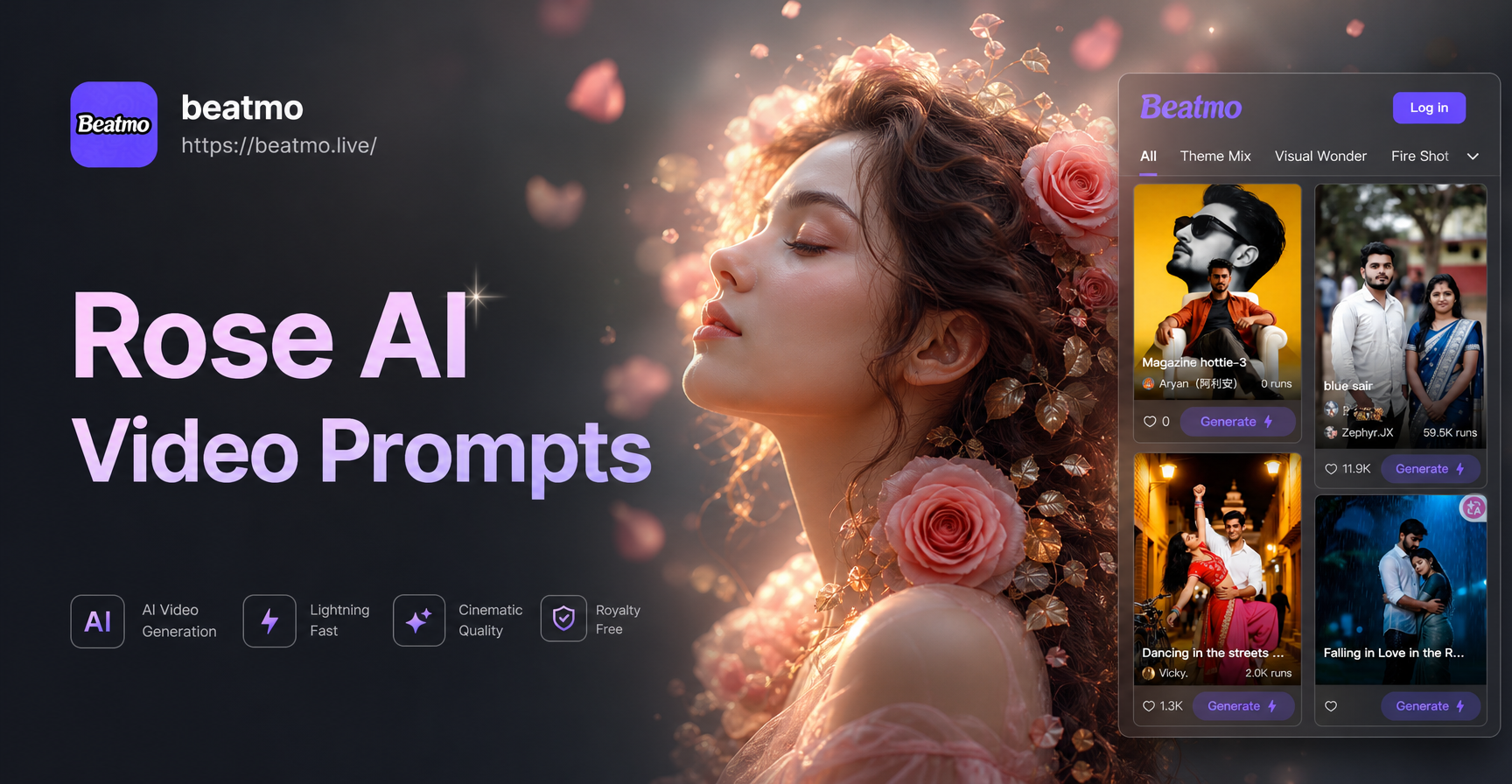
Rose AI video prompts are specific text instructions that turn an AI video generator's attention toward roses. They work best when they name the rose type, the motion, the lighting, the camera angle, and the mood in one sentence. Instead of typing 'a rose video,' you can request a slow bloom with dewdrops, a crimson petal falling in wind, or an entire rose garden drifting through fog. This guide gives you 25 concrete Rose AI video prompts you can copy, change, and combine. You can use them in any text-to-video AI tool, including the beatmo app, where you enter a prompt, choose a style filter, and generate a short floral clip.
Why Rose AI Video Prompts Work Better Than Vague Requests
AI video models respond to concrete visual cues. A vague request like 'rose garden' may return static or generic footage because the model does not know whether you want a wide landscape, a close-up, morning light, or rain. A strong Rose AI video prompt removes that guesswork by specifying the subject, the action, the camera, and the atmosphere. The most reliable prompts include a rose variety or color, a clear motion such as blooming, swaying, or falling, a light source such as golden hour or moonlight, and a style word such as cinematic, dreamy, or macro. Keep the sentence simple and let the style filter handle the rest.
25 Rose AI Video Prompts for Dreamy, Cinematic, and Fantasy Clips
Copy these prompts directly or change the rose color, setting, or motion to fit your project. For best results, paste one prompt into your text-to-video tool and choose a style filter that matches the mood.
Soft and Romantic Rose Video Prompts
- Soft rose bloom in warm morning light: A pale pink garden rose opens its petals in slow motion, soft golden sunlight, gentle dew sparkles, dreamy bokeh background, 4K.
- Roses on a windowsill: A bouquet of cream and blush roses sways on a windowsill, lace curtain moving in a light breeze, soft diffused daylight, romantic film look.
- Falling rose petals: Rose petals fall in slow motion onto a silk fabric, gentle wind, pastel colors, soft focus, tender and airy atmosphere.
- Red rose with raindrops: A close-up of a red rose with raindrops, a droplet slides down a petal, dark green leaves, soft overcast light, shallow depth of field.
- Single white rose: A single white rose rotates slowly on a marble surface, soft studio light, clean background, delicate shadows, elegant product-style video.
Cinematic and Moody Rose Video Prompts
- Crimson rose in haze: A crimson rose stands in a dark room, a single beam of warm light cuts through haze, slow camera push in, cinematic film grain, moody atmosphere.
- Foggy garden at dawn: Roses in a foggy garden at dawn, camera drifts between wet bushes, muted colors, cold blue morning light, atmospheric cinematic shot.
- Black rose in rain: A black rose in low key lighting, rain hitting the petals, slow motion, neon reflections in puddles, cyberpunk cinematic style.
- Old rose petals: Old rose petals scatter across a wooden table, candlelight flickers, dust particles in the air, vintage film look, nostalgic mood.
- Rose in window: A rose in a glass vase on a rainy windowsill, blurred city lights outside, slow zoom, melancholic cinematic color grading.
Fantasy and Surreal Rose Video Prompts
- Glowing blue rose: A glowing blue rose blooms in a dark enchanted forest, magical particles float upward, ethereal light, fantasy cinematic style.
- Petals to butterflies: Rose petals morph into a flock of butterflies, slow motion, pastel sunset sky, surreal dreamlike video.
- Golden rose on altar: A golden rose floats above an ancient stone altar, swirling energy, mystical fog, epic fantasy atmosphere.
- Ice rose: A rose made of ice cracks and blooms in slow motion, frost spreading across petals, cold blue light, surreal macro shot.
- Galaxy rose: A galaxy swirls inside a transparent rose, stars and nebula glowing, dark space background, cosmic surreal style.
Macro and Texture Rose Video Prompts
- Macro red petal: Extreme macro of a red rose petal, water droplets magnify the texture, camera glides across velvet surface, 4K.
- Bud opening time-lapse: Time-lapse of a rose bud opening, macro lens, soft studio lighting, detailed stamens and petal folds, smooth motion.
- Yellow rose macro: Macro shot of a yellow rose with pollen grains, shallow depth of field, warm backlight, crystal clear detail.
- Thorns and stem: A macro view of rose thorns and stem, dewdrops catch light, dark green background, sharp focus, cinematic texture study.
- Petal in water: A pink rose petal floating in a water drop, slow motion, refraction of light, clean dark background, mesmerizing macro loop.
Narrative Rose Video Prompts
- Rose on a book: A hand places a single red rose on an old book, slow cinematic camera tilt, warm library light, storytelling mood.
- Rose in a locket: A rose in a locket opens to reveal a miniature garden, magical transition, soft focus, romantic narrative short.
- Girl in rose garden: A girl in a white dress walks through a rose garden, wind blows petals around her, dreamy slow motion, cinematic storytelling.
- Withering rose: A rose fades from fresh to withered in a time-lapse, petals curl and dry, somber mood, symbolic storytelling video.
- Paper boat with rose: A paper boat carries a rose across a puddle, reflections of trees, gentle ripples, poetic narrative, soft natural light.
How to Adapt These Rose AI Video Prompts
Change one element at a time to create a new clip. Replace the rose color with burgundy, peach, lavender, or black. Swap the setting from garden to desert, ocean, rooftop, or old library. Adjust the motion from slow bloom to spinning, falling, burning, or dissolving. Change the light from golden hour to neon, moonlight, or candle glow. For longer videos, add a second action after a comma, such as then the petals scatter. For a consistent series, keep the same style filter and only change the color or background.
Quick Variations to Expand a Single Rose Prompt
Start with one base prompt and apply these variations to quickly generate a series. For example, take a red rose blooming in slow motion, soft morning light, dew drops, shallow focus and change the color to peach, the light to neon, the motion to spinning, the background to a dark stone wall, or the camera to an overhead shot. Each variation becomes a new Rose AI video prompt. You can also combine two variations, such as a lavender rose blooming in slow motion, neon light, shallow focus, cyberpunk background. Keep the same sentence structure to maintain consistency.
Common Weak Results and How to Fix Them
If the video looks static, add an explicit motion word like swaying, blooming, falling, or drifting. If the rose looks plastic or flat, add texture words like velvet, dewy, translucent, or macro. If the background is distracting, name a clean background or add shallow depth of field. If the lighting feels dull, specify a light source and time of day. If the video is too short, generate a second clip and stitch them, or use an image-to-video tool to animate a still rose photo with the same prompt.
Mistakes to Avoid with Rose AI Video Prompts
- Overloading the prompt: Too many subjects or actions confuse the model. Keep one rose, one motion, one light.
- No motion: Video needs movement. Always include a verb that implies time, such as blooming, falling, or swaying.
- Ignoring style: A prompt without a style word can look generic. Add cinematic, dreamy, or macro.
- Skipping the filter: The AI tool's style filter can change the entire mood. Test two or three filters on the same prompt.
Turn Rose AI Video Prompts Into Clips With beatmo
beatmo is a mobile AI design app for text-to-video and image-to-video creation. Download it from Google Play, open the video generator, paste one of the prompts above, and choose a style filter that matches the mood. You can also upload a rose photo and use image-to-video to add motion like blinking dew or falling petals. The app includes many style filters, so you can try a dreamy film look, a cinematic color grade, or a fantasy glow without complex prompt engineering. Keep your prompt focused on the rose, and let the filter shape the overall texture.
Final Tips for Better Rose AI Videos
Use one clear rose subject per prompt. Add a camera movement such as push in, tilt, or orbit to make the clip feel alive. Keep the background simple unless you want a wide garden shot. Generate several versions and change one detail at a time. Save the best clips and combine them into a longer rose-themed video. Above all, treat these Rose AI video prompts as starting points, not fixed scripts. The more specific you are about motion and light, the more consistent your results will be.