AI Femdom
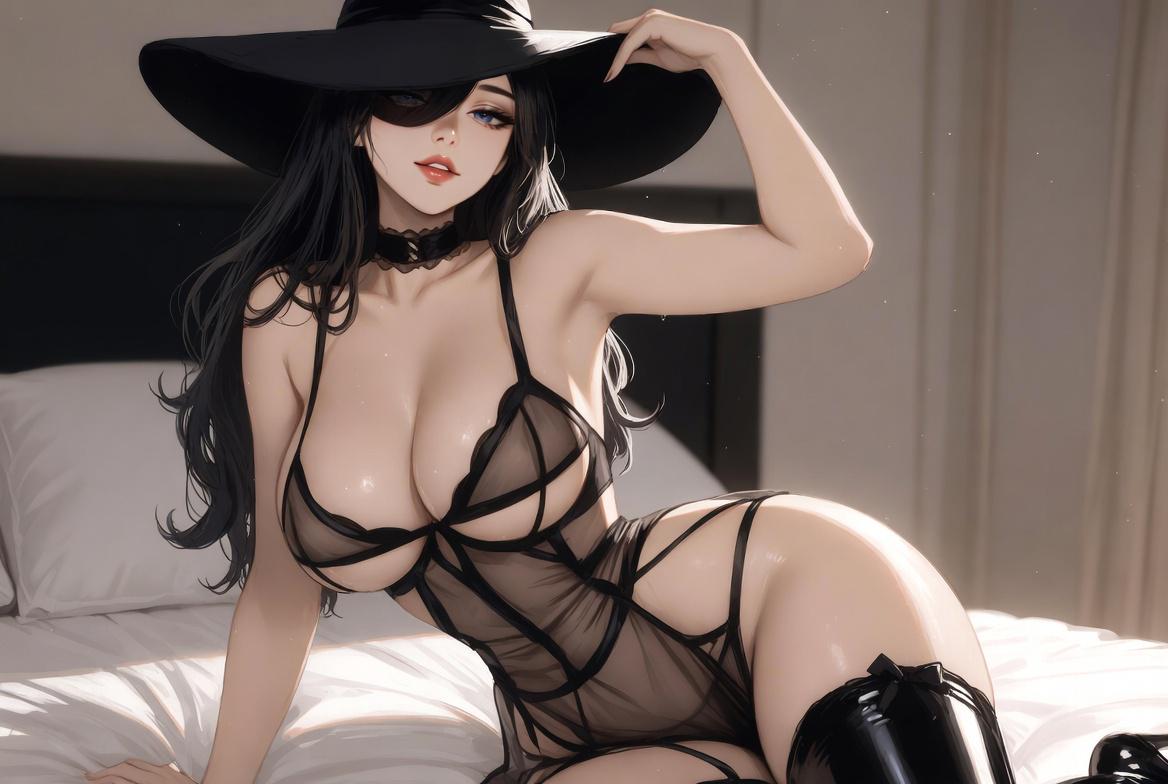
Recommend AI Femdom Filters for You
Find AI femdom filters that shape dominant character portraits with expressive poses and distinctive styling to match your creative direction.
Benefits of Creating AI Femdom Art With Beatmo
Beatmo simplifies AI femdom art with flexible style options, intuitive controls, and quick image creation directly from your mobile device.
 Before
Build Femdom Scenes From Text Prompts
Describe your AI femdom idea in a few words and let Beatmo help shape it into visual artwork. Choose a suitable filter, add details about poses or settings, and develop your concept without needing advanced design skills.
BeforeBuild Femdom Scenes From Text Prompts
Describe your AI femdom idea in a few words and let Beatmo help shape it into visual artwork. Choose a suitable filter, add details about poses or settings, and develop your concept without needing advanced design skills.
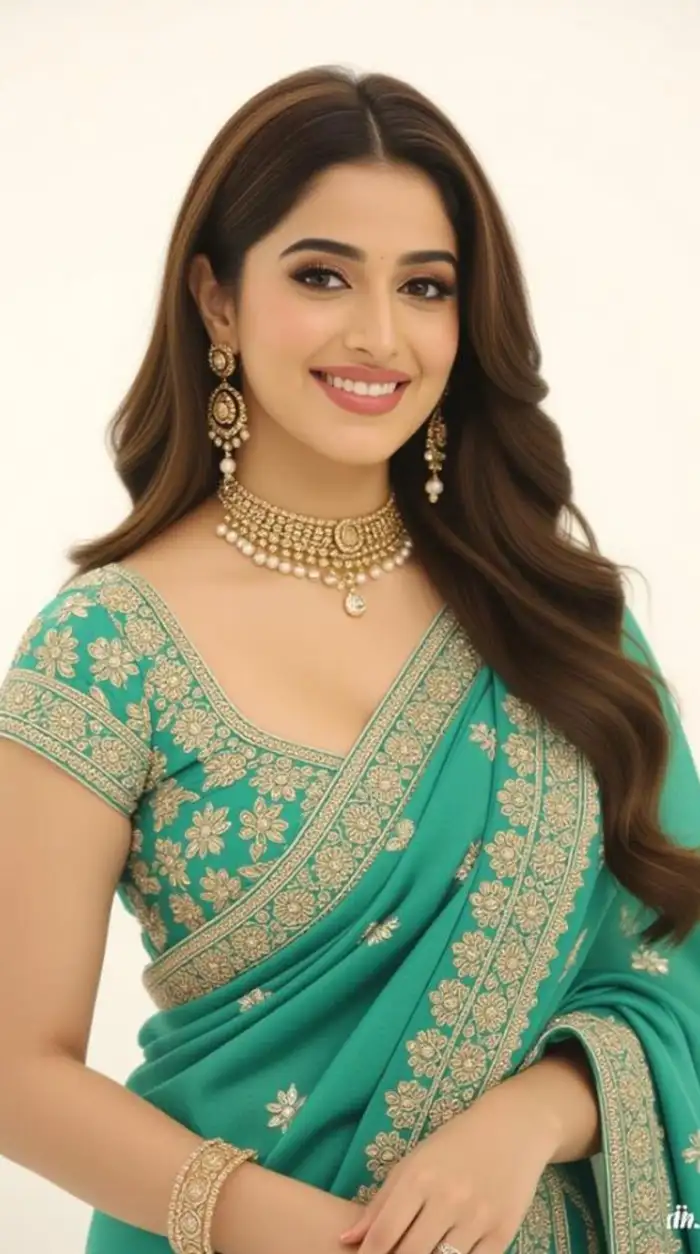 Before
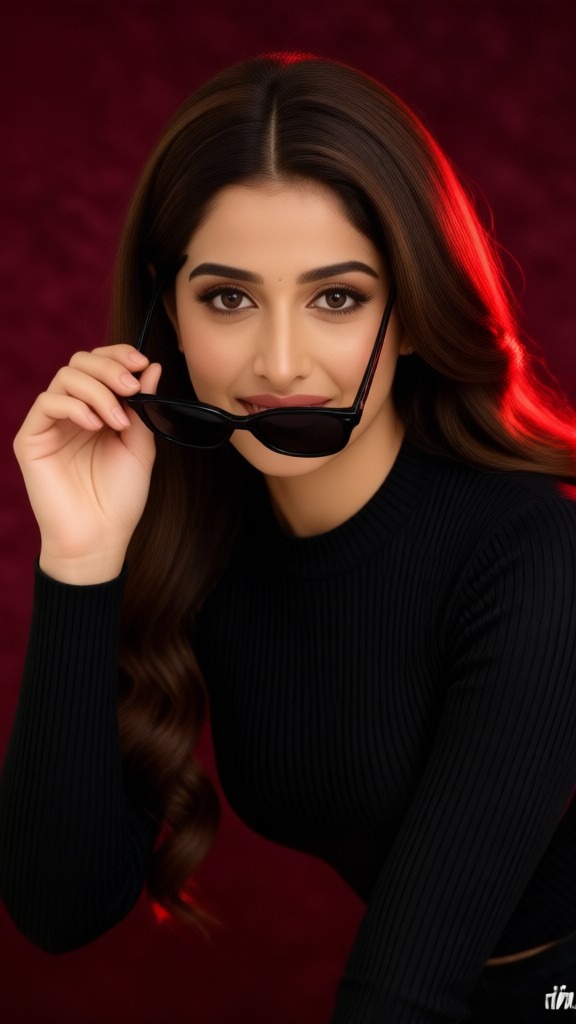 After
Reimagine Photos With Femdom Inspired Styles
Use image to image tools to reinterpret existing photos with AI femdom aesthetics. Beatmo lets you experiment with different filters and visual themes while keeping the main subject recognizable, giving your original images a fresh creative direction.
BeforeAfterReimagine Photos With Femdom Inspired Styles
Use image to image tools to reinterpret existing photos with AI femdom aesthetics. Beatmo lets you experiment with different filters and visual themes while keeping the main subject recognizable, giving your original images a fresh creative direction.
 Before
 After
Give Static Femdom Artwork a New Motion
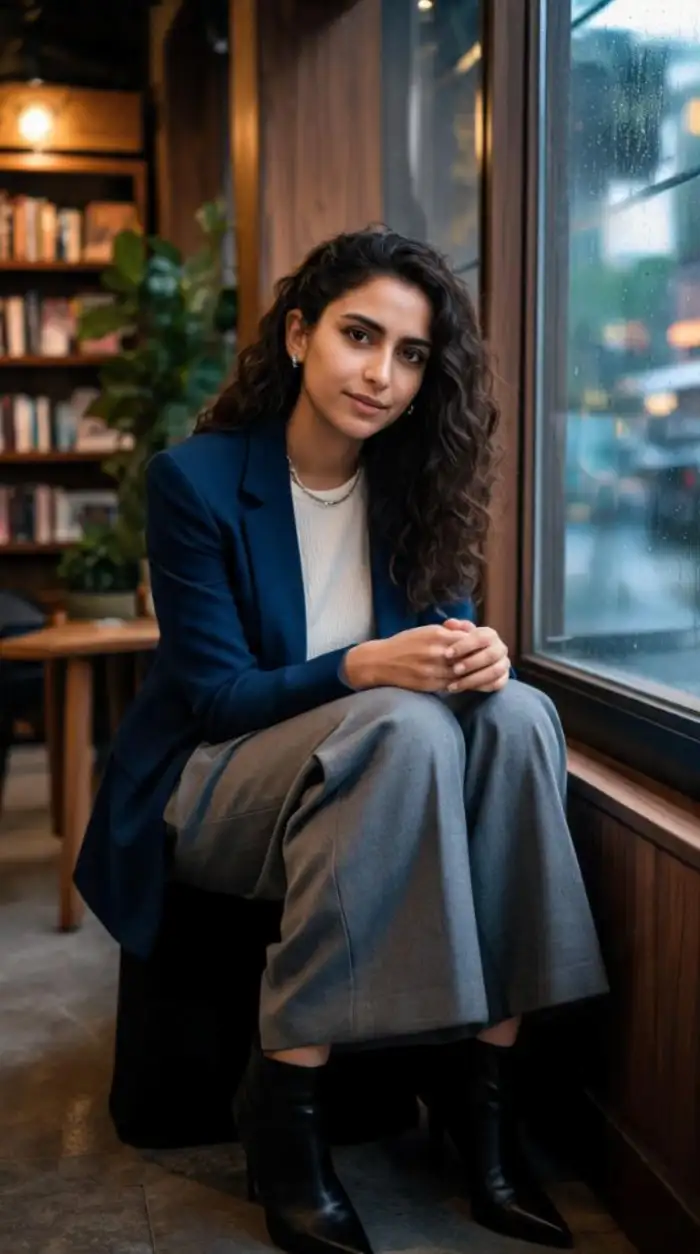
Add movement to AI femdom concepts by using image to video features in Beatmo. Start with a selected image and describe the motion you want, such as a change in expression or a subtle head turn, to create a short animated scene.
BeforeAfterGive Static Femdom Artwork a New Motion
Add movement to AI femdom concepts by using image to video features in Beatmo. Start with a selected image and describe the motion you want, such as a change in expression or a subtle head turn, to create a short animated scene.
How to Create AI Femdom Art With Beatmo?
Learn how to create AI femdom art with Beatmo. Download the Beatmo app and follow the tutorial to get started.

Step 01.
Download the Beatmo app, where you can create anytime using AI femdom filters.
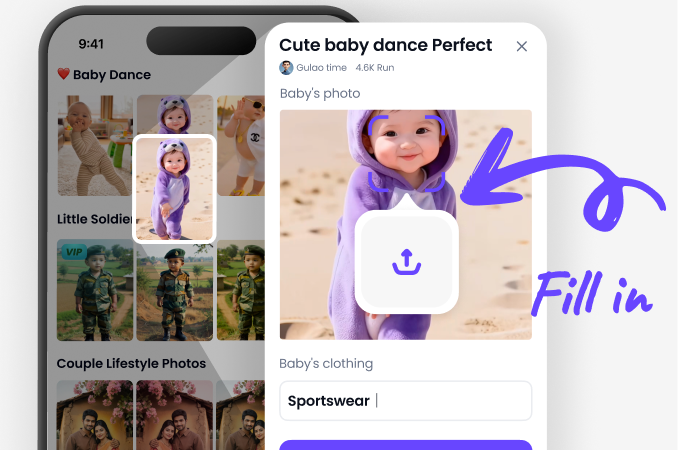
Step 02.
Select your favorite AI femdom filter in the app and upload a photo to the filter.
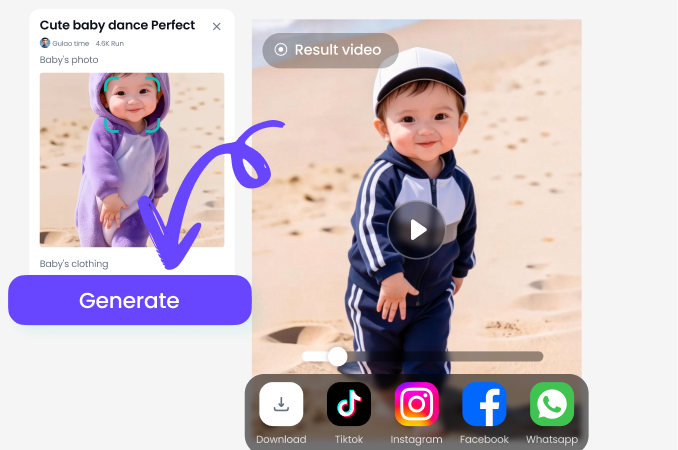
Step 03.
Click the generate button, and Beatmo will transform your photo into an AI femdom effect.
AI Femdom Artwork Created With Beatmo Showcase
View AI femdom artwork made with Beatmo, showcasing character poses, expressive scenes, and varied visual styles shaped by creative prompts.
Shape Your AI Femdom Vision With Beatmo
Bring your AI femdom ideas to life with Beatmo through expressive character poses, detailed outfits, and scene compositions that reflect your vision in original digital artwork.

User Feedback on Beatmo AI Femdom Filters
Character Designs That Feel More Expressive
I used Beatmo to develop AI femdom characters with specific personalities in mind. I liked how changing the scene description helped me explore different poses and build a clearer visual story.
A Simple Way to Test Creative Ideas
I had several AI femdom concepts but did not want to spend too much time on manual editing. Beatmo helped me turn short descriptions into visual drafts that I could review and refine.
More Freedom to Create on My Phone
I wanted a convenient way to work on AI femdom artwork during my free time. Beatmo made it easy to start with a photo or text idea and develop it into a visual concept wherever I was.
Frequently Asked Questions
Find clear answers to common questions and get the guidance you need to make the most of our platform, faster and easier.
More Topics You May Like
Explore more topics you may like and discover fresh ideas tailored to your interests.
AI Porn Star Generator with Beatmo for Creative Star Photos
Cyberpunk Sexy Art Generator by Beatmo | AI Art
AI Front Hip Twerk Video Maker With Fluid Motion | Beatmo
Beatmo Curvy Woman Sexy Filter for Confident Photo Styling
Bikini Style Converter by Beatmo: Restyle Your Photos
AI Porn Star Generator with Beatmo for Creative Star Photos
Cyberpunk Sexy Art Generator by Beatmo | AI Art
AI Front Hip Twerk Video Maker With Fluid Motion | Beatmo
Beatmo Curvy Woman Sexy Filter for Confident Photo Styling
Bikini Style Converter by Beatmo: Restyle Your Photos
Give Your AI Femdom Ideas a Visual Form With Beatmo
Download the Beatmo app to develop your AI femdom ideas with text and photo based creation tools, expressive character designs, and flexible visual storytelling options on mobile.
Give Your AI Femdom Ideas a Visual Form With Beatmo
Download the Beatmo app to develop your AI femdom ideas with text and photo based creation tools, expressive character designs, and flexible visual storytelling options on mobile.