Tesla Roadster AI Video
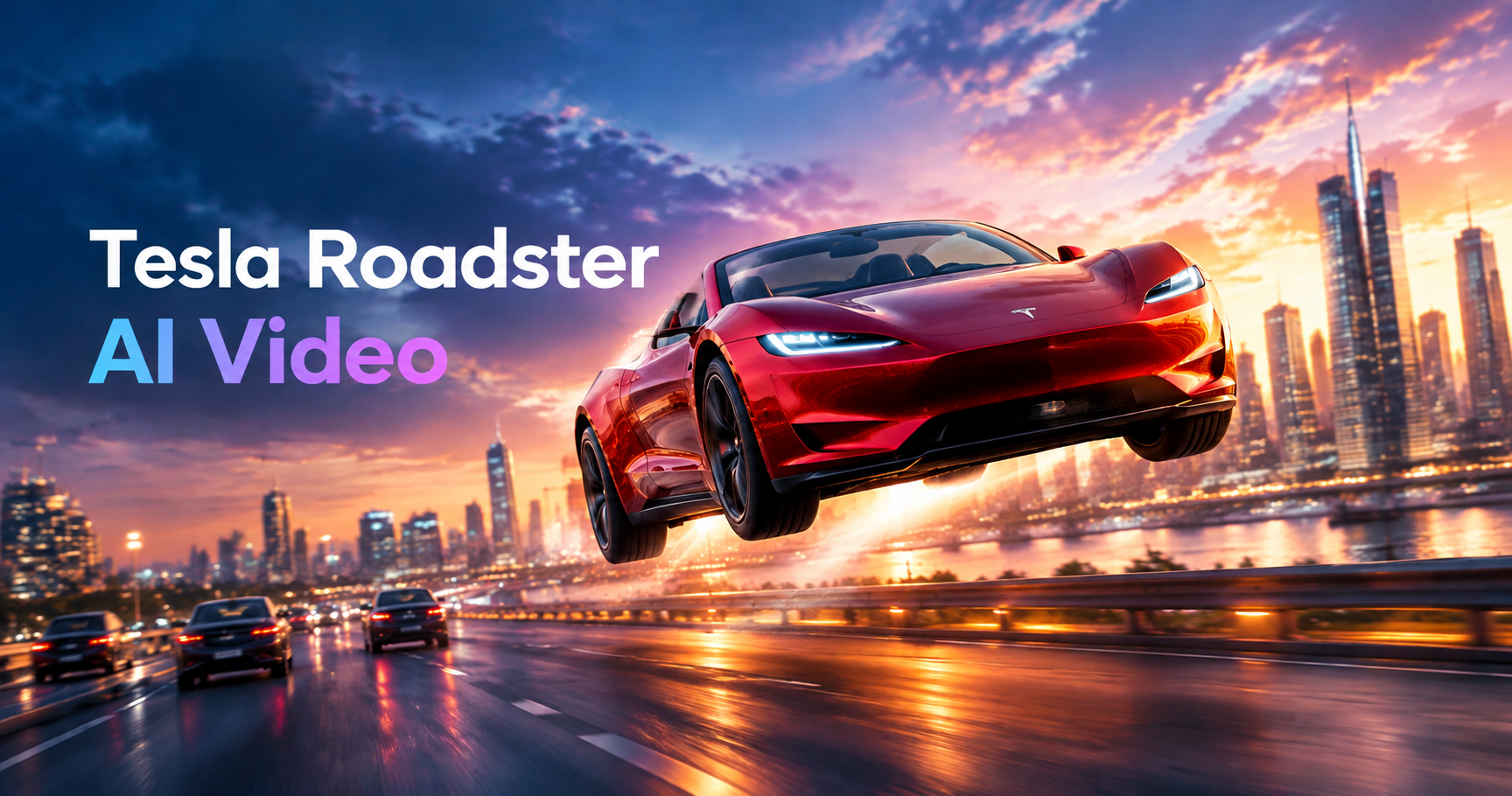
Try the Tesla Roadster AI Video Filter
See your Tesla Roadster glide through futuristic streets as camera movements add depth and cinematic flow.
Advantages of Using Beatmo to Generate Tesla Roadster AI Videos
Beatmo makes Tesla Roadster AI video creation simple, adding natural motion and cinematic scenes to your favorite car photos.
 Before
Bring Your Tesla Roadster Photos to Life
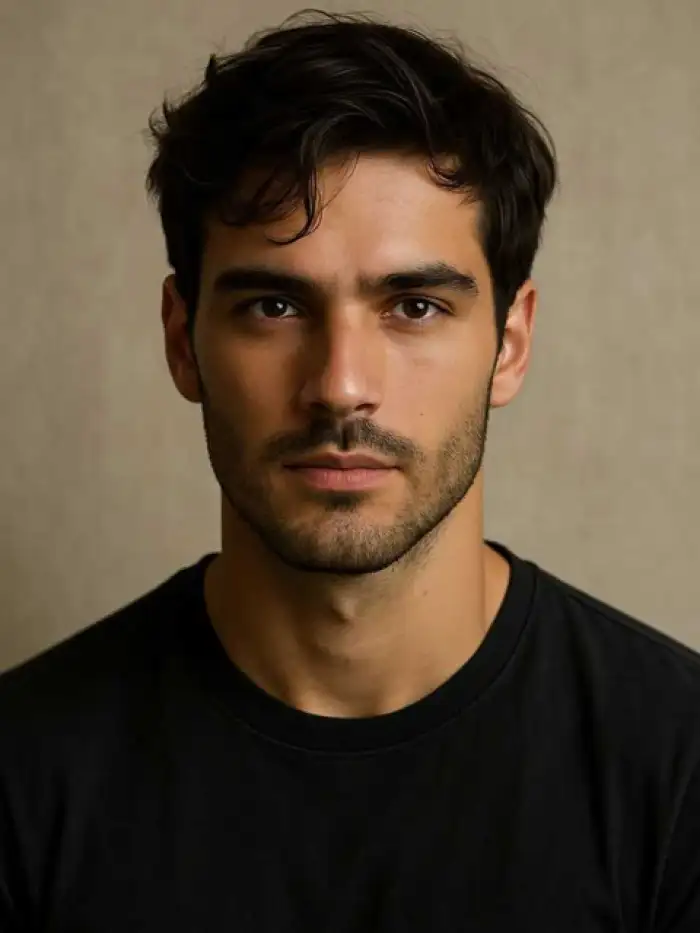
With Beatmo, you can experience Tesla Roadster AI video effects without going anywhere. Upload a photo and watch the car move through a new scene. The effect adds motion to your image without requiring an actual drive or video shoot.
BeforeBring Your Tesla Roadster Photos to Life
With Beatmo, you can experience Tesla Roadster AI video effects without going anywhere. Upload a photo and watch the car move through a new scene. The effect adds motion to your image without requiring an actual drive or video shoot.
 Before
Give Every Scene a Different Feel
Choose Beatmo filters to change how your Tesla Roadster AI video looks. Your car can appear on futuristic highways or move through city streets with shifting perspectives. Each result offers a new way to present your favorite car photo.
BeforeGive Every Scene a Different Feel
Choose Beatmo filters to change how your Tesla Roadster AI video looks. Your car can appear on futuristic highways or move through city streets with shifting perspectives. Each result offers a new way to present your favorite car photo.
 Before
Enjoy Car Video Creation on Your Phone
You do not need special equipment to try Tesla Roadster AI video effects. Beatmo lets you upload a photo through its mobile app and create moving scenes with a simple workflow. Experiment with different filters to find a look that suits your idea.
BeforeEnjoy Car Video Creation on Your Phone
You do not need special equipment to try Tesla Roadster AI video effects. Beatmo lets you upload a photo through its mobile app and create moving scenes with a simple workflow. Experiment with different filters to find a look that suits your idea.
How to Generate Tesla Roadster AI Videos with Beatmo?
Learn the steps to generate Tesla Roadster AI videos with Beatmo. Open the Beatmo app, upload a photo, and start trying it out.
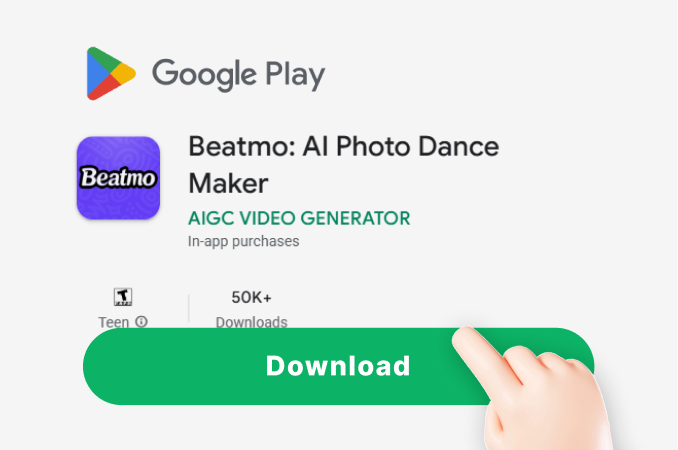
Step 01.
Download the Beatmo app, and you can start generating realistic Tesla Roadster AI videos anytime in the app.
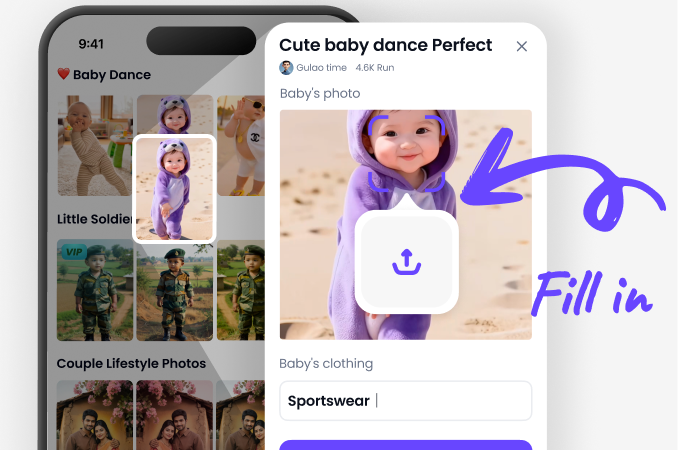
Step 02.
Choose a Tesla Roadster AI Video filter you like in the app, and upload your own photo to the filter.
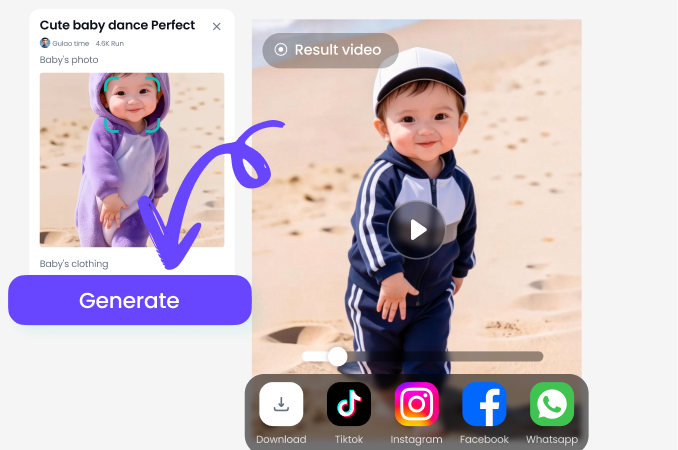
Step 03.
Click the generate button, and Beatmo will create a video effect of you driving a Tesla Roadster.
Tesla Roadster AI Video Showcase Generated by Beatmo
See how Beatmo brings Tesla Roadster videos to life with smooth motion and cinematic scenes that add movement to every shot.
Experience Tesla Roadster AI Video Effects with Beatmo
Upload your favorite car photo to Beatmo. Watch your Tesla Roadster move through new scenes with cinematic motion, all from your phone.

Feedback from Users of Beatmo Tesla Roadster AI Video Filters
My Car Photos Feel More Dynamic
I uploaded a Tesla Roadster photo to Beatmo and liked how the video effect added movement to the scene. It gave my still image a fresh look without needing to film anything.
An Easy Way to Try New Scenes
I wanted to see my Tesla Roadster in a different setting, so I tried Beatmo's AI video filters. Uploading a photo was simple, and the moving scene gave me a new way to enjoy my car images.
A Fun Creative Break
I used Beatmo to make a Tesla Roadster AI video from a photo on my phone. Watching the car move through the scene was enjoyable, and I could experiment with different visual effects at my own pace.
Frequently Asked Questions
Find clear answers to common questions and get the guidance you need to make the most of our platform, faster and easier.
More Topics You May Like
Explore more topics you may like and discover fresh ideas tailored to your interests.
Beatmo AI Halloween Costume Generator for Creative Photo Effects
Karwa Chauth AI Photo Generator | Beatmo
Hug My Younger Self AI with Beatmo | Create Heartfelt Age Gap Photos
Beatmo Big Ass XXX Video Generator: Create Porn Videos with Ease
Pixlr Face Swap: AI Face Exchange Tool
Beatmo AI Halloween Costume Generator for Creative Photo Effects
Karwa Chauth AI Photo Generator | Beatmo
Hug My Younger Self AI with Beatmo | Create Heartfelt Age Gap Photos
Beatmo Big Ass XXX Video Generator: Create Porn Videos with Ease
Pixlr Face Swap: AI Face Exchange Tool
Give Your Tesla Roadster Photos a New Motion with Beatmo
Download the Beatmo app to try Tesla Roadster AI video effects. Upload your favorite car photo and discover new ways to add motion to your visuals.
Give Your Tesla Roadster Photos a New Motion with Beatmo
Download the Beatmo app to try Tesla Roadster AI video effects. Upload your favorite car photo and discover new ways to add motion to your visuals.